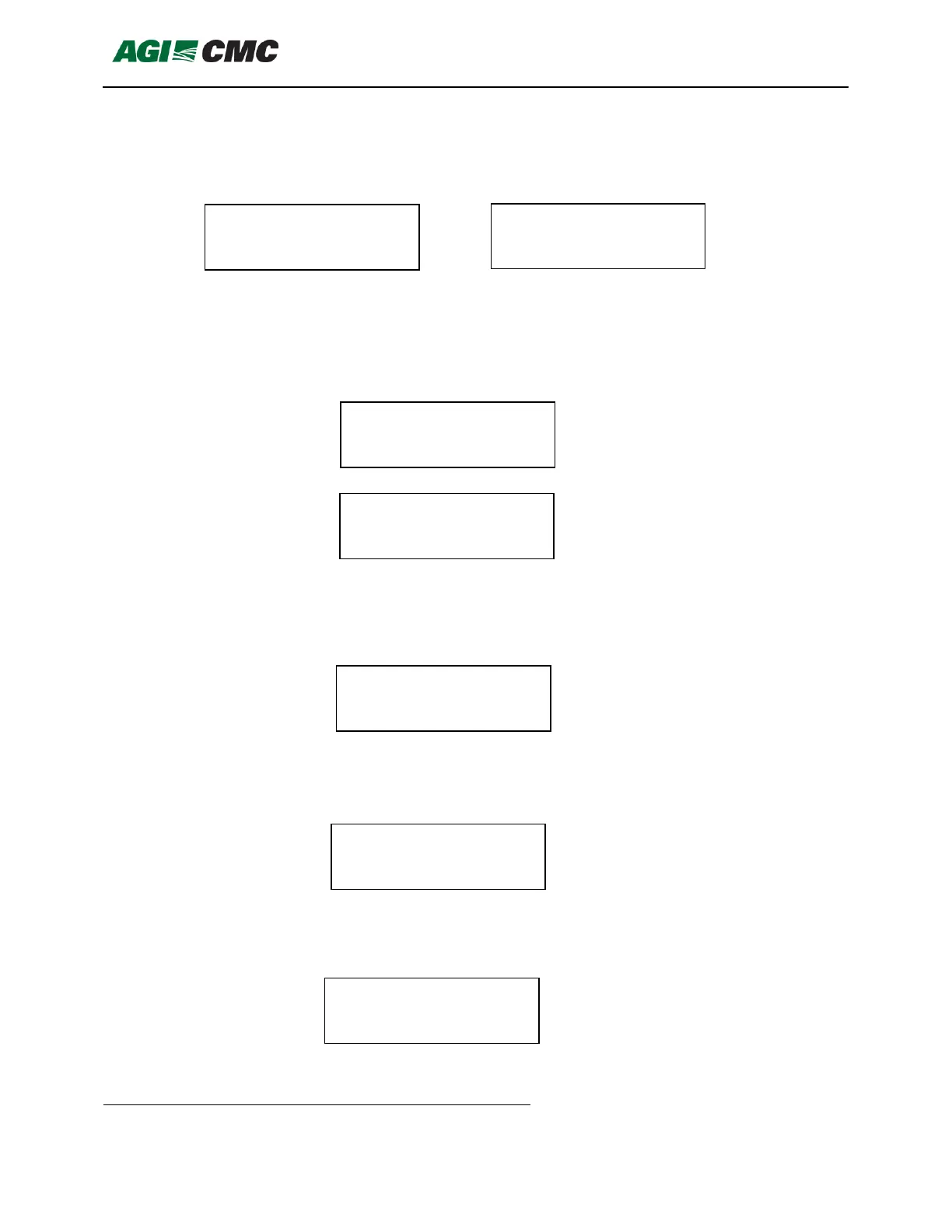
5. When <Down> key is pressed configured format will be shown, for example if OPI cable
is used and it is configured to work in OPI system the format will be OPI Format but OPI
cable can be configured to be in CMC format as well. If CMC cable is used it will show
CMC Format. In case the cable was not configured properly it will show Not Configured;
6. When <Down> key is pressed number and OPI cable is connected it will show the
starting sensor address which might be 1, 22, 43, 64, 85, 106, 127 or 148 and can be
configured by pressing <Select> key and then change the value and confirm it by
<Select> again. In case the CMC cable is connected the number of sensors configured
in the cable will be presented. For OPI format cable is this irrelevant value;
7. When <Down> key is pressed cable location number will be shown. For OPI format
cable is this irrelevant value. This value can be changed by pressing <Select> key and
change it to value from 1 to 36. 36 is the maximum number of cables in one bin. The
number is confirmed by pressing <Select> key again.
8. When <Down> key is pressed Bin Digital number will be shown. For OPI format cable is
this irrelevant value. This value can be changed by pressing <Select> key and change it
to value from 0 to 255. The number is confirmed by pressing <Select> key again.
9. When <Down> key is pressed menu for cable format configuration will be shown. If
different than CMC cable is connected the format can be changed. If CMC cable is
connected this can be only CMC format and can’t be changed;


 To Next Page