EasyManua.ls Logo

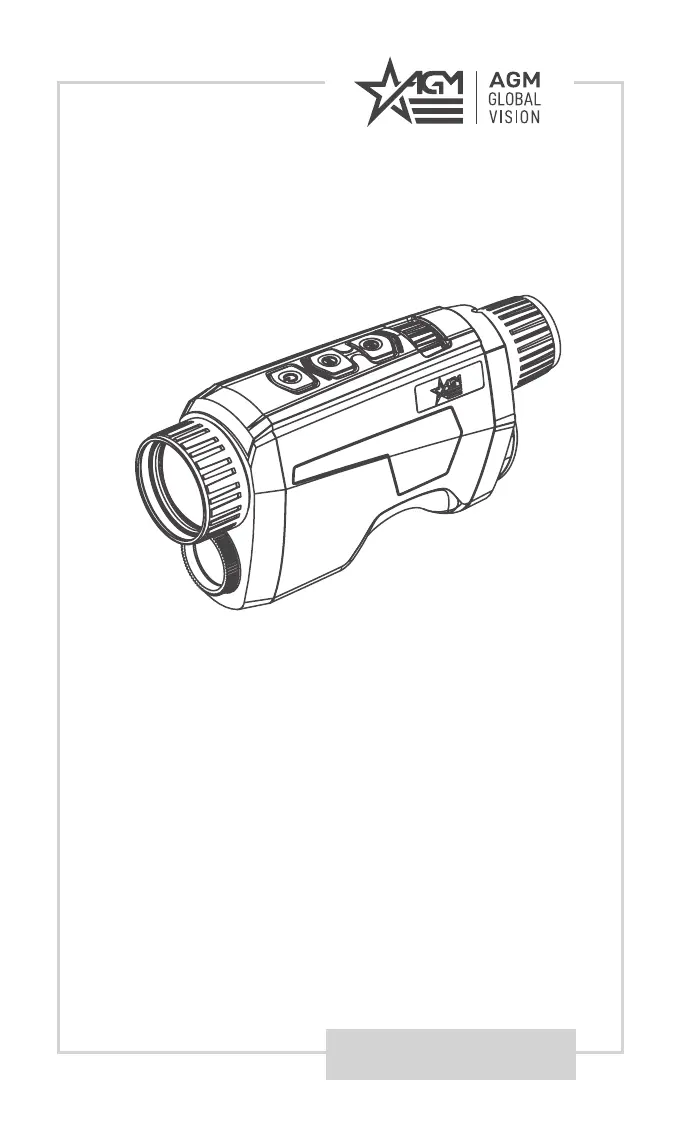
AGM FUZION - User Manual

AGM FUZION
28 pages
Print Icon
To Next Page IconTo Next Page
Loading...
USER MANUAL
FUZION
FUSION THERMAL & OPTICAL
BI-SPECTRUM MONOCULAR

Questions and Answers

Summary

Safety Summary

Warnings and Cautions

Important warnings and cautions related to device use, transportation, power, and battery.

Operating Instructions

Basic Operations

Covers initial setup, unpacking, and battery installation for the device.

Controls and Indication

Details the device's buttons, functions, and indicator lights.

Power On and Off

Instructions for turning the device on, off, and understanding battery status.

Thermal View Observation

Guide to using the thermal view, including focus and image adjustments.

Main Functions

Menu Operation

Guide to navigating and using the device's main menu options.

Network Configuration

Connecting the device to a Wi-Fi hotspot and using the mobile app.

Client Software Introduction

T-Vision App Usage

Guide to installing and using the T-Vision mobile application with the device.

Troubleshooting

Warranty Information

Warranty Information and Registration

Details of product warranty coverage and registration process.

Obtaining Warranty Service

Procedure for contacting support and returning the product for service.

Specifications

Technical Specifications

Detailed technical data for different Fuzion models.

AGM FUZION Specifications

General IconGeneral
Waterproof RatingIP67
Eye Relief15 mm
Focus TypeManual
FogproofYes
ShockproofYes
Diopter Adjustment-5 to +5
IR IlluminatorYes
Operating Temperature-20°C to +50°C (-4°F to +122°F)

Related product manuals