EasyManua.ls Logo

AGM ASP-MICRO - User Manual

AGM ASP-MICRO
24 pages
Print Icon
To Next Page IconTo Next Page
Loading...
USER MANUAL
ASP-MICRO
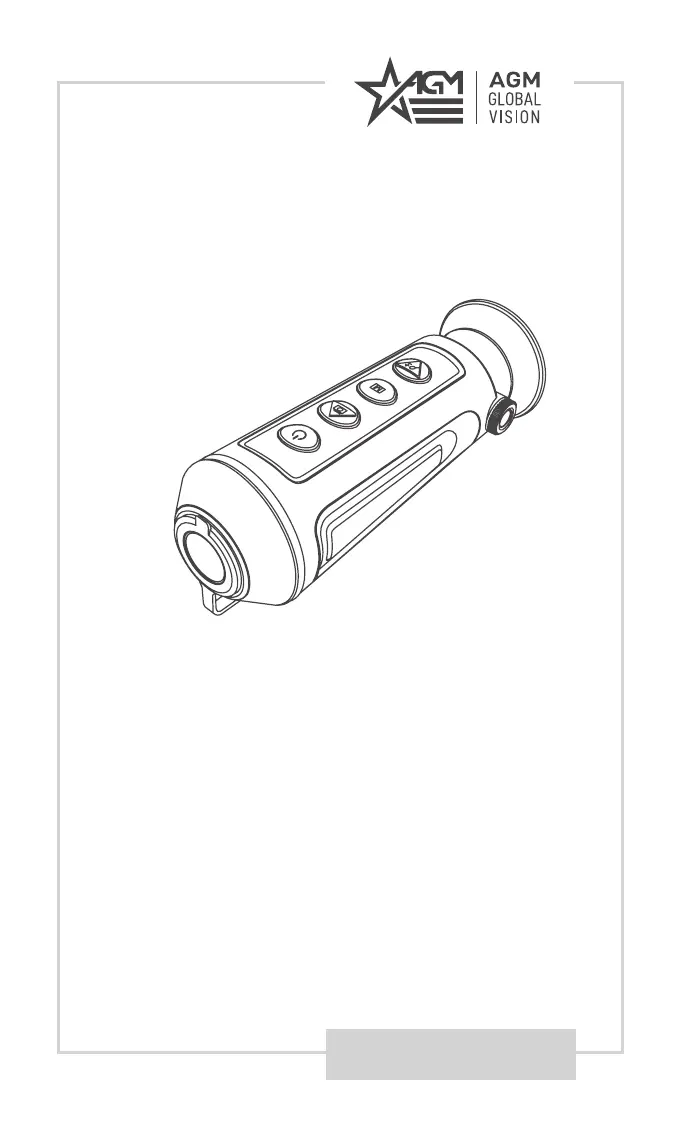
THERMAL IMAGING MONOCULAR

Questions and Answers

Summary

Export Regulations

FCC Compliance

FCC Compliance Statement

Equipment tested and found to comply with Class A digital device limits.

FCC Operational Conditions

Device complies with FCC Rules, subject to two conditions.

EU Conformity

CE Marking and Standards

Product complies with applicable harmonized European standards.

WEEE Directive Compliance

Products marked with symbol cannot be disposed of as unsorted municipal waste.

Battery Directive Compliance

Product contains a battery not to be disposed of as unsorted municipal waste.

Industry Canada Compliance

ICES-003 Compliance

Device meets CAN ICES-3 (A)/NMB-3(A) standards requirements.

Safety Summary

General Safety Instructions

Read and follow all instructions, warnings, and use specified attachments.

Latex Warning

Product contains natural rubber latex, may cause allergic reactions. Avoid exposure if allergic.

External Power Supply Caution

External power supply (5V) increases operating time.

General Information

System Description

Overview of the Asp-Micro thermal monocular, its features, and applications.

Main Parts Identification

Illustration and list of the main physical components of the monocular.

Key Features

Product Features Overview

Highlights include resolution, display, distance measurement, Wi-Fi, battery life, and warranty.

Standard Components

Standard Component List

Lists and illustrates included items like monocular, USB cable, neck belt, lens cloth, and manual.

Operating Instructions

Unpacking and Inspection

Steps for unpacking the device and checking for damage or cleanliness before use.

Charging the Monocular

Instructions on how to charge the device using the USB cable and power adapter.

Battery Status Indicators

LED Indicator Meanings

Explains the meaning of different LED indicator lights for battery status.

Control Buttons

Button Functions Overview

Details the functions of each button (Power, Capture, Mode, Zoom) based on press type.

Power On and Off

Power On;Off Instructions

Instructions for turning the device on and off using the power button.

Thermal View Observation

Diopter Adjustment for Clear View

Steps to hold the monocular and adjust the diopter for a clear view.

Optimizing Thermal Image Display

Guidance on aiming the device and setting palettes, brightness, etc. for optimal image effect.

Record and Capture

Video Recording and Snapshot Capture

Instructions for recording video and capturing snapshots using the device buttons.

File Export

File Transfer to Computer

Steps to connect the monocular to a PC via USB to transfer videos and snapshots.

Main Functions

Menu Navigation and Control

How to navigate and use the device's menu system to access functions.

Menu Item Functions

Detailed explanation of each menu item and its function.

Scene Selection

Scene Mode Selection

How to select scenes (summer/winter mode) to improve display effect based on temperature.

Palette Settings

Palette Settings Explained

Explains different color palettes (White Hot, Black Hot, Fusion, Red Hot) for image display.

Brightness Adjustment

Image Brightness Control

How to adjust the image brightness in different modes (white hot, black hot).

Contrast Adjustment

Image Contrast Control

How to adjust the image contrast.

Hot Spot Mark

Hot Spot Marking Feature

How to enable/disable the feature that marks the highest temperature spot on the display.

Digital Zoom

Digital Zoom Operation

How to use the digital zoom function to switch between 1x, 2x, and 4x magnification.

Flat Field Correction (FFC)

Flat Field Correction (FFC)

How to perform FFC (Auto, Manual, External) to correct display nonuniformity.

Defective Pixels Correction (DPC)

Defective Pixels Correction (DPC)

Steps to manually correct defective pixels on the screen.

Distance Measurement

Distance Measurement Guide

How to measure the distance to a target using the device.

Network Configuration

Network Configuration and Wi-Fi

Steps to connect the monocular to a phone via Wi-Fi hotspot for configuration and control.

Client Software

Client Software Integration

Guide to installing and using the T-Vision app to connect and control the monocular.

Maintenance

Device Cleaning Guide

Detailed steps for cleaning the device and its accessories.

Storage Preparation

Instructions for properly storing the monocular for long periods.

Accessing Device Information

How to access and view device information like version and serial number.

Firmware Upgrade Process

Steps to upgrade the device firmware using a PC.

Restore Device

Device Reset to Defaults

How to restore the device to its default settings.

Troubleshooting

Troubleshooting Common Issues

Lists common malfunctions and their corrective actions for the device.

Warranty Information

Warranty Coverage Details

Details the 3-year warranty, coverage, and exclusions for the product.

Liability Limitations

Outlines AGM Global Vision's liability limits regarding product use and damages.

Product Registration

Product Registration for Warranty

Instructions on how to register the product online to validate the warranty.

Obtaining Warranty Service

Procedure for Warranty Service

Steps for contacting support, obtaining RMA, and returning the product for service.

Specifications

Detailed Specifications

Provides detailed technical specifications for ASP-MICRO TM160 and TM384 models.

Contact Information

AGM ASP-MICRO Specifications

General IconGeneral
Frame Rate50 Hz
Pixel Pitch12 μm
Record VideoYes
Capture SnapshotYes
Display TypeAMOLED
Magnification1x
Response Waveband8 μm to 14 μm
Battery TypeLithium battery
Digital Zoom2x

Related product manuals