ASP-MICRO USER MANUAL 11
2.1.6 RECORD/CAPTURE
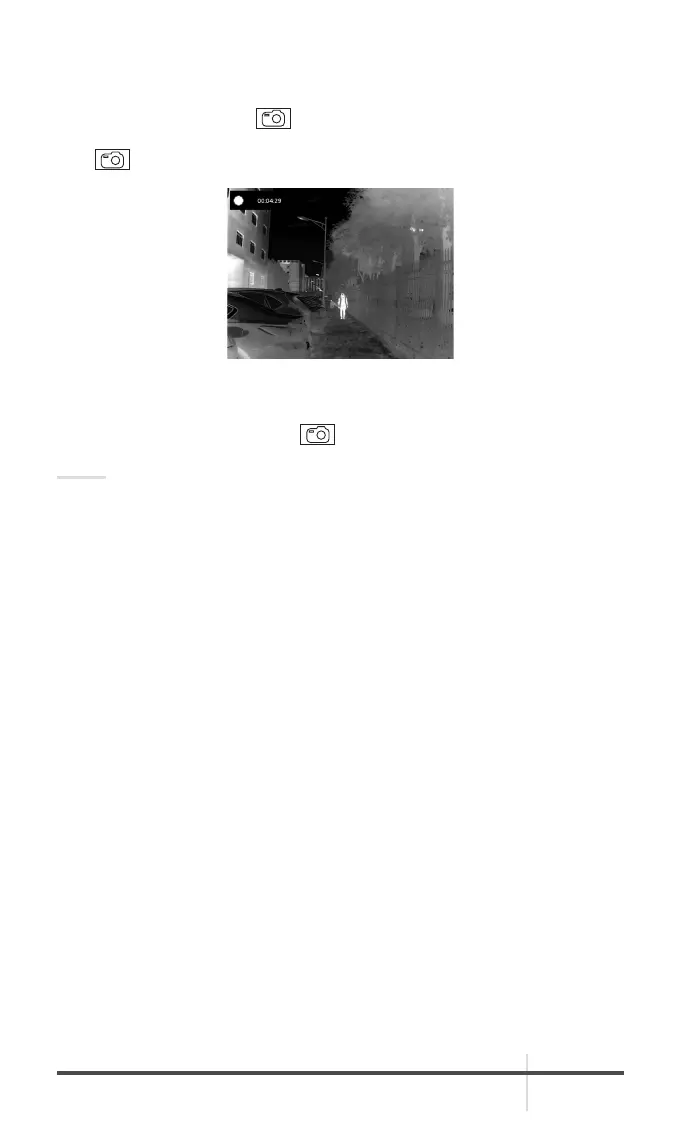
Video Recording
In the main live view, hold
button and start recording. In the upper left
corner, the recording time displays.
Hold
button again to stop recording.
Snapshot Capturing
On the main live view page, press
to capture picture.
NOTE:
• When capturing succeeds, the image freezes for 1 second and a prompt
shows on the display.
• For exporting captured pictures, refer to Export Files.
2.1.7 FILE EXPORT
1. Before connecting the thermal monocular to a computer, please make sure
that the Wi-Fi function of the monocular is disabled.
2. Connect the thermal monocular to your PC with USB cable and open the
detected disk.
3. Enter DCIM>100EZVIZ to view the videos and snapshots.
- Select and copy the videos to PC and play the file with the player.
- Select and copy the snapshots to PC and view the files.
4. Disconnect the device from your PC.
FIGURE 2-5. VIDEO RECORDING



 To Next Page