charging.
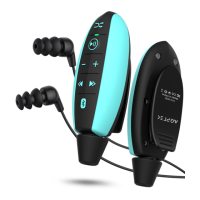
• Plug headphones into your player before swimming.
Product Overview
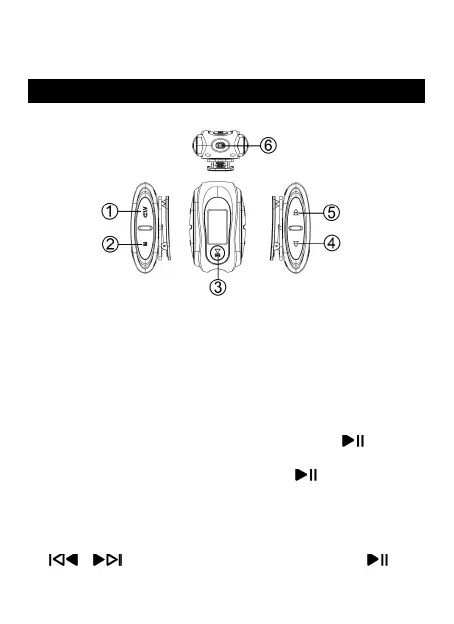
Buttons and Controls
Basic Operation
• Power On/Off. Hold the power button to turn
on/off the player.
• Screen on. Short press the button to turn on the
screen.
• Screen Lock/unlock. Hold the button M to
lock/unlock the screen.
• Browse item. On home menu, press the button
/ to browse item, press button to
enter.
1. Vol/Return
2. Submenu
3. Play/Pause/Enter
4. Fast forward/Next song/vol+
5. Fast rewind/Previous song/vol-
6. USB port/Earphone jack/Transfer hole


 To Next Page