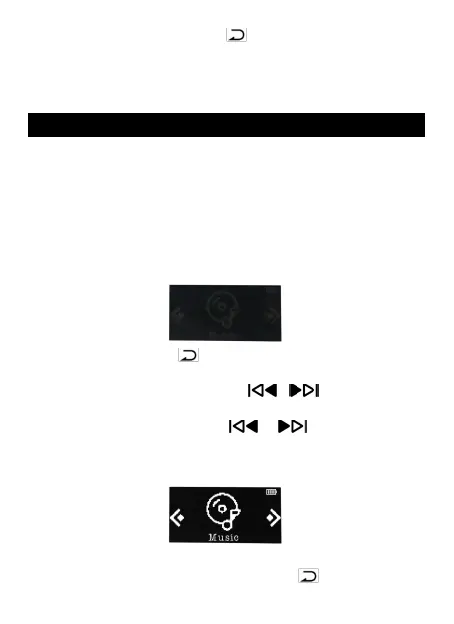
• Back. Press the button V/ to go back.
• Menu. When it is on media playing interface or file
list interface, press the button M to enter its
submenu.
Two Operating Modes
Two operating modes( Screen Off/On mode) is
designed for your convenience. The Screen Off Mode is
suitable for running, swimming or other sports, while
the Screen On Mode is convenient for daily use. The
operations of two modes are as follows:
Operation when screen is off. (Reference as
follows, especially swimming.)
1. Volume. Press V/ to increase the volume, press
the button M to decrease the volume.
2. Previous/next song. Press / to switch the
previous or next song.
3. Rewind/forward. Hold / to rewind or
forward the now playing song.
Operation when screen is on.
While it's on music playing interface:
1. Volume+/-. Hold the buttons V/ and press the



 To Next Page