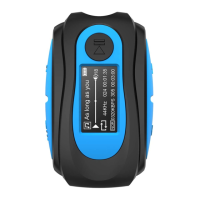
Music
Play Music
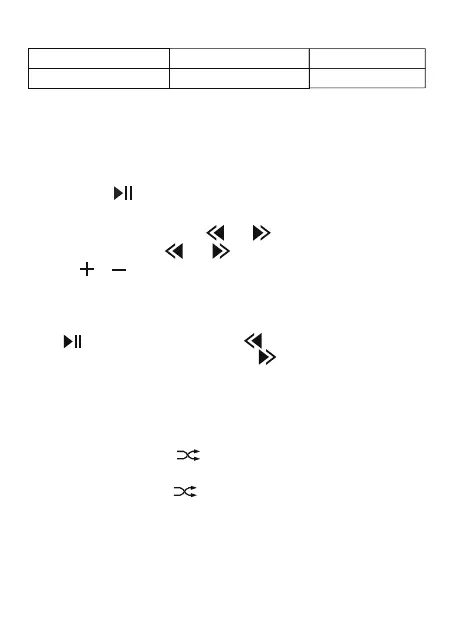
to pause or play music.
2.When playing music, press or to the previous track or
next track. Long press or to fast rewind or fast forward.
Toggle Folder
Press to pause music, single click to previous folder, and it
will play music in that folder; single click to the next folder, and it
will play music in that folder.
Charging
Fully Charged
/
/
Flashing Red
Flashing Green
Play In Order: Single click , when you hear “Play Order By
Name”, then it will toggle to play in order mode.
Play Mode
Default Playback Mode: Play Order By Name.
6



 To Next Page