-20-
Cleaning
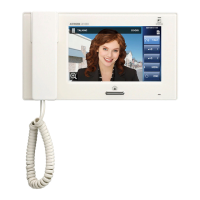
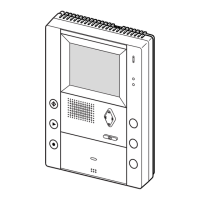
Cleaning the station
Gently wipe using a soft, dry cloth. For tough stains, use a lightly damp cloth and neutral detergent diluted in water. The screen
surface can easily be scratched. Gently wipe with an eyeglass cleaner cloth or similar material.
To disinfect the station, gently wipe the surface of the station with a soft cloth dampened with diluted disinfectant solution. Then
wipe with a wet soft cloth wrung out tightly to remove the disinfectant.
CAUTION
Do not use chemicals such as thinner or benzine. In addition, do not use a scrub brush, sandpaper, etc. The station
surface could be damaged or discolored.
Do not spray the disinfectant directly onto the station. This may result in malfunction.
Cleaning the inside of the nameplate cover (JV-DV only)
Instruction video
https://www.aip-info.net/file/manual/j/JV-1MD/JV-1MD_OP/JV-1MD_OP_EN/content/attachments/110603990/110603991.mp4
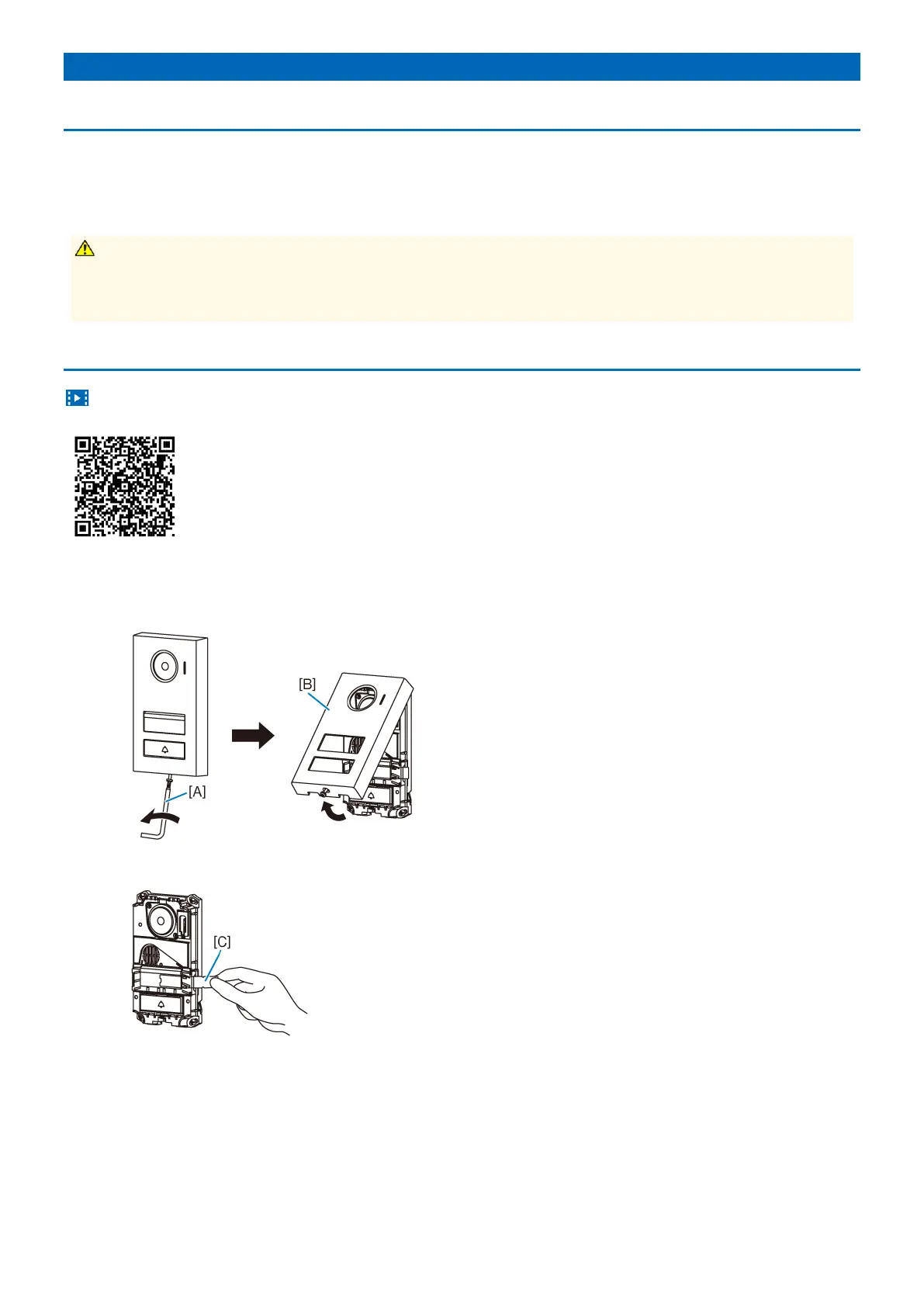
1 Remove the front panel.
Loosen the special screw with the included special screwdriver [A], and remove the front panel [B].
2 Pull out the nameplate [C].


 To Next Page