EasyManua.ls Logo

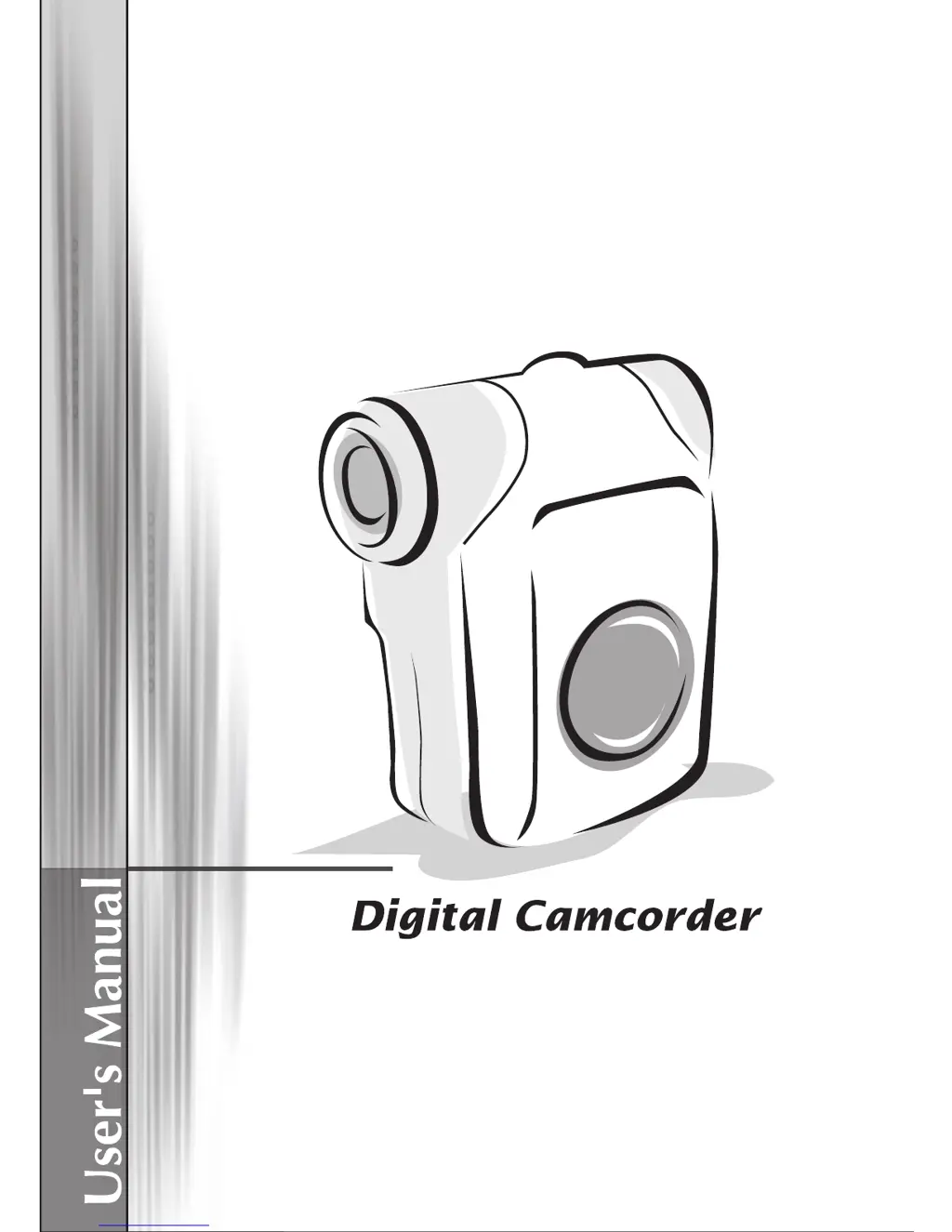
AIPTEK IS-DV2.4 - User Manual

AIPTEK IS-DV2.4
34 pages
Print Icon
To Next Page IconTo Next Page
Loading...
English

Questions and Answers

Summary

Camcorder Parts

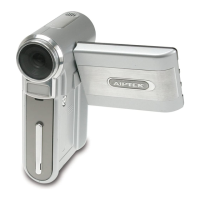
Camcorder Components Identification

Identifies and describes the various external components and buttons of the digital camcorder.

Loading the Battery

Provides step-by-step instructions for inserting AA batteries into the camcorder's battery compartment.

Initial Setup Procedures

Inserting the SD;MMC Card

Instructions on how to insert and remove an SD/MMC card into the camcorder's slot.

Turning the Camcorder On and Off

Guides the user on how to power the camcorder on and off using the power button.

Setting the Language

Explains the process of selecting the desired language for the camcorder's interface.

Understanding the LCD Display

Reading LCD Indicators

Explains the various icons and indicators displayed on the camcorder's LCD screen during different modes.

Core Camcorder Functions

Recording Video Clips

Step-by-step guide on how to record video clips using the camcorder.

Taking Still Pictures

Instructions on how to capture still photographs with the camcorder.

Playing Back Recordings

Details on how to navigate and play back recorded video and audio files.

Recording Voice Clips

Guide for recording audio-only clips using the camcorder's voice recording mode.

Connecting to External Devices

Connecting to a TV

Instructions for connecting the camcorder to a television for playback and display.

Connecting to a PC

Guide on how to establish a connection between the camcorder and a computer using a USB cable.

Camcorder Operation and Menus

Mode Selection and Basic Operation

Describes how to select modes and perform basic operations like menu navigation.

Camera Mode Menu Items (Part 1)

Details on menu options available in Camera mode, covering resolution, selftimer, and flash settings.

Camera Mode Menu Details

Camera Mode Menu Items (Part 2)

Continues the explanation of Camera mode menu options, including photo frame, video resolution, and white balance.

Playback and Setting Menus

Playback Mode Menu Items

Details the options available in Playback mode, focusing on file deletion.

Setting Mode Menu Items (Part 1)

Explains setting options like beep, TV-out, LCD brightness, volume, and formatting.

System Settings Configuration

Setting Mode Menu Items (Part 2)

Covers language selection, USB modes, and default settings configuration.

Flicker Settings

Provides a table for adjusting flicker settings based on country for optimal viewing.

Capacity and Indicators

Storage Capacity Guide

Details the storage capacity for video, audio, and still pictures based on memory card size.

Battery Life Indicator

Explains the meaning of battery life icons displayed on the camcorder screen.

Technical Specifications

Camcorder Specifications

Lists the technical details of the digital camcorder, including resolution, zoom, and dimensions.

Advanced Instructions

PC Connectivity and Software

Installing the Driver for PC Transfer

Guides on installing the necessary driver from the CD to enable file transfer to a PC.

PC File Transfer Setup

Installing Codecs and Direct X

Instructions for installing media codecs and Direct X for proper video playback on PC.

Connecting to PC Details

USB Connection Modes

Explains the different USB connection modes (Menu, Camera, Disk) for PC interaction.

File Management on PC

File Location on Removable Disk

Shows the folder structure on the camcorder's removable disk where recordings are stored.

Using as a PC Camera

Installing PC Camera Software

Details on installing the PC camera driver and software for using the camcorder as a webcam.

PC Camera Functionality

PC Camera Controls and Features

Explains the interface and functions of the PC camera software, including recording and snapshots.

PC Camera Recording Options

Recording AVI Movies

Instructions on how to record AVI movies using the PC camera software, including frame rate settings.

Taking Snapshots and Format Options

Covers taking snapshots and configuring format options like color space and output size.

PC Camera Configuration

Source and Flicker Options

Details on configuring device source options (brightness, quality) and flicker settings for PC camera use.

Troubleshooting Guide (Part 1)

Camcorder Power and Display Issues

Addresses problems like the camcorder not powering on or the LCD screen not displaying.

Recording and Memory Card Errors

Troubleshoots issues with taking pictures, memory card errors, and file access problems.

Troubleshooting Guide (Part 2)

Flash Strobe and Focus Issues

Solves problems related to the flash strobe, camcorder unresponsiveness, and blurred pictures.

Image Brightness and File Naming

Addresses issues with dark recordings, screen noises, and file naming conventions.

Troubleshooting Connectivity

PC Video Playback and Driver Issues

Resolves problems viewing videos on PC, driver installation failures, and TV connection issues.

Conflict and Noise Issues

Deals with conflicts from other devices and noise on the computer screen during video conferencing.

Appendix: Flicker and System Messages

Flicker Settings Table

Provides a reference table for flicker settings based on country for optimal video display.

System Message Explanations

Explains various system messages that may appear on the camcorder, such as recording, memory full, or card errors.

Appendix B: ArcSoft MediaConverter Introduction

MediaConverter System Requirements

Lists the necessary operating system, CPU, RAM, and software for using the MediaConverter utility.

MediaConverter File Format Support

Supported Video File Types

Lists the video file formats supported for conversion and export by MediaConverter.

Using ArcSoft MediaConverter

MediaConverter Interface and File Selection

Details the interface for the ArcSoft MediaConverter, including steps for selecting media.

MediaConverter: Managing Files

Adding and Removing Files for Conversion

Explains how to add files for conversion and how to remove them from the MediaConverter list.

MediaConverter: Output and Settings

Selecting Output Destination

Guides on choosing the save location for converted files, including portable devices.

Configuring Conversion Settings

Describes settings like 'Optimize for selected device' and custom conversion parameters.

MediaConverter: Video Conversion Process

Video Settings Parameters

Details parameters for video conversion such as resolution, file format, bitrate, and frame rate.

Initiating the Conversion

Explains how to start the file conversion process after setting parameters and selecting files.

Playing Converted ASF Files

ASF File Playback on Camcorder

Instructions on how to play converted MPEG-4 ASF files on the digital camcorder.

Appendix C: System Requirements

Software and Hardware Requirements

Lists the necessary operating system, CPU, RAM, and software for using the camcorder's features.

AIPTEK IS-DV2.4 Specifications

General IconGeneral
Video Resolution640 x 480
Image SensorCMOS
Digital Zoom4x
Display Size2.4 inches
Display TypeLCD
StorageSD Card
Video FormatAVI
LCD Screen Size2.4 inches
InterfaceUSB 2.0
Battery TypeAA Batteries

Related product manuals