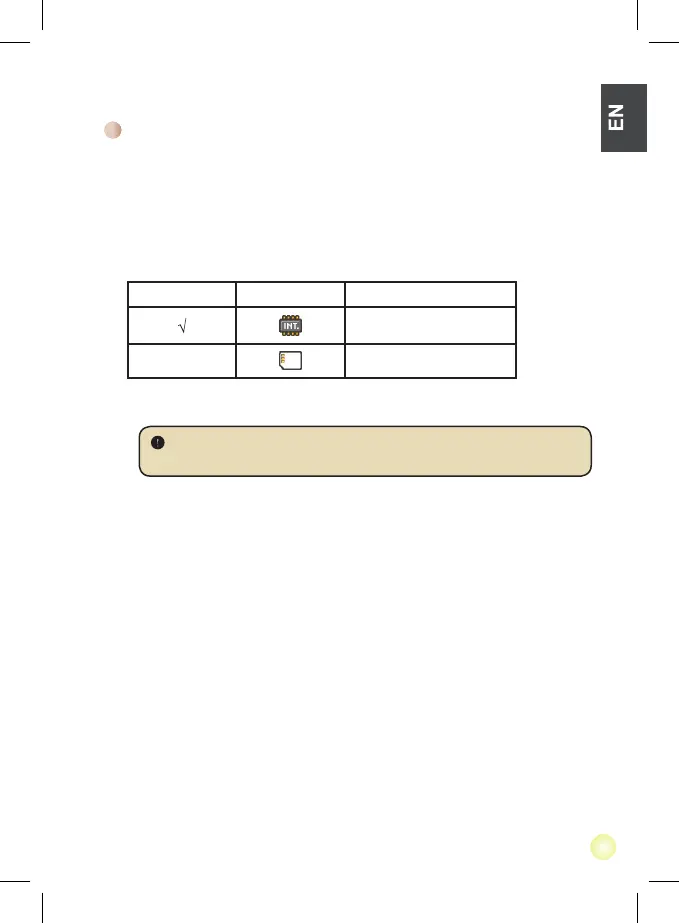
This function is to select which memory type to playback from and its capacity and
available size. The default is built-in memory.
1. Use the
Left/Right button to select “Memory” and then press OK button.
2. The Memory Check box will display as below. Use the Up/Down button to select the
memory type.
Selection Memory Available/Capacity
669MB / 979MB
1.9GB / 1.9GB
3. Press OK button after selection to return to the main menu.
Checking Memory
If there is no memory card inserted, the screen will only show internal built-in
memory status.




 To Next Page