Air Techniques, Inc.
Page
22
Classic, Ortho & Intraoral
IMPORTANT: PSPs will not be erased after scanning when operating ScanX with
the eraser disabled. PSPs must always be erased prior to exposure to
X-rays for new images.
Scanning Plates without Erasing
ScanX can be operated with the in-line eraser feature turned off. When the eraser mode is disabled, the
device scans the same as when the eraser is enabled except that the PSPs are not erased after scanning.
Scan an intraoral PSP without erasing the image as follows.
1. Activate the scanner by performing the procedures on previous page.
Note: Upon turn-on, ScanX defaults with the eraser mode enabled. This must be
disabled prior to scanning to prevent erasing of the scanned PSP.
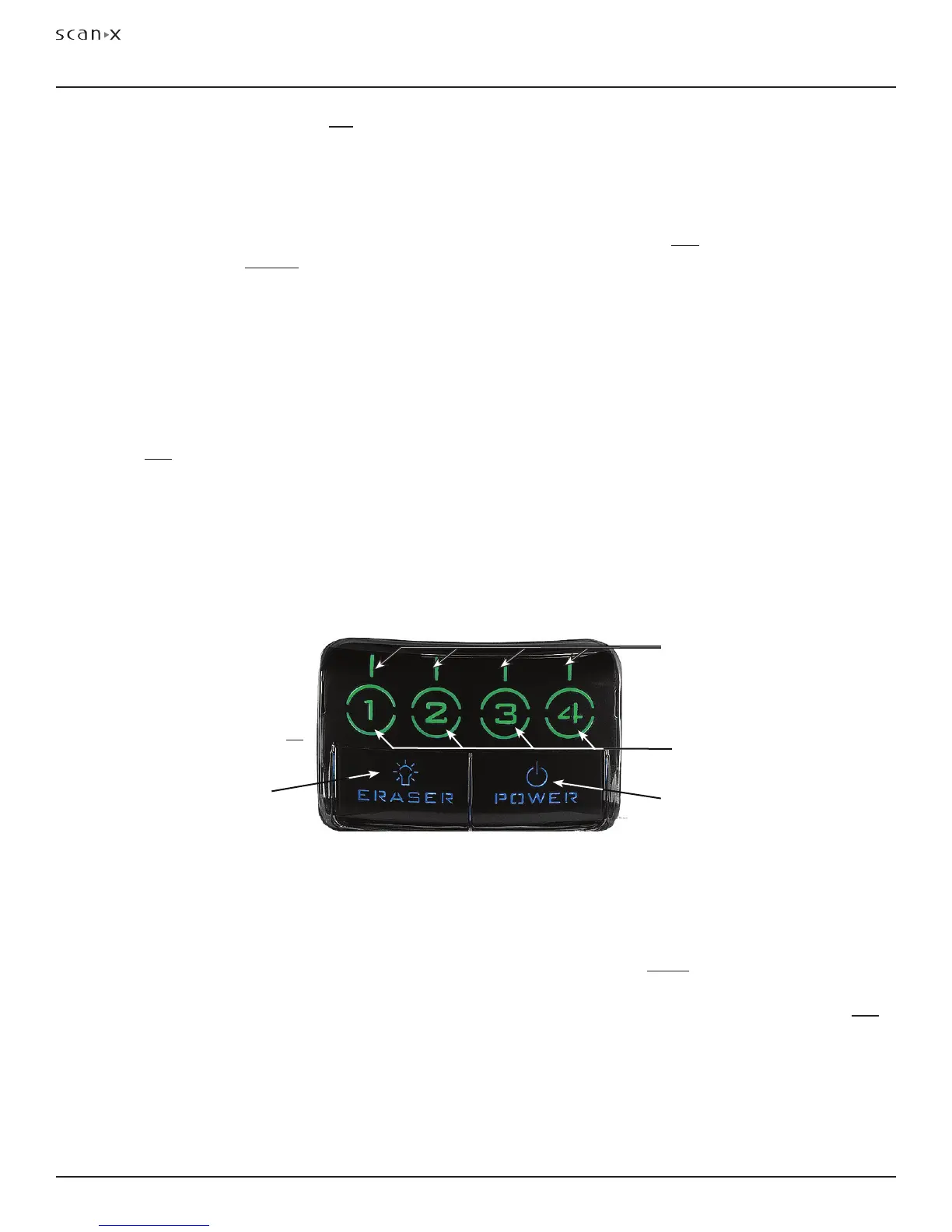
2. Disable the eraser mode of operation by pressing the membrane ERASER switch located on the Control
Panel. See Figure 14.
3. Verify that the blue ERASER LED indicator flashes blue indicating that the Erase function is OFF. PSPs
will not be erased after scanning.
4. Insert the exposed PSPs to be scanned into the ScanX Plate Guides by performing the Scanning
and Erasing Plates procedures provided on the previous page. When the scanner is operating
with the eraser disabled, the exit slot will be unlit (no red glow).
5. The scanned PSPs still contain latent images that require erasure. Make sure to erase each PSP
prior to reuse for new images.
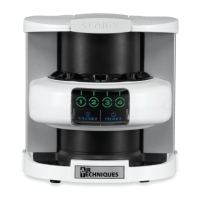
Figure 14. Front Panel Indicators of Activated ScanX Set in the READY Mode
POWER
Switch / Status LED
Indicator
ERASER
Switch / Blue Status
LED Indicator
Numeric Lane
LED Indicators
(green / amber)
Visual Pointer
LED Indicators
(green / amber)
Erase Only Mode
ScanX can be used to just erase PSPs. This is done simply by selecting the Erase option (instead of Scan)
from the installed authorized imaging software when activating the ScanX. During the Erase Only mode
just the in-line eraser is activated. The PSP is transported through the unit as a normal scan but is not
scanned. No image is acquired and the PSP is erased and ready for reuse as necessary. See Erasing
PSPs on page 16.
PLATE ERASING OPTIONS
Important: ERASER Indicator flashes
blue to alert that eraser is
disabled and PSPs will not
be erased after scanning.


 To Next Page