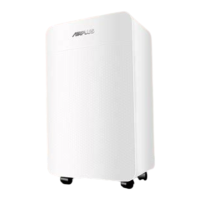
DEHUMIDIFIER
Control Panel Operation Instructions
Product Introduction Function Description
DEHUMIDIFIER
Our dehumidifiers are designed to reduce the humidity in the installed space,
making it suitable for human living and storing items. Equipped with branded
compressors and microcomputer humidity control, our company's dehumidifiers
feature intuitive humidity display, sleek design, superior performance, and easy
operation. They are widely used in scientific research, industrial settings, medical
facilities, instrumentation, goods storage, underground construction, computer
rooms, data rooms, archives, warehouses, and bathhouses, among other places.
They prevent damage caused by dampness, corrosion, and mold to instruments,
computers, telecommunications materials, goods, and data.
1. Humidity Control:
When the set humidity is reached, the fan and compressor shut off together; when
the humidity exceeds the set level, the fan and compressor operate together.
Notes:
● When the humidity set value is at its lowest, it defaults to continuous dehumidifi-
cation mode.
● If the humidity sensor malfunctions, it defaults to continuous dehumidification
mode.
● If the coil sensor malfunctions, it switches to fixed timed defrost mode (refer to
defrosting method).
● Upon startup, there is a 3-second delay before the compressor starts, and upon
shutdown, there is a 3-second delay before the fan stops.
● If the humidity drops to the compressor shutdown condition, there is a 10-second
delay before the fan stops.
● Power-off memory: In the event of a sudden power outage while the system is
running and the power plug is not securely inserted, the system automatically stores
the current operating state. Upon the next power-up, the system will automatically
resume the previous operating state before the power outage.
2. Specific Function Description:
Upon initial power-up, press the power button power to enter the startup mode. The
default humidity is set to 50% RH, displaying the current humidity and temperature.
The entire unit operates with both the compressor and fan starting up.
Press the setting button "mode" to enter the timer setting function. Press the "+" or
"-" buttons to set the timer for shutdown. At this time, the timer indicator on the
screen flashes. Press the "+" or "-" buttons to adjust the time. Each press increases or
decreases the display incrementally. The setting range is from 0 to 24 hours, with a
default of 0 hours. If there is no operation on the interface for 5 seconds, the system
will automatically execute the current timer setting.
Press the setting button “mode” again to enter the humidity adjustment setting
function. Press the "+" or "-" buttons to adjust the humidity setting. The humidity
control range cycles between "10% - 95% - CO". The "CO" mode is the forced dehu-
midification mode, which is not restricted by temperature and humidity. In this
mode, both the fan and compressor run continuously.
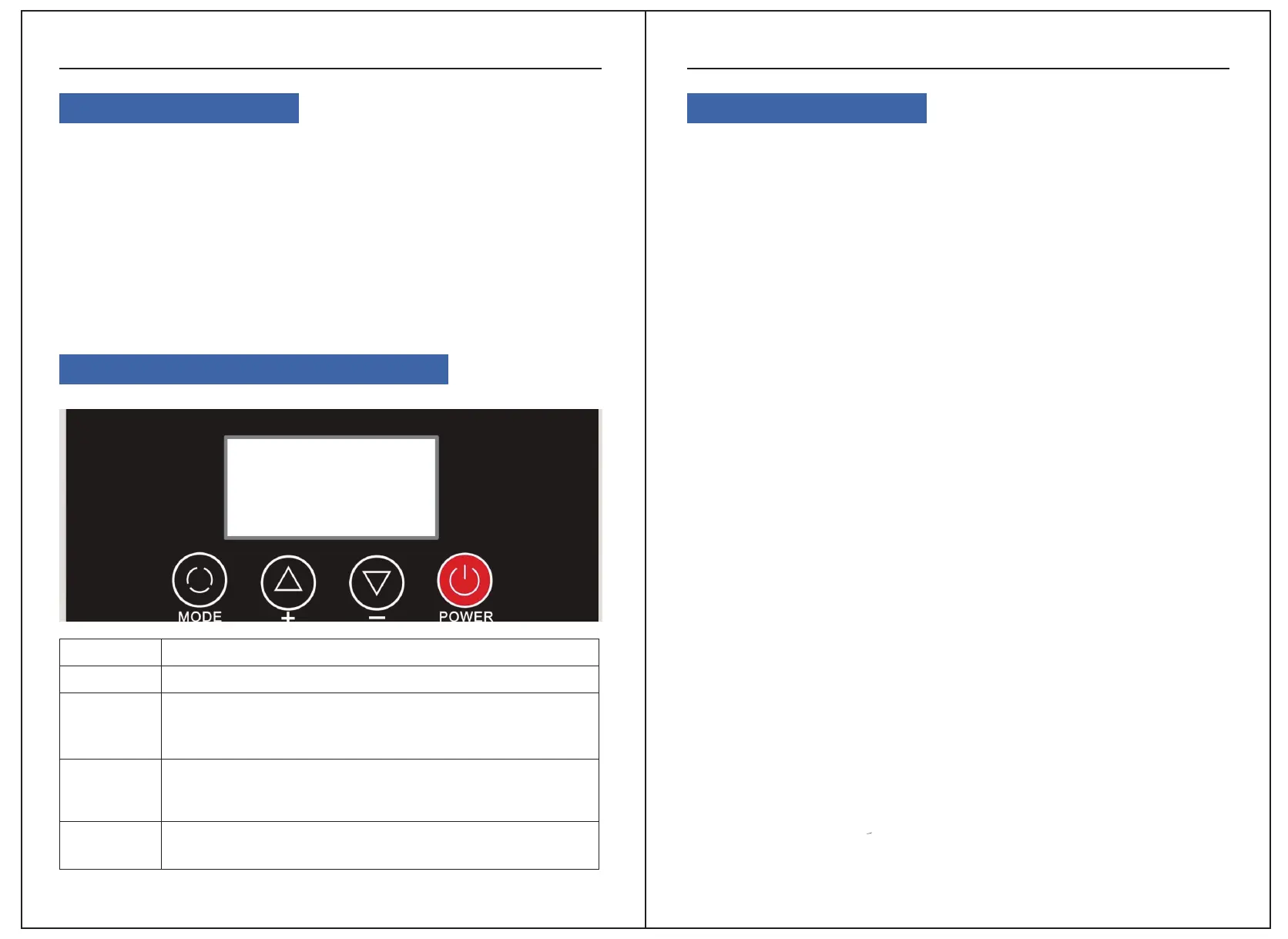
Buttons
POWER
MODE
Button Operation Instructions
Press once to switch between on and off.
1、Adjust different set values in different states:
2、 Increase humidity set value (range RH 10% to 95%)
3、 Increase timer time (hours) set value (range 00 to 24)
Adjust different set values in different states:
1. Increase humidity set value (range RH 10% to 95%)
2. Increase timer time (hours) set value (range 00 to 24)
Each short press of the mode key cycles through the following:
Set timer and humidity adjustment functions Exit
+
-
02 03


 To Next Page
 Loading...