Exterior
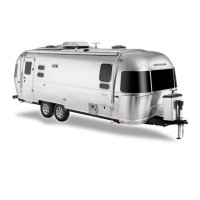
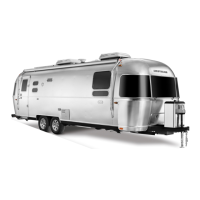
6-6 Flying Cloud
equalize and allow the ow-limiting device to re-open.
Symptoms of this condition would be appliances that
light but have lower than normal ame or starve out
from lack of gas, a substantial reduction in the ame
when another appliance is operating, or pilots that are
difcult to light. If this should happen, the following
steps should eliminate the condition:
1. Close LPG cylinder valve.*
2. Extinguish all ames and smoking materials.
3. Be sure all gas appliances, including their pilot
lights, are off.*
4. Open LPG cylinder valve slowly. Do not snap open.
5. Wait at least 15 seconds before lighting appliances.
6. If operational difculties continue, there may be
a leak in the system. Immediately close the LPG
cylinder valve and have the system inspected by a
qualied RV service technician.
*When reconnecting a full cylinder to an auto
changeover regulator, it is not necessary to shut off the
appliances or close the valve of the cylinder already in
service.
WARnInG
Leaking LPG may ignite, causing a re or
explosion, which could result in serious bodily
injury, property damage, and/or death.
How long a full tank of gas will last is dependent
on usage. In cold weather, when you are using the
furnace, large amounts of hot water, and are doing
extensive cooking, you will naturally use more than you
will in warm weather when you may do limited cooking.
On the average, with normal cooking and other
appliance use, you can probably count on two to three
weeks of service from each tank.
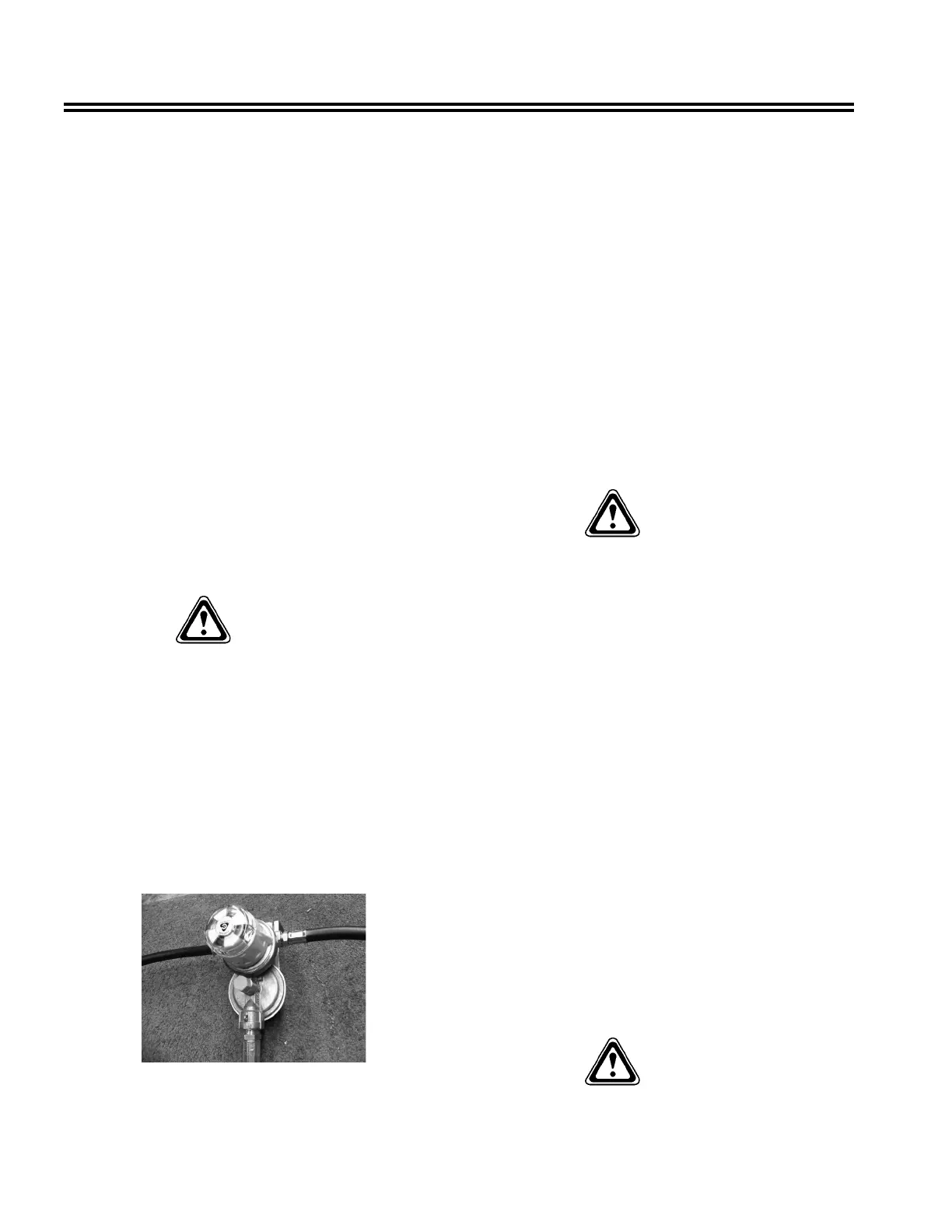
Automatic Gas Regulator
All models are equipped with a two stage automatic
change-over gas regulator that offers the convenience
of automatic changeover from empty to full gas
cylinders. Both tanks are connected to this regulator.
Make sure there is propane in both tanks before you
start. Rotate the white knob on the top-front side of the
regulator toward the cylinder you want to use rst. This
will be the service cylinder and the other will be the
reserve cylinder. Slowly open both cylinders valves.
Open both cylinder valves completely, then close about
1/4-turn. This will allow you to easily check to see if
valves are open or closed. The indicator on top of the
regulator will turn bright green. The indicator will stay
bright green as long as there is fuel coming from the
service cylinder. When the service cylinder empties,
the regulator will draw fuel automatically from the
reserve cylinder, providing an uninterrupted fuel ow
to the system. When it switches over, the indicator will
change from green to red. This red color indicates the
service cylinder is empty and needs to be lled.
WARnInG
LPG regulators must always be installed with the
diaphragm vent facing downward. Regulators
that are not located in compartments have been
equipped with a protective cover. Make sure that
the regulator vent faces downward and the cover
is kept in place to minimize vent blockage, which
could result in excessive gas pressure, causing re
or explosion.
LPG Tanks
The following procedure outlines the proper method of
removing and installing LPG bottles:
1. Turn the knob on your automatic regulator until
the arrow points to the tank opposite the one to be
removed. Shut off the gas valve on the tank to be
removed.
2. Disconnect the rubber gas line at the tank to be
removed. (The green plastic tting is a right-hand
thread and no tools should be used.)
3. Turn the large clamping T-handle counterclockwise
until the hold-down bracket is loosened enough
to be able to remove the tank. If your trailer is
equipped with a gas tank cover, the T-handle must
be removed, and then remove the cover, before
removing the bottle
WARnInG
Do not remove the center hold-down rod.





 To Next Page