16
EN
FR
ES
IT
PT
DE
LITE CONTROLLERS
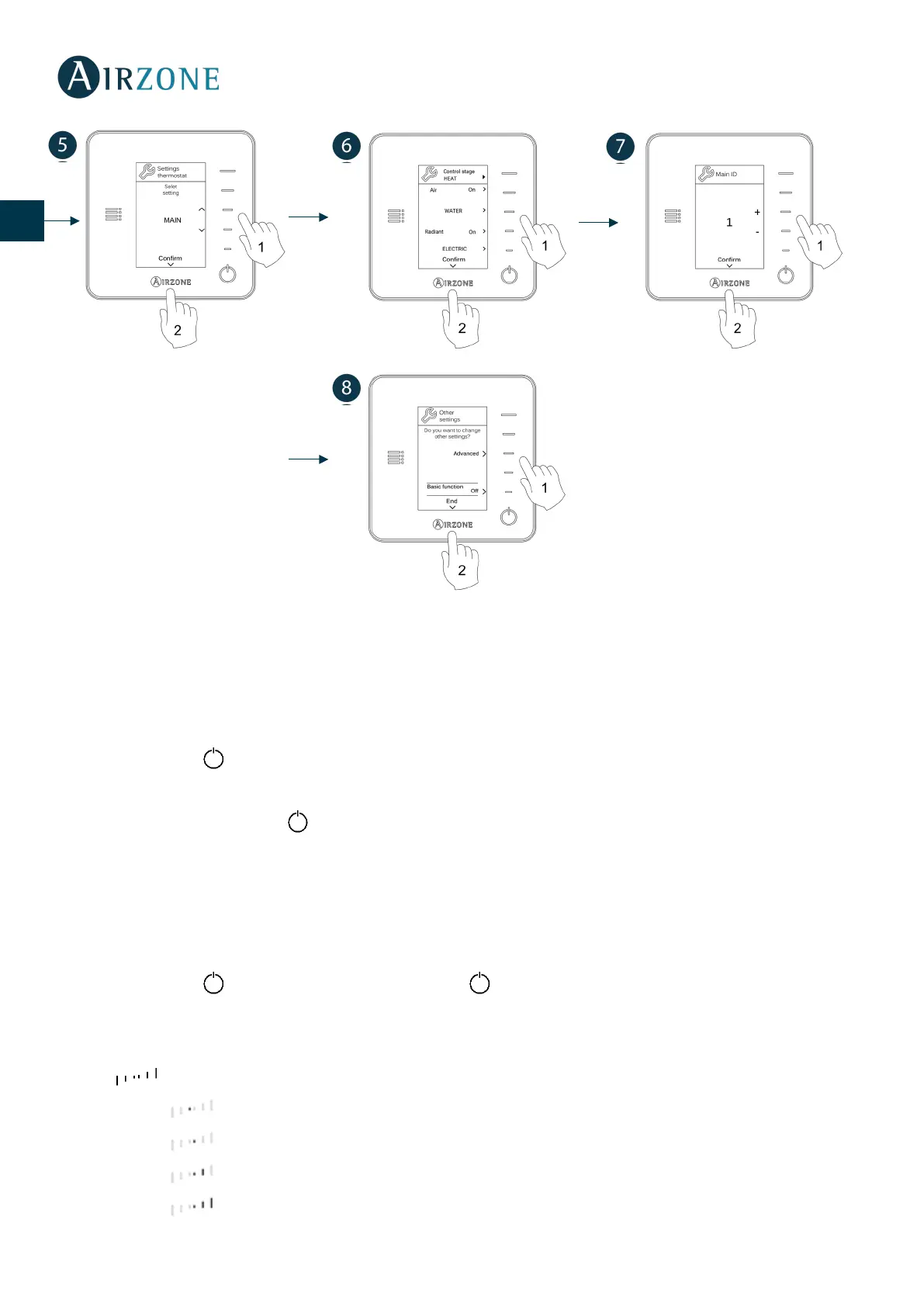
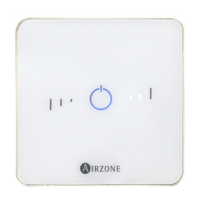
To configure a Lite controller, follow these steps:
Wired Lite controller
- Perform all the appropriate connections.
- Connect the controller.
- Press the LED to confirm the association.
- The number of the zone which associates with the controller is the lowest free available number.
If the association is correct, the LED will flash green 5 times.
Wireless Lite controller
- Open the wireless association channel of the main board, wait a few seconds so the control module, which will be
associated to the controller, opens its wireless association channel (the wireless opening LED must be solid red).
- Insert the battery to supply the controller.
- Press the LED to begin the wireless search. The LED will blink in green.
IMPORTANT: The controller will display first the wireless control modules which are closer to it. Remember to
configure this controller near the wireless control module to associate for greater comfort.
- The module which will be associated to the Lite controller will begin to make a “beep” for its identification. The LEDS
will show the signal level of this module:
o Low signal range level (It is not recommended to perform the association).
o Medium signal range level.
o Good signal range level
o Excellent signal range level.


 To Next Page