Instruction for use
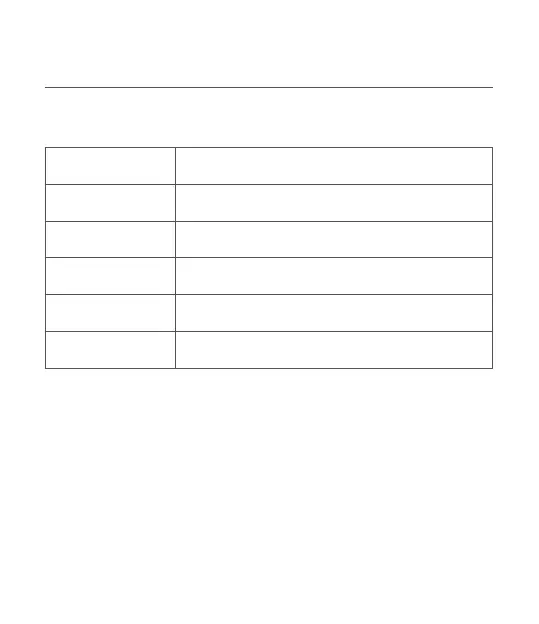
Ligth color instructions
Status Light color
Paial green light on
Power on
Powen o Light o
Muted Red light on
Sta/End AI Paial green light ashing
Upgrading Green light breathing
1.Device connection
1)Mobile phone connection
The device's initial Bluetooth name is“AIMIC-M6 Pro****(the last four
gures of S/N)”
* Bluetooth connection
After powering on device and activating Bluetooth, then turn on the
Bluetooth function on your mobile phone and search for Bluetooth
device named "AIMIC-M6 Pro****" for pairing and connection. Or you
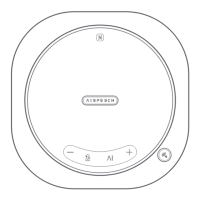
can enable the NFC function on your phone and tap the NFC logo


 To Next Page