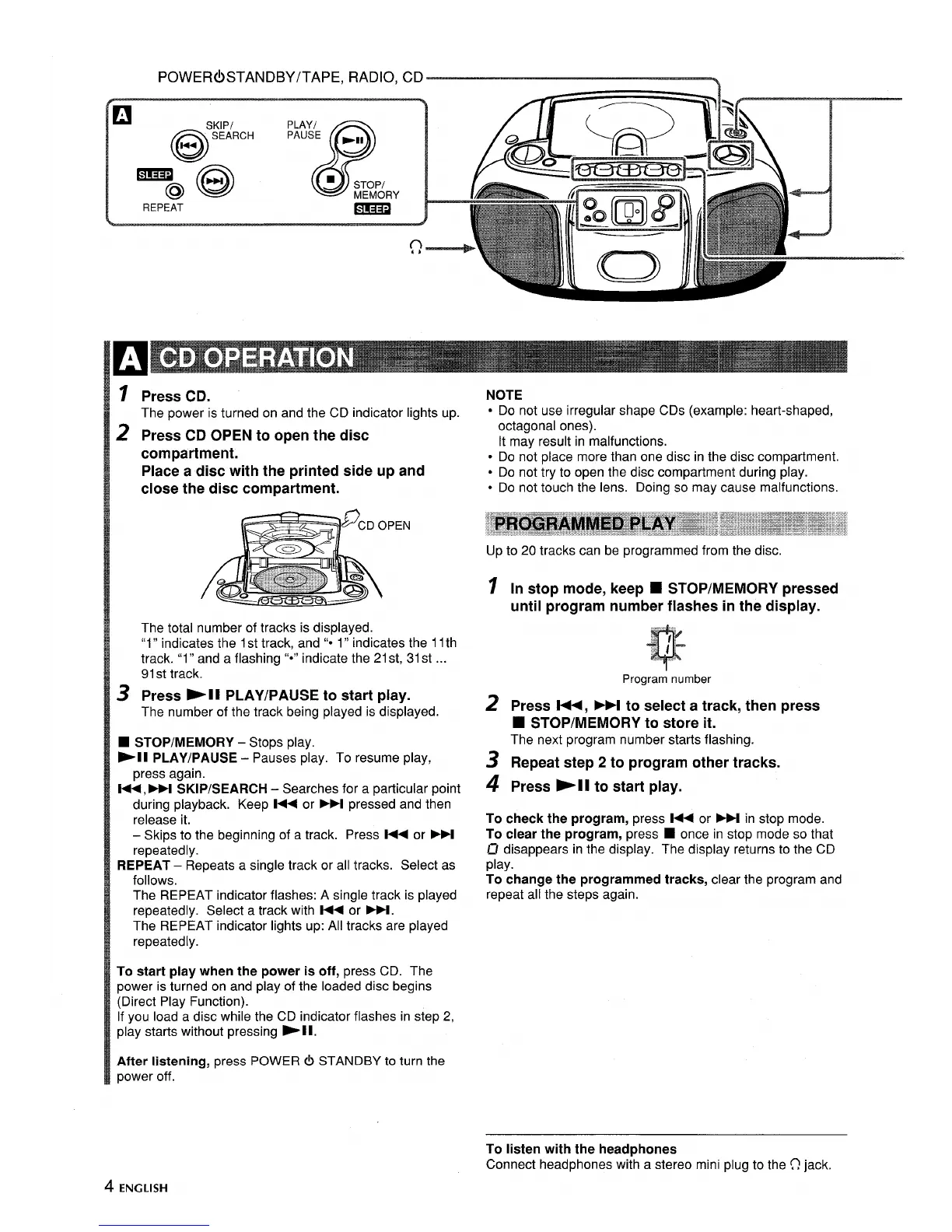
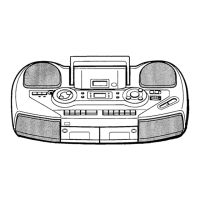
POWER(!) STANDBY/TAPE, RADIO, CD
h
~ Press CD.
The power is turned on and the CD indicator lights up.
z
Press CD OPEN to open the disc
compartment.
Place a disc with the printed side up and
close the disc compartment.
The total number of tracks is displayed.
‘(l” indicates the 1st track, and “* 1” indicates the 11th
track. “1” and a flashing ‘C*”indicate the 21st, 31st ...
91st track.
s
Press -11 PLAY/PAUSE to start play.
The number of the track being played is displayed.
■ STOP/MEMORY - Stops play.
-11 PLAY/PAUSE – Pauses play. To resume play,
press again.
l++, M SKIP/SEARCH – Searches for a particular point
during playback. Keep l++ or ~ pressed and then
release it.
– Skips to the beginning of a track. Press l++ or M
repeatedly.
REPEAT – Repeats a single track or all tracks. Select as
follows.
The REPEAT indicator flashes: A single track is played
repeatedly. Select a track with l++ or PH.
The REPEAT indicator lights up: All tracks are played
repeatedly.
To start play when the power is off, press CD. The
power is turned on and play of the loaded disc begins
(Direct Play Function).
If you load a disc while the CD indicator flashes in step 2,
play starts without pressing -11.
After listening, press POWER @ STANDBY to turn the
power off.
NOTE
s Do not use irregular shape CDs (example: heart-shaped,
octagonal ones).
It may result in malfunctions.
● Do not place more than one disc in the disc compartment.
● Do not try to open the disc compartment during play.
● Do not touch the lens. Doing so may cause malfunctions.
Up to 20 tracks can be programmed from the disc.
1
2
3
4
In stop mode, keep ■ STOP/MEMORY pressed
until program number flashes in the display.
Program number
Press l++, M to select a track, then press
W STOP/MEMORY to store it.
The next program number starts flashing.
Repeat step 2 to program other tracks.
Press -11 to start play.
To check the program, press M or M in stop mode.
To clear the program, press
■ once in stop mode so that
El disappears in the display. The display returns to the CD
play.
To change the programmed tracks, clear the program and
repeat all the steps again.
4 ENGLISH
To listen with the headphones
Connect headphones with a stereo mini plug to the O jack.



 To Next Page