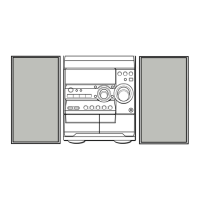
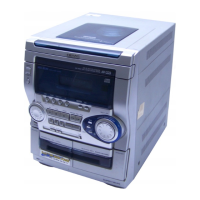
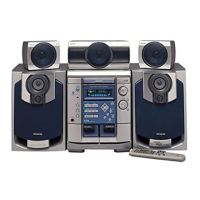
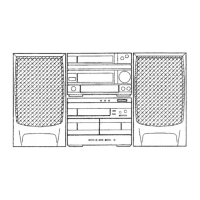
7 Connect the right speaker to the main unit.
@)
Connect the speaker cord with plug to SPEAKERS HIGH
Check
your system and accessories.
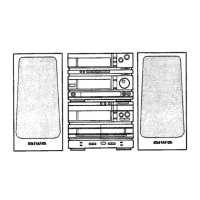
CX-ND7 Compact disc stereo cassette receiver
SX-WND7 Front speakers
Remote control
AM antenna
FM antenna
Operating Instructions, etc.
lBefore connecting
the AC cord
“The rated voltage of your unit shown on the rear panel is
120 V AC. Check that the rated voltage matches your local
voltage.
IMPORTANT
~Connect the speakers, antennas, and all optional equipment
first. Then connect the AC cord.
J There are no differences between the front speakers. Both
speakers can be connected as L (left) or R (right).
FREQ R terminal.
@ Connect the speaker cord with the white stripe to the
SPEAKERS LOW FREQ R C) terminals and the black cord
to the O terminal.
2
Connect the left speaker to the main unit.
Connect the speaker cord with plug to SPEAKERS HIGH
FREQ L terminal, and another speaker cord to the
SPEAKERS LOW FREQ L terminals in the same manner as
step 1.
1
Right speaker
3
T



 To Next Page
 Loading...