2
1
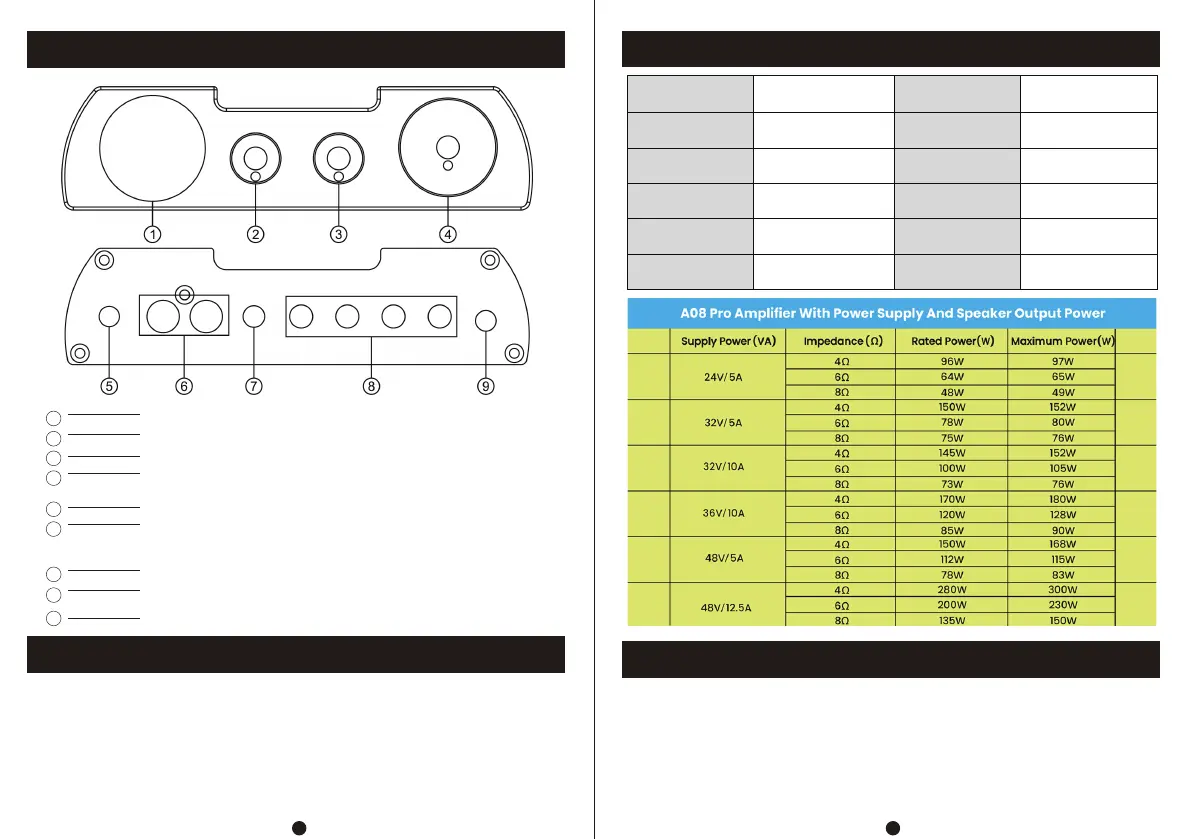
Front And Rear Panel Description
Operation Steps
Specification Parameters
FQA
2
1
5
6
7
3
4
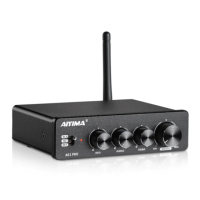
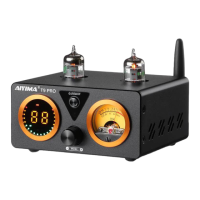
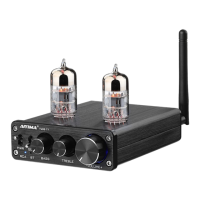
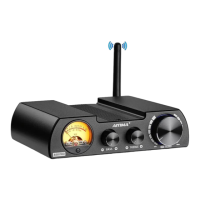
VU level meter
Bass knob
Treble knob
Bluetooth antenna base
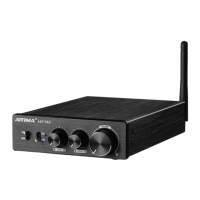
Power on / off / main volume control knob (red light: RCA channel / blue
light: Bluetooth channel)
RCA input (automatically switch to Bluetooth channel after Bluetooth
connection, and automatically switch to RCA channel when Bluetooth
is disconnected)
3.5 stereo output(Earphones are not suitable)
8
Speaker interface (red / +, black / -; L connected to left speaker, R
connected to right speaker)
9
Power interface (DC voltage shall not be higher than 48V)
1. Connect the sound source to be used to the RCA input interface of this product.
2. Connect the passive speaker cable to the speaker interface of this product.
3. Finally, connect the power supply (the DC voltage shall not be higher than 48V).
4. Turn the on / off knob to the right to start the machine.
5. Adjust the main volume and high and low volume knobs to achieve the appropriate
volume and sound effect.
6. If the bluetooth and RCA are connected at the same time,bluetooth playback take
precedence. If you want RCA audio input,pls close the Bluetooth device
Maximum
Output Power
Speaker Impedance
Matching
Maximum Output
Amplitude
Input Sensitivity
Treble And Bass
Adjustment Range
Bluetooth Version
Frequency Response
THD
300W(4Ω)
20Hz-20KHz(±1dB)
0.02%
≥104dB
DC24-48V
0.692KG
L152*W122*H40mm
4-8Ω
1V
0.775V
±6dB
5.0
SNR
Working Voltage
Machine Weight
Package Size
Q: All my wires are connected, but there is no sound?
A: 1 . Check whether the machine is powered on and whether the VU level meter light is on.
If there is no response after startup, you can find a power supply with the same voltage
output (must be DC24v-48v) for test.
2. If the startup is normal and there is still no sound, check whether the input and output
lines are correctly connected.


 To Next Page