2 3
Main parameters specifications Indicator function guide
Initial use process
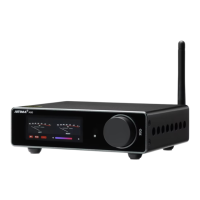
Model:A9
Size:260mm(L) x180mm(W) x48mm(H)
Net weight:1.35KG
Working power:DC 24V 4.5A
Audio Input:Bluetooth/Coaxial /Optical/ 2.0 Channel RCA / 5.1 Channel RCA
Amplifier chip:TPA3116D2
Output Power:
Front main channel: 50W+50W (recommend 3-8")
Surrounded channel: 50W+50W (recommend 3-8")
Center channel: 50W (recommend 3-8")
Bass channel: 100W (recommend 5-10")
Output impedance: 4-8Ω
THD: 0.01% (@1Khz)
S/N ratio: ≥102dB
Frequency response:
Front main channel: 10Hz-40KHz
Surrounded channel: 10Hz-40KHz
Center channel: 10Hz-40KHz
Bass channel: 10Hz-180Hz
Treble & bass range: ±10dB (±2dB)
Supported sampling rate:
COAX IN: 16-32Bit / 44.1-192KHz
OPT IN: 16-32Bit / 44.1-192KHz
Bluetooth IN: 16-24Bit / 44.1-96KHz
Bluetooth:Qualcomm 5.0, QCC3031 (SBC/AAC/APTX/APTX-HD)
1. Power connection:connect the DC plug of the power supply to the power jack of the amplifier, then connect
to 220V power
2, speaker connection-connecting the amplifier output interface red positive and black negative to the speaker
positive and negative
Pole connection
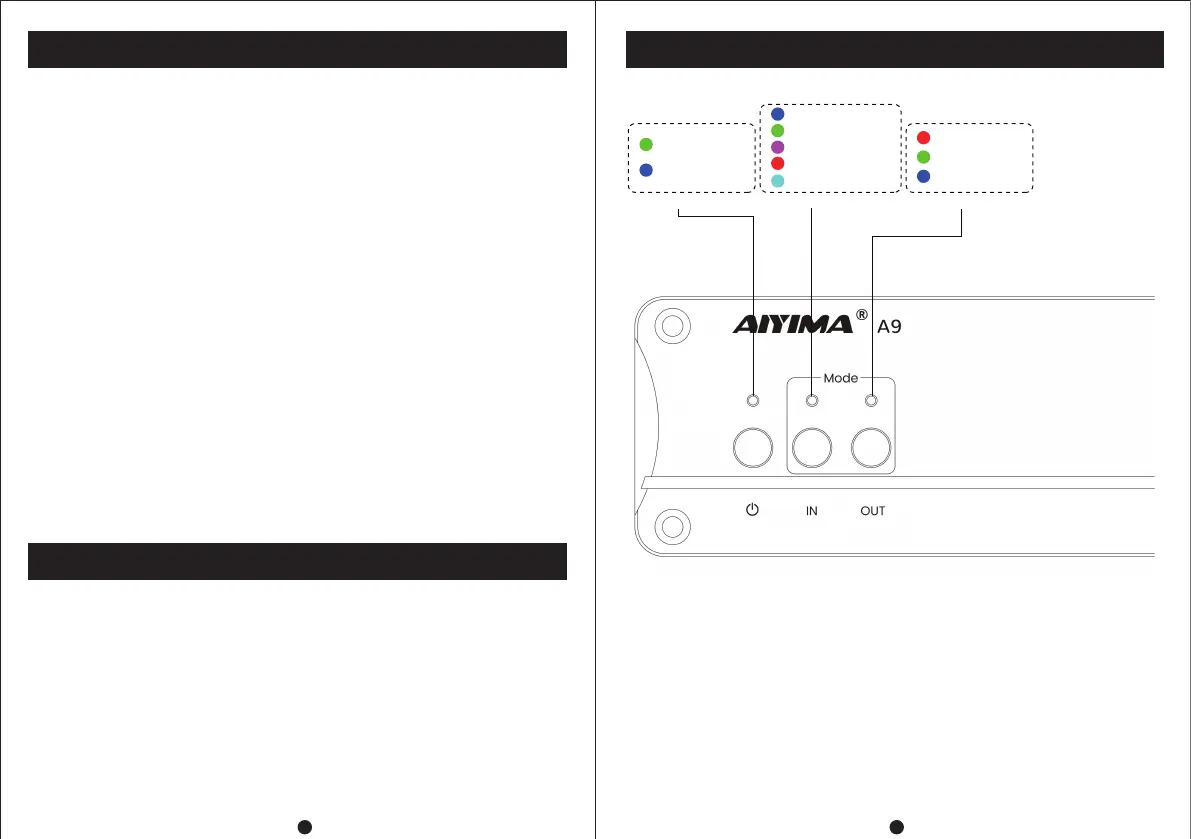
3. Power on:long press the "Start" button until the indicator light turns blue;
4. input signal selection:panel "Input" button can switch to wire input Signal, coaxial/optical digital input signal,
Bluetooth (Bluetooth mode) and other input signals.
5.output mode selection:panel "Output" button can switch three different output modes 5.1, 2.0, and 2.1
respectively.
6. Bluetooth connection:select the "Input" button on the panel to the Bluetooth playback mode and turn it
on,Mobile Bluetooth search is connected with the device name "hifi-Spdif".
7. Standby-Press and hold the "Stare" button until the indicator light turns green.
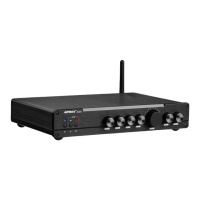
Power Indicator
Blue---Bluetooth mode
Red---5.1CH OUT
Green---2.0CH OUT
Blue---2.1CH OUT
Green---2.0CH INPUT
Purple---COA IN
Red---5.1CH INPUT
Cyan---OPT IN
Blue---Turn on
Green---Standby
Input Indicator Output Indicator


 To Next Page