8
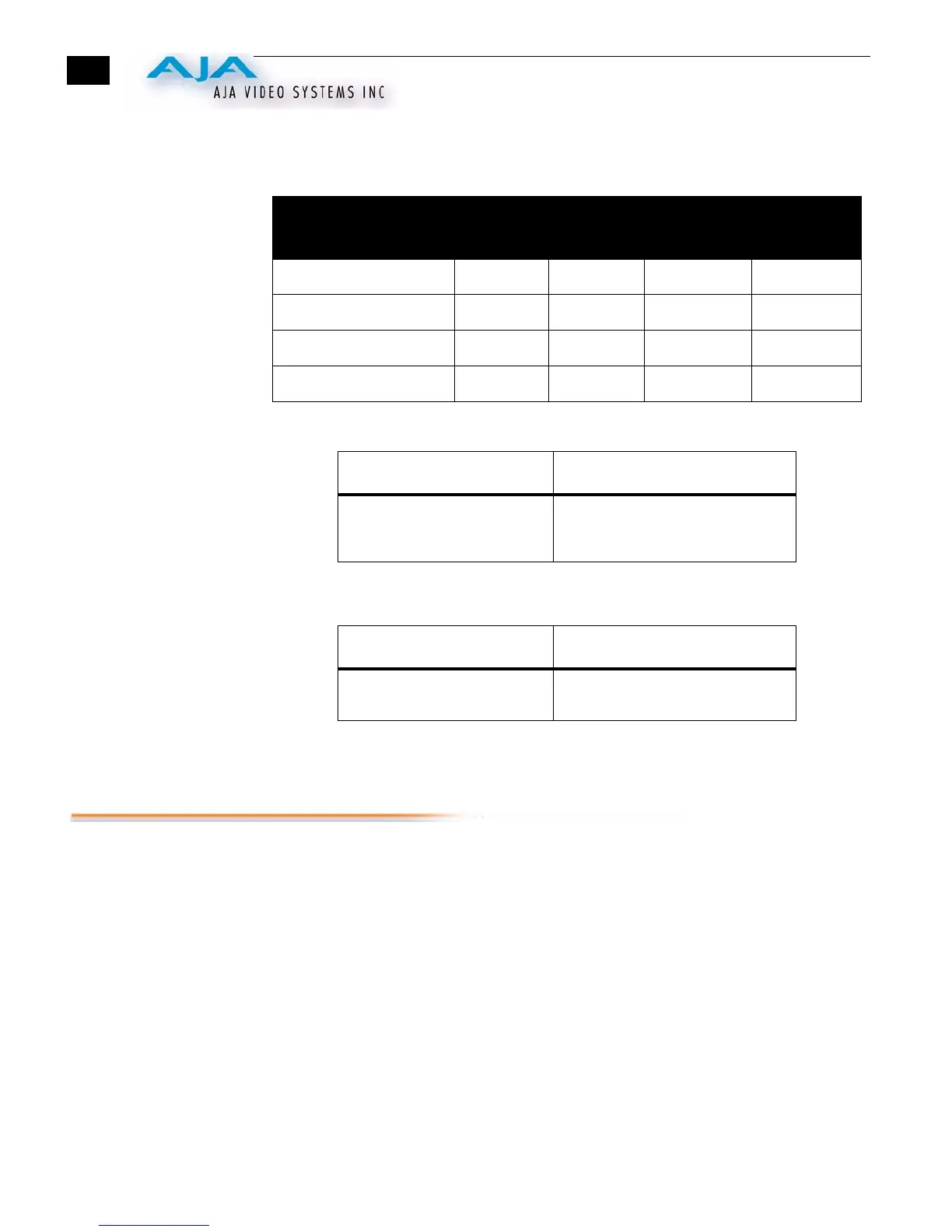
Input Level Selection Matrix For Switches 4 and 5
The following table shows the combinations of DIP switch settings required to configure
the audio input levels shown.
Switch 6 (AUDIO EMBED)—Turns SDI audio embedding ON or OFF.
Switch 7 (AUX)—Switches Input Levels to NTSC-J
:
Switch 8 (AUX)—currently unused
Installation
Typically, HD10AVA installation consists of the following:
1.
ensure +5VDC power is disconnected from the converter
2.
configure the DIP switch for the desired equipment configuration and video/audio
formats
3.
connect video/audio equipment to the converter BNCs and XLRs
4.
apply +5 to +18VDC power to the converter (AJA power supply model DWP)
Input Level Range Nominal
(-20dBFS)
Full Scale
(0dBFS)
DIP Switch
#4
DIP Switch
#5
Professional US +4dBu +24dBu LEFT LEFT
Professional European -2dBu +18dBu LEFT RIGHT
Consumer High (IHF) -8dBu +12dBu RIGHT LEFT
Consumer Low -14dBu +6dBu RIGHT RIGHT
LEFT (ON) RIGHT (OFF)
ON converts and embeds the
input audio into the digital SDI
outputs
OFF turns audio embedding off;
input audio is not supplied with the
SDI outputs.
LEFT (OFF) RIGHT (ON)
Normal operation (NTSC levels) NTSC-J levels for Composite, S-
Video, and BETA inputs



 To Next Page