8
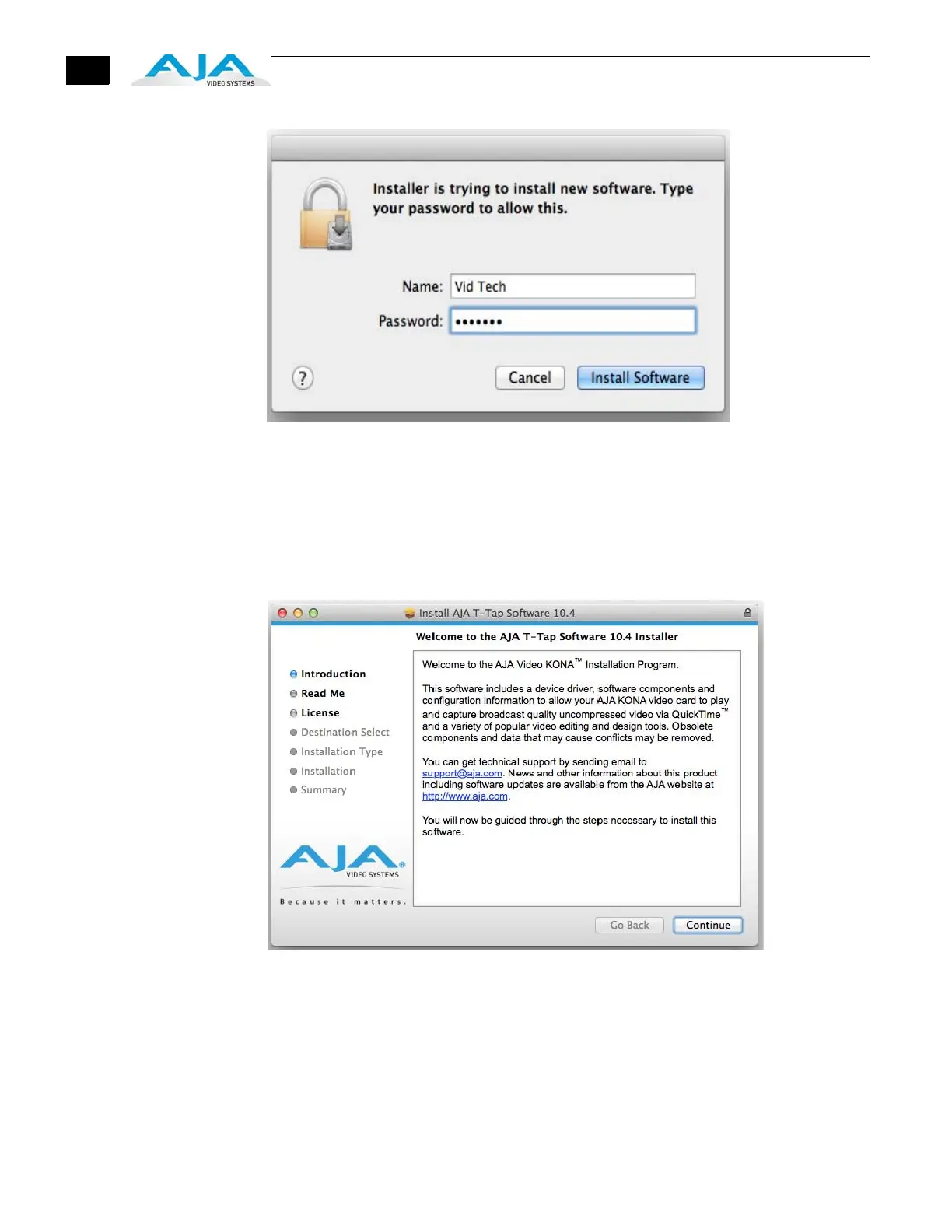
Log On Authenticate Prompt
4. Click on the Install Software button after entering a valid user and password.
5. The installer will launch and you’ll see a series of installer screens.
6. On the following pages, we show the series of screens you’ll see when installing the
T-TAP driver software package.
7. When you launch the installer, you’ll see a series of installer screens.
Initial Installer Screen
8. Click Continue to begin installation.



 To Next Page