1
9
T-TAP Installation and Operation Guide — Installing T-TAP Software
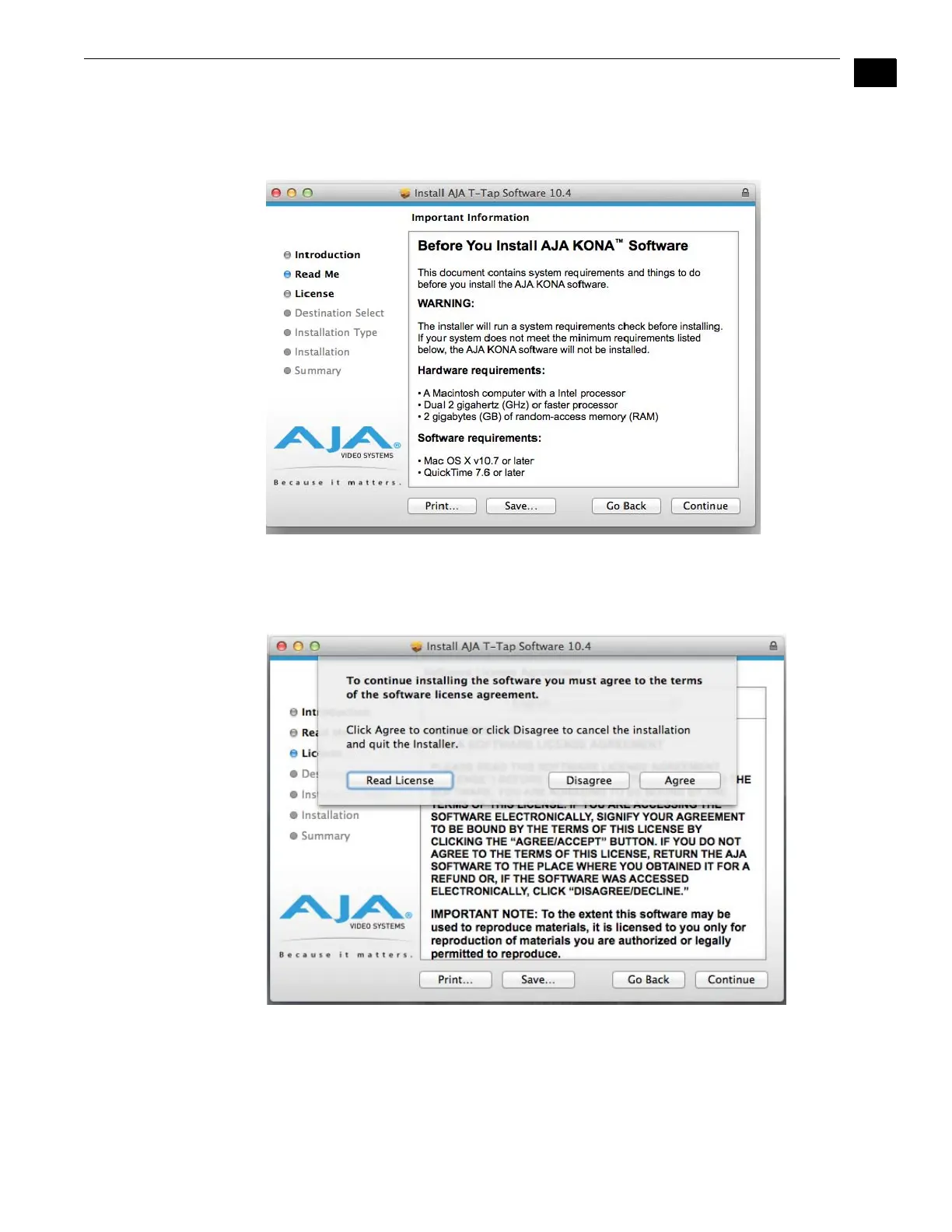
9. The next screen lets you know that the installer will check your Mac to ensure it has the
hardware and software resources required (see “System Requirements” on page 3). Click
Continue to proceed.
System Check Installer Screen
10.Read and click Continue, then click the Agree button to accept the Software License
Agreement.
T-TAP Software License Agreement Screen



 To Next Page