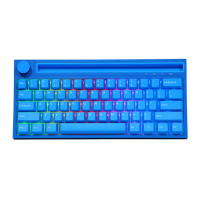
FN+ESC=
FN+X = Pause/play
, FN+C= Next song
= Volume-
FN+HOME=INS
FN+PGUP= PRTSC
• FN+S= MAC system mode
• FN+A
. FN+N
Last song
= WIN system usage mode
Volume+
= Mute
• FN+DEL=END
FN+PGDN = ScrLk
• FN+A= Win system mode (factory default)
• FN+Left Ctrl = Number area or Fl function key area swap
• FN+WIN key-L = Lock the WIN key, then press to unlock, the WIN key will
light up in white after locking
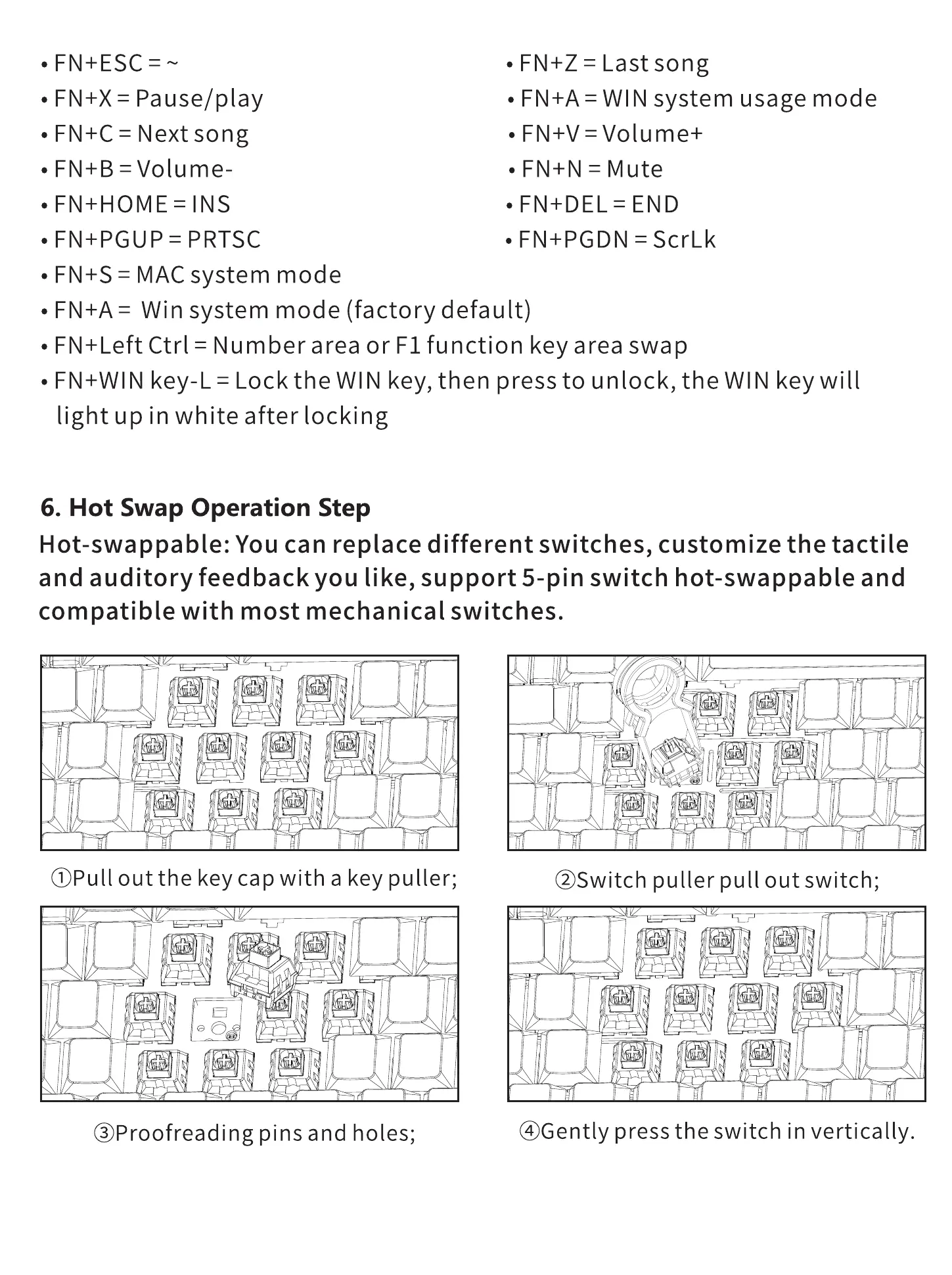
6. Hot Swap Operation Step
Hot-swappable: You can replace different switches, customize the tactile
and auditory feedback you like, support 5-pin switch hot-swappable and
compatible with most mechanical switches.
OPull out the key cap with a key puller;
@Proofreading pins and holes;
l]
@Switch puller pull out switch;
@Gently press the switch in vertically.


 To Previous Page