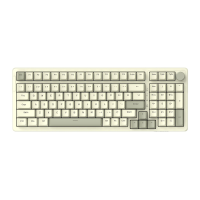
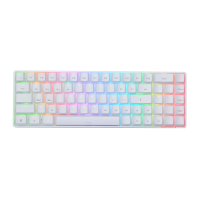
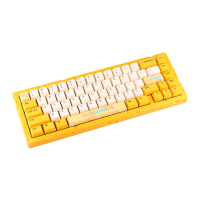
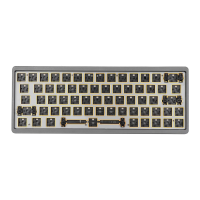
FN+F9
FN+FIO
F N + F 11
FN+F12
FN+WIN key-L
F N + HOME
FN+DEL
FN+PGUP
FN+PGDN
Play/ Pause
Next song
Mail
Browser
My computer
Calculator
Turn off/on keyboard (lighting Default on)
Lock the WIN key, then press to unlock, the
WIN key will light up in white after locking
INS
END
PRTSC
pAUSE
Wired, Bluetooth and 2.4G Connection
• Wired Mode: Connect the keyboard to the USB cable, toggle the switch to the USBgear,
and the keyboard flashes red light is the wired connection mode;
• Bluetooth Mode: toggle the switch to BT gear, (this product supports control and storage
of 3 Bluetooth devices, through FN+Q, FN+W,FN+Eselects and calls between three
Bluetooth devices that have been paired successfully. When pressing once to switch
paired devices, the device indicator light will flash slowly and enter the reconnecting
state. If the switch is successful, the device indicator light will return to long light.)
Press and hold for 3 seconds when the Bluetooth pairing is performed. The device light
flashes rapidly. Bluetooth device 1 is successfully connected, the device indicator light
is solid red, Bluetooth device 2 is successfully connected, the device indicator light is
solid green, Bluetooth device 3 is successfully connected, the device indicator light is
solid blue


 To Next Page