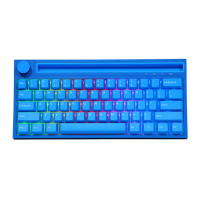
• After switching, the receiver can be used by plugging it into the computer (the device
indicator light will be white after the connection is successful)
• Note: The factory keyboard and receiver have been paired successfully. Press and hold
the FN+Rkey combination to match the code, the device indicator light flashes rapidly
in white to enter the code, and the computer can be plugged into the receiver at this
time (connect the USBcable in any wireless mode to charge the device)
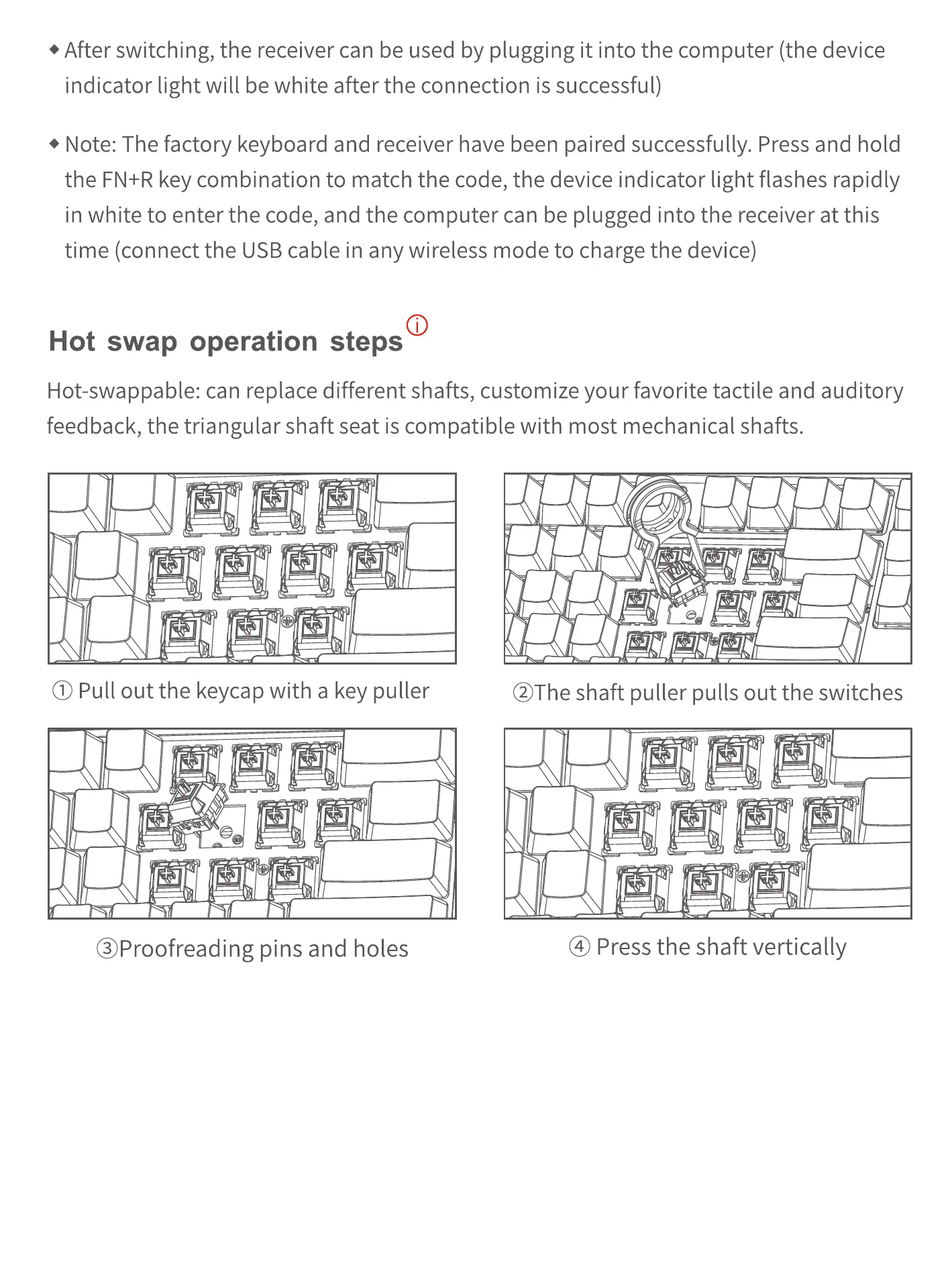
Hot swap operation steps
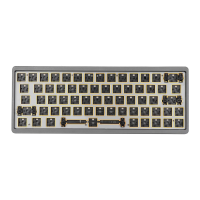
Hot-swappable: can replace different shafts, customize your favorite tactile and auditory
feedback, the triangular shaft seat is compatible with most mechanical shafts.
O Pull out the keycap with a key puller
@Proofreading pins and holes
@The shaft puller pulls out the switches
@ Press the shaft vertically


 To Previous Page