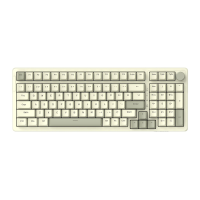
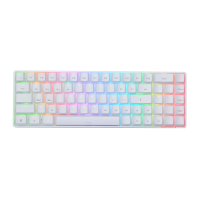
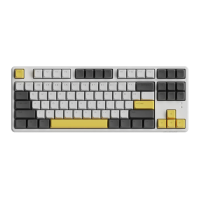
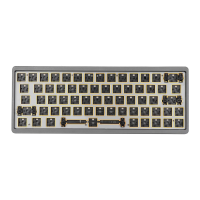
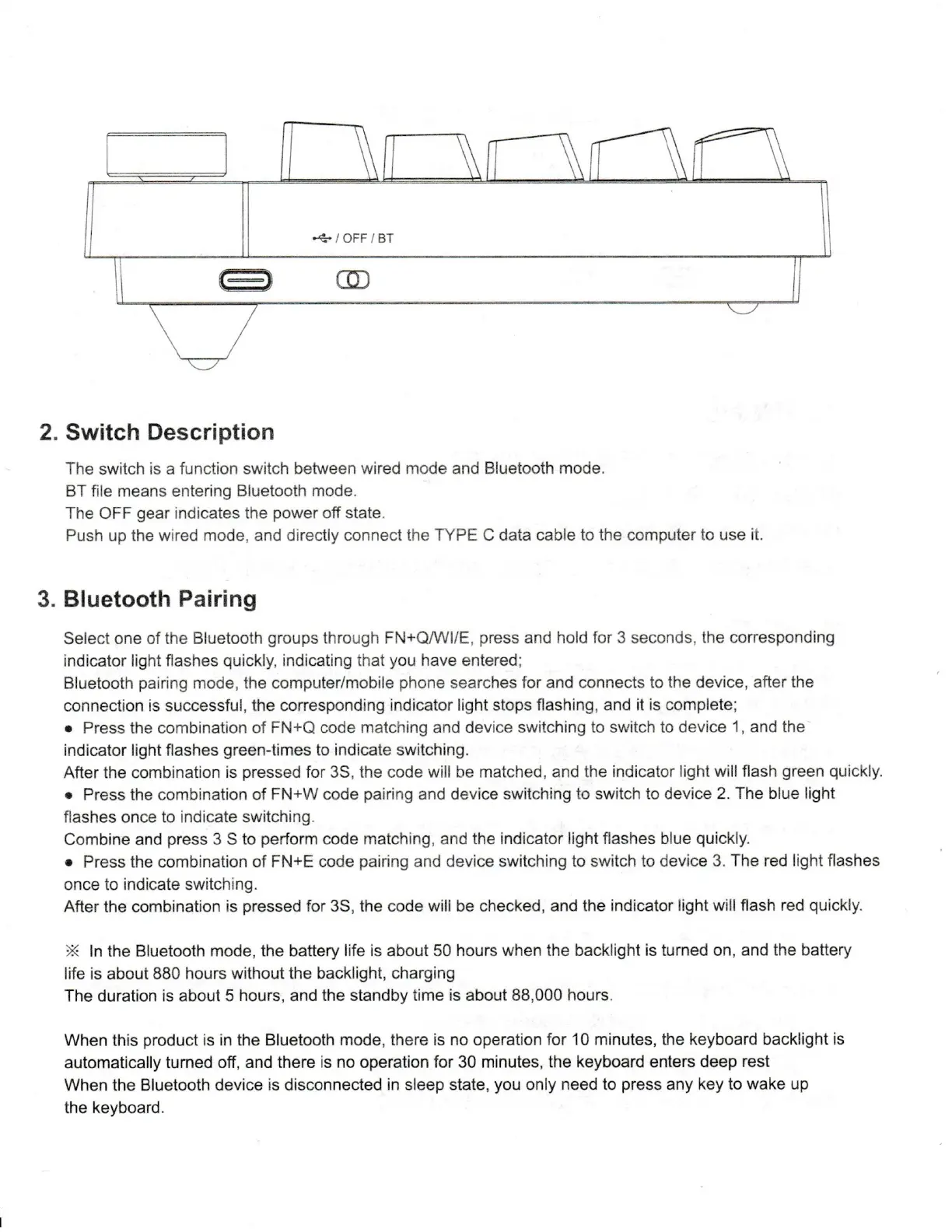
...+ / OFF / BT
CD
2. Switch Description
The switch is a function switch between wired mode and Bluetooth mode.
BT file means entering Bluetooth mode.
The OFF gear indicates the power off state.
Push up the wired mode, and directly connect the TYPE C data cable to the computer to use it.
3. Bluetooth Pairing
Select one of the Bluetooth groups through FN+Q/WI/E, press and hold for 3 seconds, the corresponding
indicator light flashes quickly, indicating that you have entered;
Bluetooth pairing mode, the computer/mobile phone searches for and connects to the device, after the
connection is successful, the corresponding indicator light stops flashing, and it is complete;
• Press the combination of FN+Q code matching and device switching to switch to device 1, and the
indicator light flashes green-times to indicate switching.
After the combination is pressed for 3S, the code will be matched, and the indicator light will flash green quickly.
• Press the combination of FN+W code pairing and device switching to switch to device 2. The blue light
flashes once to indicate switching.
Combine and press 3 S to perform code matching, and the indicator light flashes blue quickly.
• Press the combination of FN+E code pairing and device switching to switch to device 3. The red light flashes
once to indicate switching.
After the combination is pressed for 3S, the code wili be checked, and the indicator light will flash red quickly.
* In the Bluetooth mode, the battery life is about 50 hours when the backlight is turned on, and the battery
life is about 880 hours without the backlight, charging
The duration is about 5 hours, and the standby time is about 88,000 hours.
When this product is in the Bluetooth mode, there is no operation for 10 minutes, the keyboard backlight is
automatically turned off, and there is no operation for 30 minutes, the keyboard enters deep rest
When the Bluetooth device is disconnected in sleep state, you only need to press any key to wake up
the keyboard.


 To Next Page
 Loading...