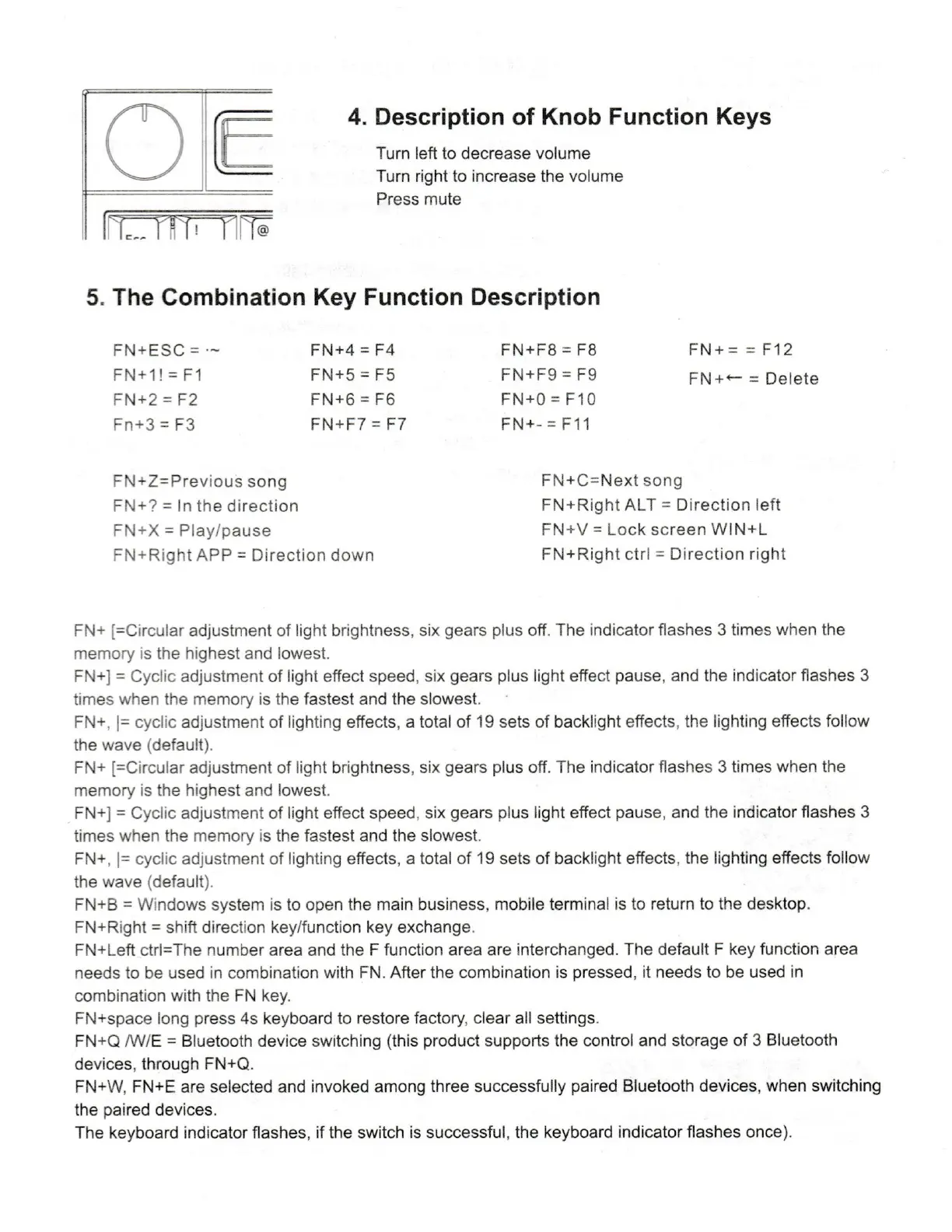
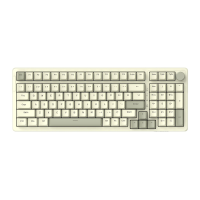
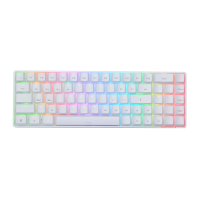
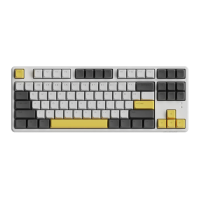
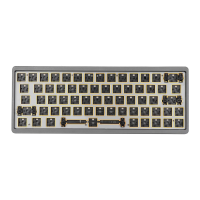
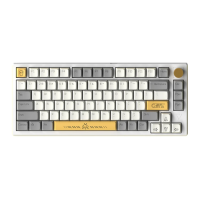
4. Description of Knob Function Keys
Turn left to decrease volume
Turn right to increase the volume
Press mute
5. The Combination Key Function Description
F N + ESC =
FN+2 = F2
Fn+3 = F3
FN+4 = F4
FN+F9 = F9
FN+O FIO
FN+C=Next song
Delete
FN+Z=Previous song
FN+? = In the direction
F N + X = Play/ pause
FN+Right APP = Direction down
FN+Right ALT = Direction left
FN+V = Lock screen WIN+L
FN+Right ctrl = Direction right
FN+ [=Circular adjustment of light brightness, six gears plus off. The indicator flashes 3 times when the
memory is the highest and lowest.
FN+I = Cyclic adjustment of light effect speed, six gears plus light effect pause, and the indicator flashes 3
times when the memory is the fastest and the slowest.
FN+, cyclic adjustment of lighting effects, a total of 19 sets of backlight effects, the lighting effects follow
the wave (default).
FN+ [=Circular adjustment of light brightness, six gears plus off. The indicator flashes 3 times when the
memory is the highest and lowest.
FN+] = Cyclic adjustment of light effect speed, six gears plus light effect pause, and the indicator flashes 3
times when the memory is the fastest and the slowest.
FN+, cyclic adjustment of lighting effects, a total of 19 sets of backlight effects, the lighting effects follow
the wave (default).
FN+B = Windows system is to open the main business, mobile terminal is to return to the desktop.
FN+Right = shift direction key/function key exchange.
FN+Left ctrl=The number area and the F function area are interchanged. The default F key function area
needs to be used in combination with FN. After the combination is pressed, it needs to be used in
combination with the FN key.
FN+space long press 4s keyboard to restore factory, clear all settings.
FN+Q /W/E = Bluetooth device switching (this product supports the control and storage of 3 Bluetooth
devices, through FN+Q.
FN+W, FN+E are selected and invoked among three successfully paired Bluetooth devices, when switching
the paired devices.
The keyboard indicator flashes, if the switch is successful, the keyboard indicator flashes once).


 To Next Page