EasyManua.ls Logo

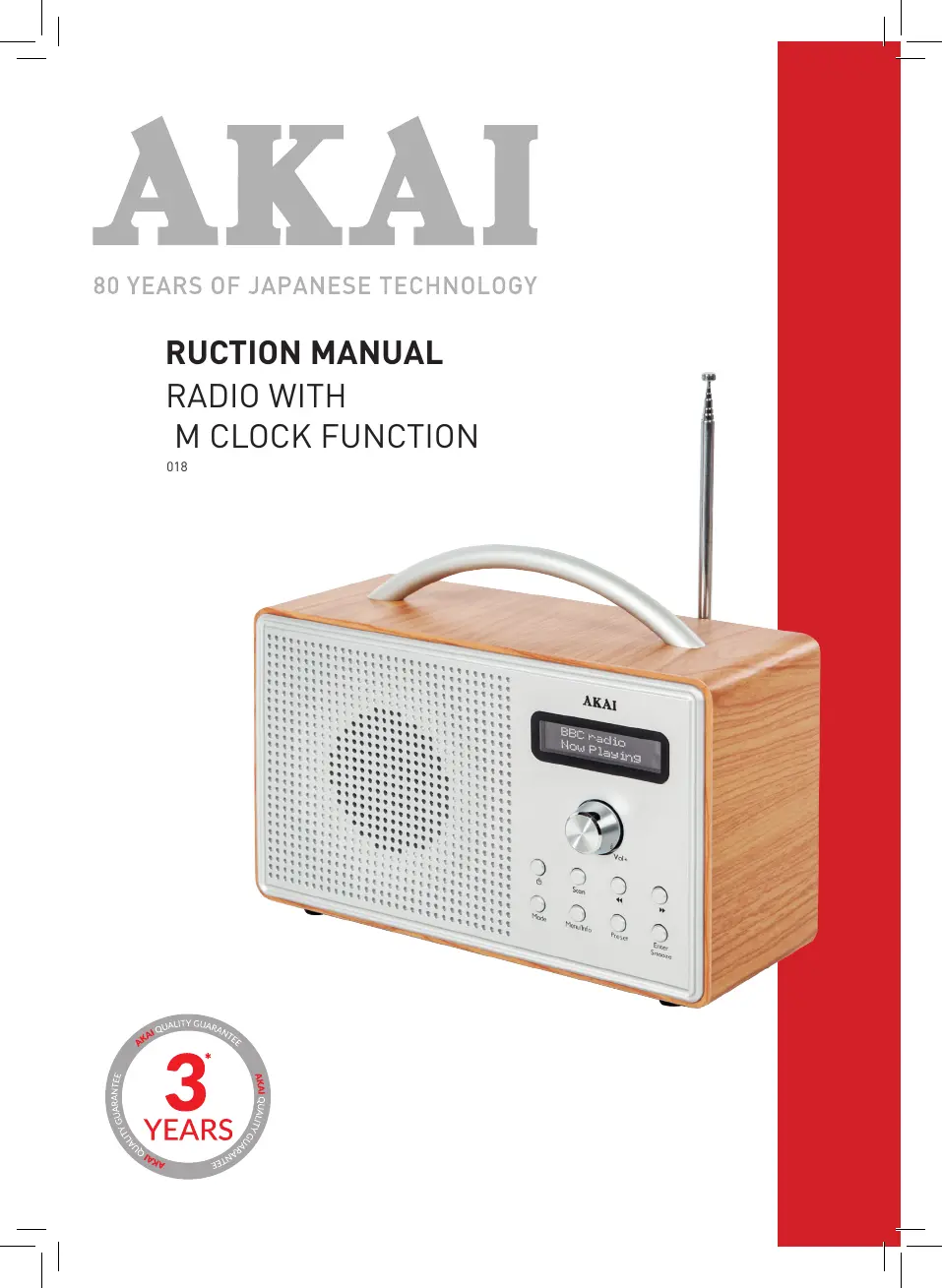
Akai A61018 - User Manual

Akai A61018
12 pages
Print Icon
To Next Page IconTo Next Page
Loading...
INSTRUCTION MANUAL
DAB RADIO WITH
ALARM CLOCK FUNCTION
MODEL: A61018

Questions and Answers

  • C
    Cynthia MillerAug 6, 2025
    Why does my Akai A61018 display 'no service'?
    • T
      Thomas HardyAug 7, 2025
      The 'no service' message on your Akai Radio indicates either a lack of DAB coverage in your area or weak signal reception. Try adjusting the antenna's position or moving the radio to a location with a stronger signal.
  • K
    Keith WrightAug 13, 2025
    Why is my Akai FM/DAB Radio having static or intermittent cut-out?
    • C
      Carmen FloresAug 13, 2025
      Static on FM or intermittent cut-outs on DAB with your Akai Radio usually means the signal reception is weak. Try adjusting the antenna or moving the radio to a location where the signal is stronger. You might also want to re-scan for stations.
  • J
    Juan AndersonAug 22, 2025
    How to fix Akai A61018 Radio buttons that are not working?
    • P
      Patricia KingAug 22, 2025
      If the buttons on your Akai Radio aren't working, turn the radio off, wait a few seconds, and then turn it back on.
  • N
    Nicholas WilliamsAug 28, 2025
    How to fix no sound on Akai A61018 Radio?
    • P
      ptorresAug 28, 2025
      If there is no sound coming from your Akai Radio, first increase the volume. If you're using headphones, ensure they are properly connected.

Summary

Technical Data

Declaration of Conformity

Guarantee Information

Safety Information

General Warnings

Important safety instructions and precautions for appliance operation and use.

Features and Controls Overview

Rear Panel Connections

Details the connections and features located on the rear of the radio.

Control Panel Layout

Before First Use Preparation

Using Your Appliance

Power Adapter Usage

Instructions for connecting and using the power adapter.

Battery Installation

Guidance on installing and using batteries correctly.

Radio Operation Modes

How to operate the radio, including DAB and FM modes.

Station Management

Details on how to save DAB and FM radio stations.

Station Information Display

How to view information about the current radio station.

FM Station Specifics

Specific information available for FM radio broadcasts.

Alarm Functions

Instructions for setting, managing, and snoozing alarms.

Sleep Timer Function

How to set the radio to turn off automatically after a set time.

System Settings Adjustment

Accessing and adjusting system settings like time/date.

Factory Reset Procedure

Procedure for performing a factory reset on the radio.

FM Scan Configuration

Configuring automatic FM scanning behavior.

Troubleshooting Common Issues

Cleaning and Care Instructions

Akai A61018 Specifications

General IconGeneral
BrandAkai
ModelA61018
CategoryRadio
LanguageEnglish

Related product manuals