EasyManua.ls Logo

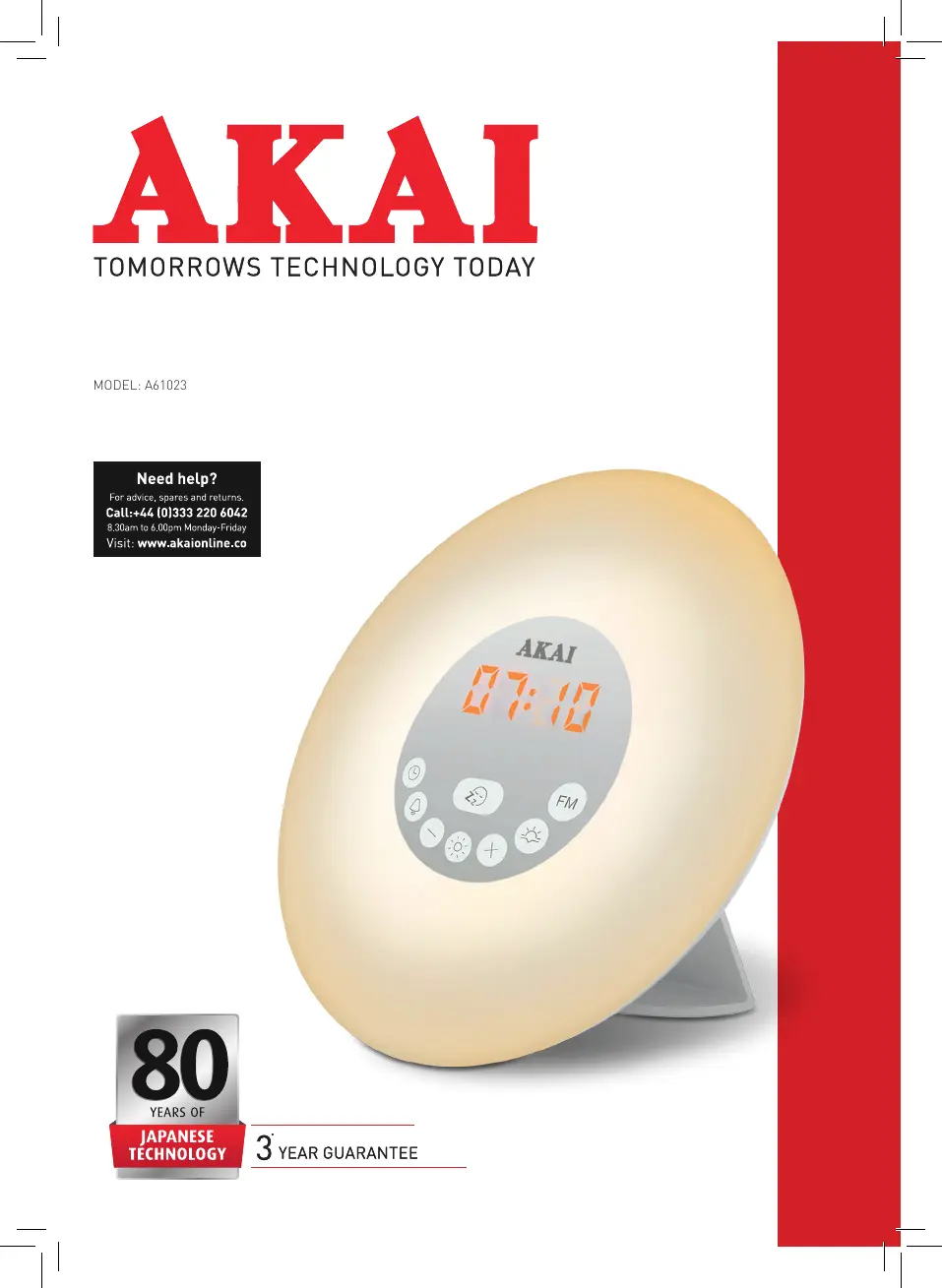
Akai A61023 - User Manual

Akai A61023
16 pages
Print Icon
To Next Page IconTo Next Page
Loading...
INSTRUCTION MANUAL
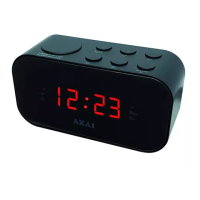
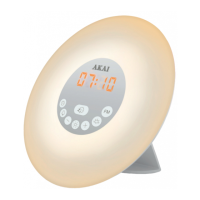
WAKE UP ALARM CLOCK RADIO
MODEL: A61023

Questions and Answers

  • M
    melissa60Aug 10, 2025
    Why is there no sound on my Akai A61023 Clock Radio in radio mode?
    • J
      jeffrey32Aug 10, 2025
      If you are experiencing no sound while in radio mode on your Akai Clock Radio, verify that the volume is properly adjusted. Also, make sure the clock is correctly set to radio mode and try tuning into other radio stations.
  • B
    Bryce CarterAug 17, 2025
    What to do if my Akai A61023 alarm does not function?
    • P
      Pamela SteeleAug 17, 2025
      If the alarm on your Akai Clock Radio isn't working, make sure the alarm time and sound are set correctly and that the alarm is activated. Increase the radio volume and ensure the radio is properly tuned to a station.
  • A
    Audrey DayAug 26, 2025
    How to fix crackling sound on Akai A61023 in radio mode?
    • B
      bmitchellAug 26, 2025
      Crackling sounds during radio mode are generally caused by a weak signal. Try adjusting the position of the antenna cable. If the issue persists, try tuning into a different radio station with better reception.
  • M
    Mary WongSep 2, 2025
    What to do if Akai A61023 Clock Radio didn't save original time during a power outage?
    • J
      Jenna MorrisonSep 2, 2025
      If your Akai Clock Radio didn't save the original time after a power outage, replace the back-up battery.

Summary

Safety Information

General Safety Warnings

Covers essential safety instructions for operating the appliance and handling electrical components.

Using Your Appliance

Before First Use

Steps to prepare the appliance for initial operation, including checking contents and removing packaging.

Installing the Batteries

Instructions for inserting backup batteries, noting their function and limitations.

Connecting the Power Supply

Guidance on connecting the appliance using the power adapter or a computer's USB port.

Setting the Time

Step-by-step instructions for setting the current time on the alarm clock.

Selecting the 12;24 Format

Change the Display Brightness

Change the Current Time

Using the FM Radio

Setting the Alarm

Setting the Nature Sound

Turning Off the Alarm and Using the Sunrise Simulation

Setting the Sunset Time

Using the Light Function

Sunset Light Simulation

Troubleshooting the Appliance

Cleaning and Care

Electrical Safety

Recycling and Disposal

Akai A61023 Specifications

General IconGeneral
Display TypeLED
AlarmYes
Snooze FunctionYes
TunerAM/FM
Power SourceAC

Related product manuals