EasyManua.ls Logo

Akai KS780-BT - User Manual

Akai KS780-BT
21 pages
Print Icon
To Next Page IconTo Next Page
Loading...
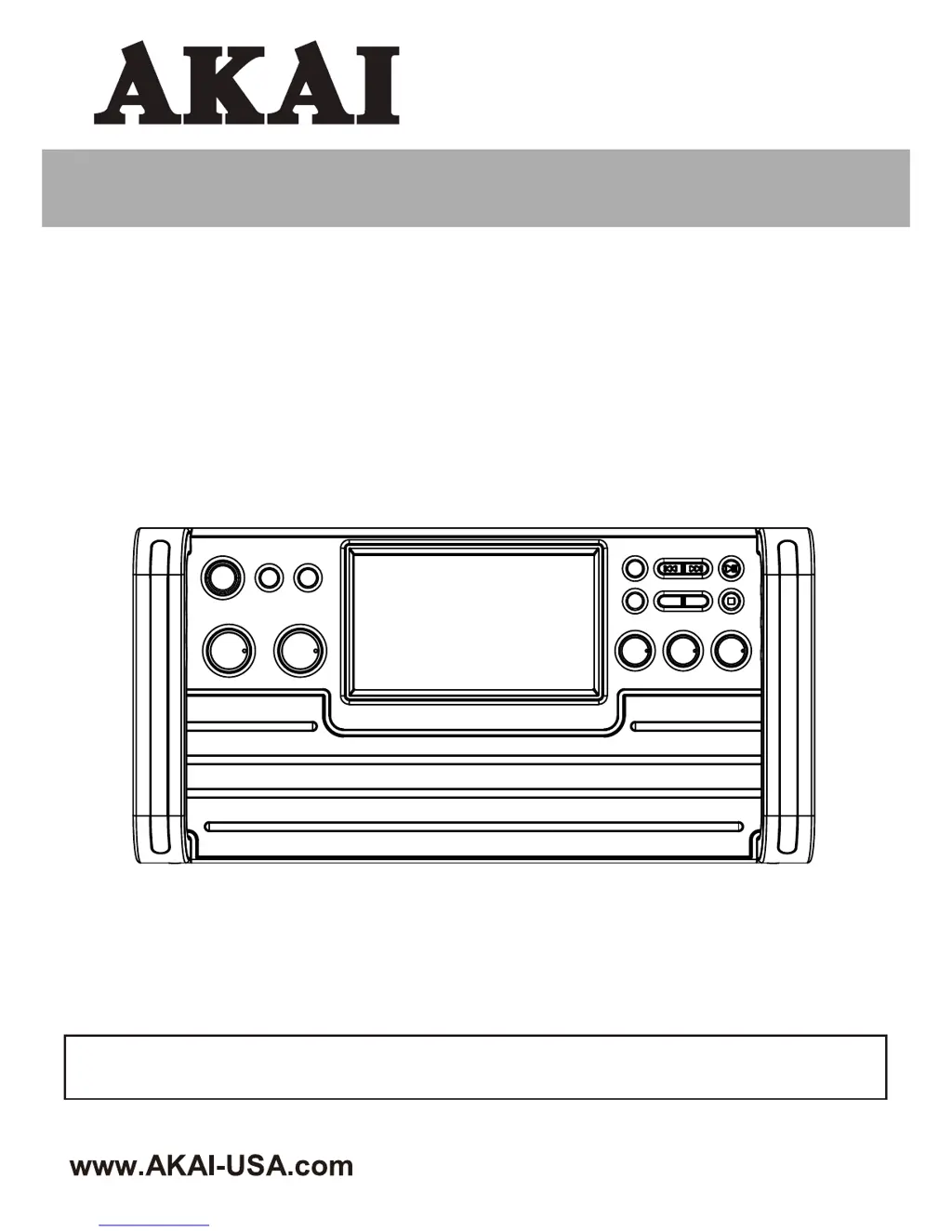
INSTRUCTION MANUAL
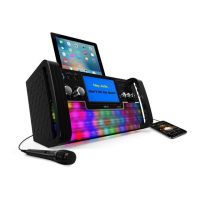
CD+G Karaoke System with
Bluetooth and Light Effects
Thank you for purchasing this Karaoke System. Please read this instruction manual carefully before
using this product to ensure proper use. Keep this manual in a safe place for future reference.
KS780-BT

Questions and Answers

  • S
    Shane RhodesAug 13, 2025
    Why is there no sound from my Akai Karaoke System when playing audio via Bluetooth?
    • T
      Timothy MayAug 13, 2025
      If you're not getting any sound when playing audio via Bluetooth on your Akai Karaoke System, there might be a few reasons. First, ensure your Bluetooth device is properly paired according to the “Bluetooth setup” section. Also, check that the volume on your Bluetooth device isn't too low, and increase it if necessary. Finally, make sure the volume on the karaoke unit itself is turned up using the VOLUME control.
  • J
    Justin MurrayAug 17, 2025
    What to do if no song lyrics appear on the TV screen when using my Akai KS780-BT?
    • H
      Heather AdamsAug 17, 2025
      If song lyrics aren't showing up on your TV screen when using your Akai Karaoke System, check these things: * Make sure the video cable is properly connected from the karaoke system’s VIDEO OUT to the TV VIDEO IN. * Ensure your TV's source selector is set to VIDEO input. * If your TV lacks a video line input, connect the system's VIDEO OUT to the VIDEO IN on your VCR/Home theater. * Also, verify that the disc is a CD+G and clean.
  • N
    ncampbellAug 20, 2025
    How to fix Akai KS780-BT Karaoke System when the CD Player does not work normally?
    • S
      Shannon VaughnAug 20, 2025
      If the CD player on your Akai Karaoke System isn't working correctly, try the following: 1. Make sure the disc is inserted correctly. 2. Clean the disc with a soft cloth. 3. Try a new disc if the current one is scratched or warped. 4. Use only discs bearing the correct identification logo. 5. If moisture has formed inside the CD deck, wait 20-30 minutes for it to dry out. 6. As a last resort, disconnect the karaoke system from the power source for 30 seconds, then reconnect it to reset the system.
  • J
    Joseph MoonAug 25, 2025
    What to do if there is no sound from the TV when using Akai KS780-BT Karaoke System?
    • T
      Tiffany WattsAug 25, 2025
      If you're not getting any sound from the TV when using your Akai Karaoke System, first, check if the TV volume is set to the minimum and increase it. Also, make sure the TV is powered on. Finally, ensure that the white and red RCA cords are securely inserted into both the karaoke system and the TV.
  • B
    Bernard IngramAug 28, 2025
    How to troubleshoot no sound from mic on Akai Karaoke System?
    • C
      Charles MillerAug 28, 2025
      If you're not getting any sound from the microphone on your Akai Karaoke System, first, make sure the mic volume control isn't set to the minimum. Adjust it to the maximum and then readjust to a comfortable level. Also, ensure that the microphone is turned on using the ON/OFF switch located on the microphone.
  • J
    jamesmooneySep 1, 2025
    What to do if my Akai KS780-BT Karaoke System has no power when POWER is on?
    • J
      joseph66Sep 1, 2025
      If your Akai Karaoke System has no power when the POWER is on, make sure the AC adapter is plugged into a wall outlet and that the connector is plugged into the power supply jack on the back of the unit.
  • B
    Brandi BurnettSep 4, 2025
    Why is there no video displayed on the TFT Screen of my Akai KS780-BT Karaoke System?
    • M
      Mr. Robert RaymondSep 4, 2025
      If no video is displayed on the TFT Screen of your Akai Karaoke System, first, make sure the TFT Screen is turned ON using the Screen button. Also, ensure that you are playing a CD+Graphics or CD+G Karaoke disc; regular music CDs will not display an image.
  • C
    Cody PayneSep 8, 2025
    What to do if my Akai KS780-BT Karaoke System has no power when plugged in?
    • C
      castanedacarlSep 9, 2025
      If your Akai Karaoke System has no power when plugged in, try checking the outlet with a working lamp or other electrical appliance to ensure the AC outlet has power.

Summary

Safety Warnings and Compliance

General Safety Precautions

Covers fire/shock hazards, moisture, opening unit, dripping, ventilation, and general cautions.

FCC RF Exposure Statement

Details FCC and IC RF radiation exposure limits and required separation distances.

FCC Exposure Declaration

Provides the French translation of the FCC radiation exposure statement for compliance.

Regulatory Compliance

FCC and Canadian ICES

Explains compliance with FCC Part 15 limits for Class B digital devices and interference management.

Key Safety Instructions

Covers core safety guidelines for operating the karaoke system safely and correctly.

Additional Safety Guidelines

Further Safety Precautions

Details power adapter, battery, markings, symbols, and specific usage safety points.

Whats Included in the Box

Control Layout

Unit Component Identification

Illustrates and labels all control buttons and ports on the unit's top, front, and back.

TFT Display Icons Explained

Connecting the System

Power and Video Connections

Guides on connecting the power adapter and video cables for TV output.

System Connections

Input Source and Audio Setup

Instructions for selecting the input source and connecting audio signals to external devices.

Audio and Microphone Setup

Line-in and Microphone Connections

Details on connecting external audio sources via Line-in and setting up microphones.

Disc Playback Operation

CD;CD+G;MP3+G Basics

Covers powering on/off, loading discs, and basic play/pause/stop functions for various disc types.

Advanced Disc Features

CD;CD+G;MP3+G Functions

Explains search, repeat, programming, page, and key control features for disc playback.

Audio Controls and Recording

Echo, Balance, and Recording

Details echo, balance, volume, source selection, and audio recording to USB from discs.

USB Media Playback

USB Functions

Covers inserting USB, playback, stop, skip, page, search, and repeat functions for media files.

USB Programming

Programming USB Tracks

Instructions for programming up to 20 tracks/files for playback from a USB drive.

Bluetooth Connectivity

Bluetooth Pairing and Playback

Guides on pairing Bluetooth devices and playing music wirelessly through the system.

Care and Maintenance

Disc Handling and Cleaning

Provides instructions for handling discs and cleaning the unit's cabinet and lens.

Lens Cleaning Procedure

Steps for cleaning the CD player lens to ensure proper disc reading and performance.

Troubleshooting Guide

Power and Audio Issues

Solutions for problems related to power, no sound from TV, and basic CD player malfunctions.

Advanced Troubleshooting

Video, Mic, and Bluetooth Problems

Addresses issues with lyrics display, microphone sound, TFT screen, and Bluetooth audio connectivity.

Product Specifications

Karaoke Terminology

Akai KS780-BT Specifications

General IconGeneral
BrandAkai
ModelKS780-BT
CategoryKaraoke System
BluetoothYes
Microphone Inputs2
USB PortYes
AUX InputYes
Speaker OutputYes
Power SourceAC
DisplayLED

Related product manuals