EasyManua.ls Logo

Akai KS808 - User Manual

Akai KS808
26 pages
Print Icon
To Next Page IconTo Next Page
Loading...
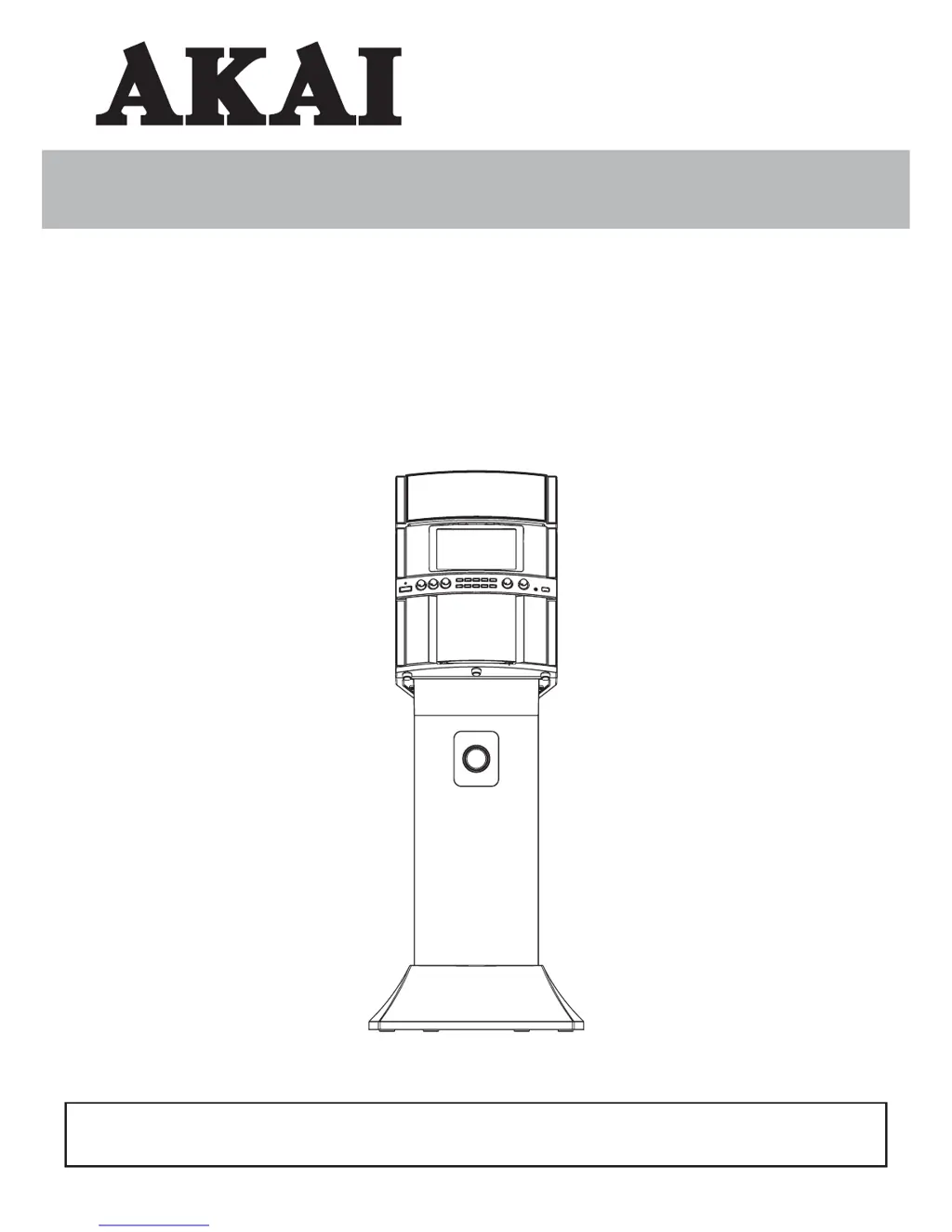
INSTRUCTION MANUAL
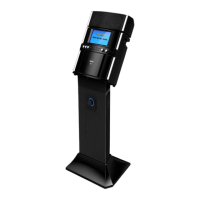
KS808
CD+G/MP3+G Karaoke System
With Speaker Pedestal
Thank you for purchasing this Karaoke System. Please read this instruction manual carefully before
using this product to ensure proper use. Keep this manual in a safe place for future reference.

Questions and Answers

  • N
    Nathan CampbellAug 13, 2025
    Why is there no sound from my Akai KS808 when connected to a home stereo?
    • A
      Andrea LopezAug 13, 2025
      If you're not getting any sound when your Akai Karaoke System is connected to a home stereo, there could be a few reasons. First, make sure the source selection on your stereo is correctly set to AUX IN. Second, ensure that the connection to the stereo system is properly set up. Third, check that the white and red RCA cords are securely inserted into both the karaoke system and the home stereo system.
  • H
    Hannah HuertaAug 17, 2025
    What to do if no song lyrics appear on the TV screen with my Akai KS808 Karaoke System?
    • K
      Kristopher WilliamsAug 17, 2025
      If the song lyrics are not showing on the TV screen when using your Akai Karaoke System, ensure the video cable is properly connected from the karaoke system’s VIDEO OUT to the TV VIDEO IN. Also, check that the source selector on your TV is set to VIDEO. If your TV lacks a video line input, connect the system's VIDEO OUT to the VIDEO IN on your VCR/Home theater. Finally, make sure the disc is a CD+G and clean.
  • A
    Alyssa JohnstonAug 21, 2025
    What to do if there is no sound from my Akai KS808 Karaoke System mic?
    • K
      Karen SchroederAug 21, 2025
      If you're not getting any sound from the microphone on your Akai Karaoke System, first, check the mic volume control and adjust it from minimum to a comfortable level. Also, make sure the microphone is turned on using the ON/OFF switch located on the microphone.
  • P
    Paul PerryAug 25, 2025
    Why Akai KS808 CD Player does not work normally?
    • W
      walkerrachelAug 25, 2025
      If the CD player on your Akai Karaoke System isn't working correctly, it might be due to several reasons. First, ensure the disc is inserted correctly. Second, the disc may be dirty, so wipe it clean with a soft cloth. Third, the disc may be scratched or warped, so try using a new disc. Fourth, make sure you are using a disc with the correct identification logo. Fifth, moisture may have formed inside the CD deck, so wait about 20 - 30 mins to let it dry out. Finally, the karaoke system may need a reset. Disconnect the machine from the power source for 30 seconds then reconnect.
  • K
    Katherine FowlerAug 28, 2025
    How to troubleshoot no power on my Akai Karaoke System when plugged in?
    • A
      April JimenezAug 28, 2025
      If your Akai Karaoke System has no power when plugged in, the AC outlet may not have power. Check the outlet with a working lamp or other electrical appliance.
  • J
    Joan WatersSep 1, 2025
    How to fix no video displayed on the TFT Screen of Akai Karaoke System?
    • L
      lilisaSep 1, 2025
      If no video is displayed on the TFT Screen of your Akai Karaoke System, first ensure that the TFT Screen is turned ON using the Screen button. Second, if you are playing a regular music CD, no image will be displayed. Ensure you are playing a CD+ Graphics or CD+G Karaoke disc.
  • J
    Jonathan PattersonSep 5, 2025
    How to troubleshoot no power when POWER is on in Akai Karaoke System?
    • M
      Martin McdonaldSep 5, 2025
      If your Akai Karaoke System has no power even when the POWER is on, the AC adapter might not be correctly connected. Ensure the AC adapter is plugged into a wall outlet and the connector is plugged into the power supply jack on the back of the unit.
  • A
    Angela FergusonSep 8, 2025
    What to do if there is no sound from TV with my Akai Karaoke System?
    • K
      kimberlyleSep 8, 2025
      If you are experiencing no sound from the TV when using your Akai Karaoke System, first, check that the TV system volume is not set to minimum and increase it. Second, ensure that the TV system is powered on. Third, verify that the white and red RCA cords are securely inserted into both the karaoke system and the TV system.

Summary

WHATS IN THE BOX

WARNINGS AND SAFETY PRECAUTIONS

General Safety Guidelines

Covers fire/shock hazards, user-serviceable parts, and symbol meanings.

Specific Operational Warnings

Details warnings on dripping, ventilation, laser safety, and FCC compliance.

IMPORTANT SAFETY INSTRUCTIONS

General Safety Guidelines

Covers essential safety instructions for operating, cleaning, and placing the unit.

Specific Safety Precautions

Covers lightning, overloading, liquid entry, servicing, damage, and user restrictions.

CONTROL LOCATION

Main Unit Controls

Diagrams and labels for the front, control panel, and back of the main unit.

Speaker Pedestal Controls

Diagrams and labels for the front and back of the speaker pedestal.

TFT DISPLAY ICON

SETTING UP THE UNIT

Assembling the Pedestal Unit

Step-by-step guide for assembling the speaker pedestal base and stand.

Assembling Main Unit to Pedestal

Instructions for attaching the main unit to the assembled speaker pedestal.

MAKING THE CONNECTIONS

Connecting Power

Guide for connecting the AC power adapter to the speaker pedestal and wall socket.

Connecting Main Unit to Pedestal Unit

Steps for connecting the DC power and audio cables between main and pedestal units.

Connecting to TV or VCR;Home Theater

Instructions for video connection using RCA cables to display lyrics on TV.

Selecting Source;Input on TV

How to select the correct input source on your TV or VCR for karaoke display.

Audio Connection

Connecting audio signals to external systems like TV, VCR, or home stereo.

Line In Connection Setup

How to connect an external music player using the Line-in jack.

Microphone Setup

Instructions for plugging in and using the microphones with the karaoke system.

CD;CD+G;MP3+G Operation

Basic Operation (Power, Loading, Playback)

How to turn the system on/off, load discs, and control playback.

Advanced Playback Features

Using skip, search, repeat, programming, key control, and effects.

Volume, Source, and Recording

Adjusting volume, selecting sources, and recording audio to USB.

USB Operation

USB Playback Basics

Inserting USB drive, playback controls, and track selection.

USB Playback Modes

Setting repeat playback and programming custom sequences for USB files.

CARE AND MAINTENANCE

General Unit Cleaning

Instructions for cleaning the unit exterior and CD laser lens.

Disc Handling and Cleaning

Proper methods for handling and cleaning compact discs.

TROUBLE SHOOTING

SPECIFICATION

THE KARAOKE MACHINE (GLOSSARY OF TERMS)

Karaoke Term Definitions

Definitions for terms like Echo, Multiplex, Auto Voice Control, and CD+G.

Akai KS808 Specifications

General IconGeneral
BrandAkai
ModelKS808
CategoryKaraoke System
LanguageEnglish

Related product manuals