Interface Set Up:
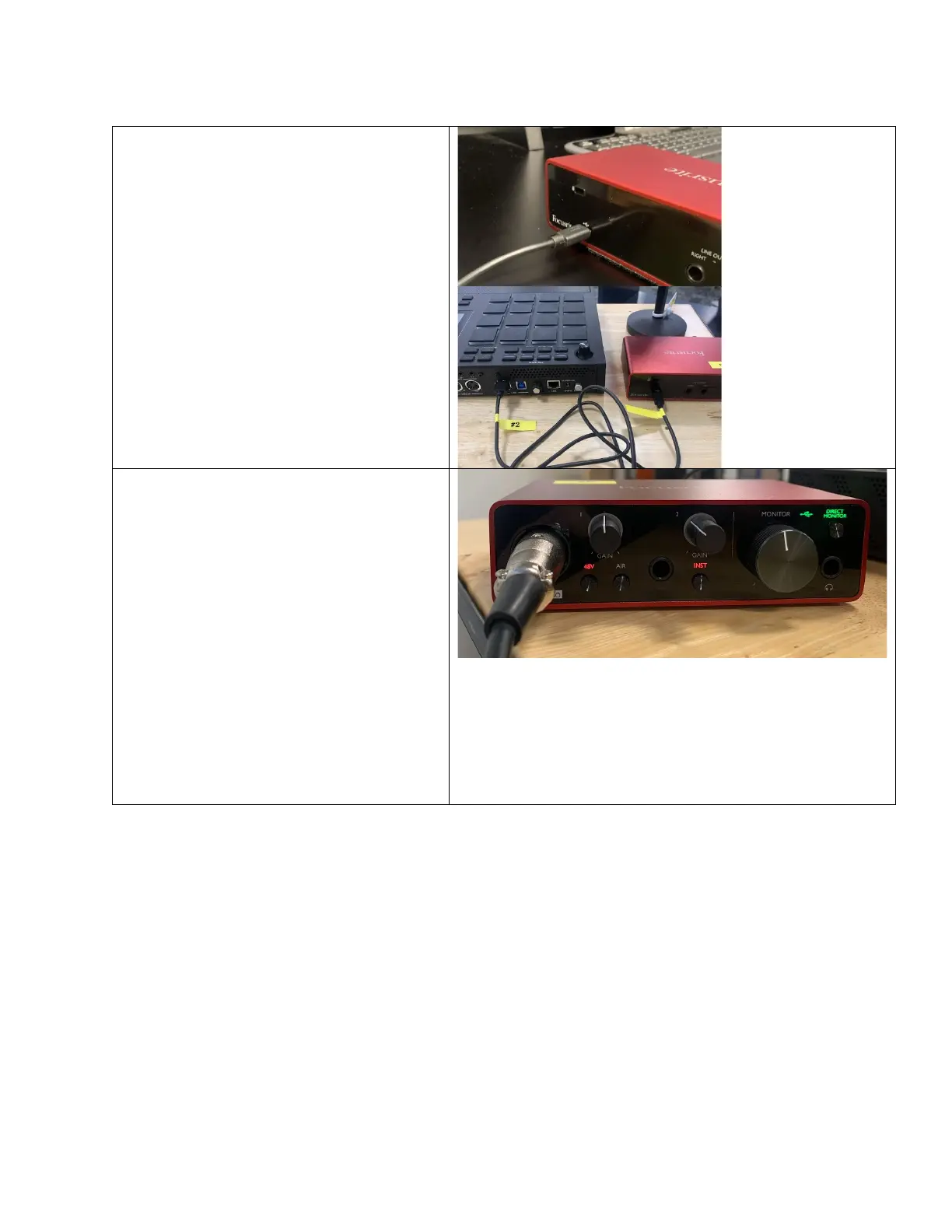
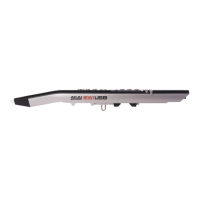
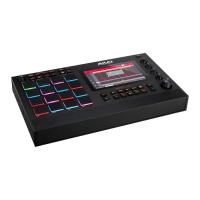
Plug the cable labeled Focusrite into
input 1 on the back of the MPC.
• Plug the other end into the back of
the Focusrite interface.
• Connect the mic to the interface with
the XLR cable.
Make sure that the interface has the
following sengs:
o 48V on and lit up (This gets
power to the interface.).
o Direct monitor on and lit up (This
allows you to monitor sound
coming through the mics.).
o Monitor and headphone knob
turned up (if you don’t hear
sound coming through the
headphones, check that this is
turned up).
o Gain knob turned up (This
controls the input level of the
mic.).
Note that when the interface is connected to the
MPC. The sound will run through the interface
and connected headphone not through the MPC
speakers or MPC headphones
.


 To Next Page