A:
1. Try to use the memory card in other devices. If it doesn’t work, the memory card may be faulty.
If it works on another device, make sure it is a Class 10 Micro SD card.
2. If the steps above prove that the memory card is functional. then the memory card slot might be faulty. Please
contact seller support for the resolution.
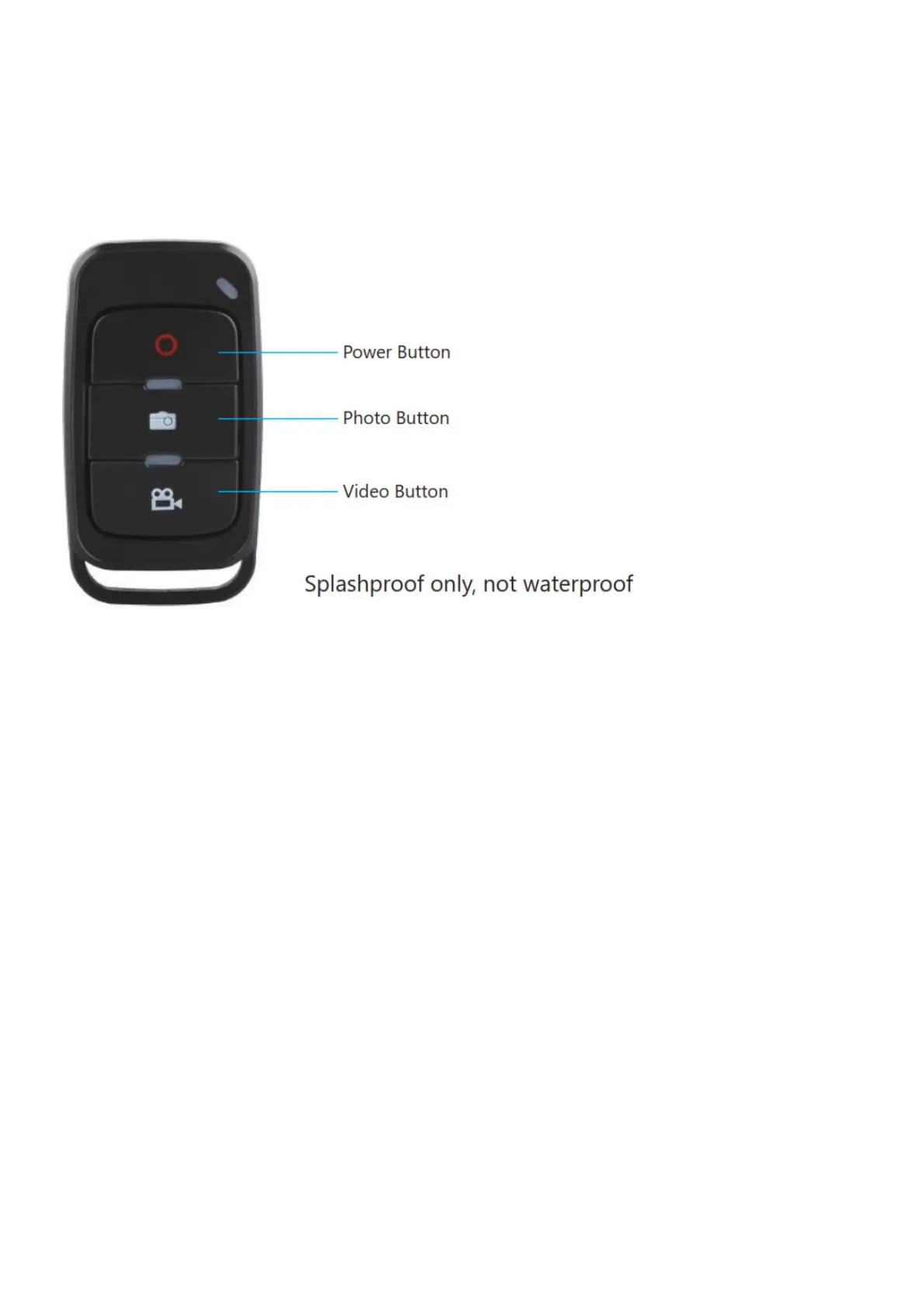
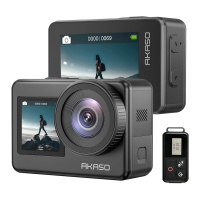
Remote
Power Button
Press the Power Button for 3s to turn on/off the remote.
How to Connect the Remote to Camera?
1. Press the Power/Mode Button on the camera.
2. Enter CameraSetting, turn on the BT.
3. Turn on the remote.
4. The screen shows the message “BT Paring”, then shows the message “BT Paired Success”.
Video Button
To record Video, verify the camera is in Video mode.
To start recording:
Press the Video Button. The camera will emit one beep and the camera light will flash while recording.
To stop recording:
Press the Video button again. The camera will emit one beep and the camera light will stop flashing.
Photo Button
To capture a photo, verify the camera is in Photo mode.
To take a photo:
Press the Photo Button, The camera will emit a camera shutter sound.
Burst Photo
To capture a Burst Photo series, verify the camera is in Burst Photo mode.
To take a Burst Photo series:
Press the Photo Button, The camera will emit a camera shutter sound.
To take a Burst Photo series:
Press the Photo Button, The camera will emit a camera shutter sound.
Time-Lapse Video
To record Video, verify the camera is in Time Lapse Video mode.
To start recording:
Press the Video Button. The camera will emit one beep and the camera light will flash while recording. The camera
records video at 1s/3s/5s/10s/30s/1m intervals.



 To Next Page