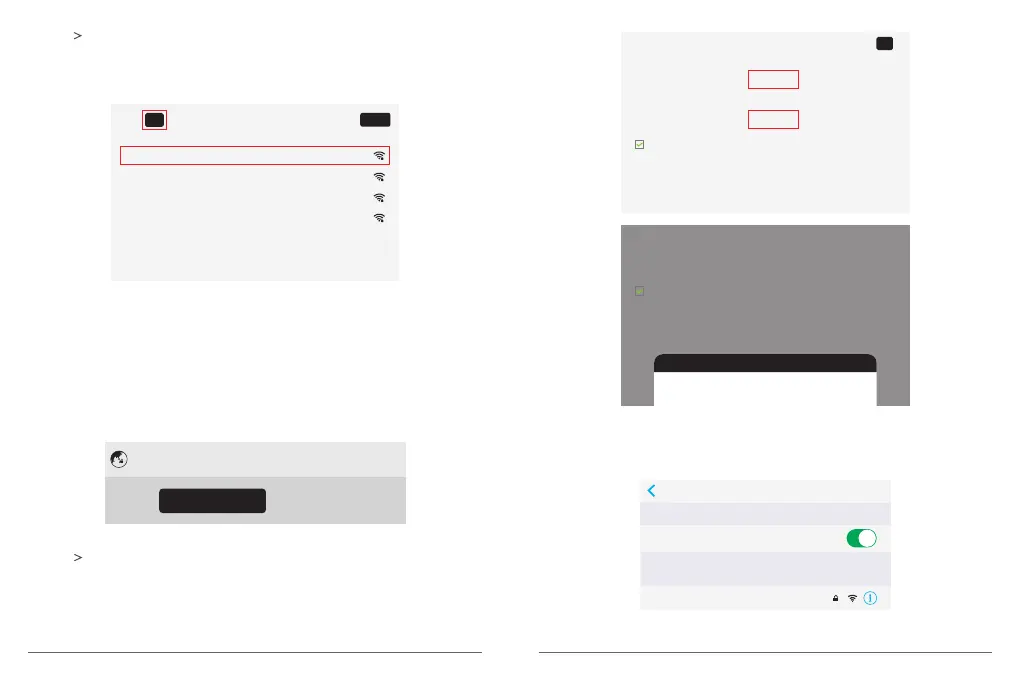
② Press on your control remote or move the mouse to OFF/ON button on the
projection screen to turn on the Wi-Fi.
After turning on the Wi-Fi, please select wireless network and type the password to
start to connect.(Follow the on-screen instructions to complete the network connection).
Home_01 (Saved) Connected
Home_02
Home_03
Home_04
Wi-Fi ON
Refresh
③ After connecting to Wi-Fi, you can download the app from Google play or browse
YouTube, NETFLIX directly.
B. Portable Wi-Fi hot spot
① Select [Convenient hot spot] and press OK on the remote(or click on the touch area of
the projector) to access the hot spot interface.
③ Use smart phone to select this hot spot, and enter password to connect.
Network settings
Wi-Fi
Convenient hot spot Ethernet Bluetooth
② Press on your control remote or move the mouse to OFF/ON button on the
projection screen to turn on the Easy Wi-Fi hot spot. On this interface, you can reset
Network SSID, password, the way of security and AP band(you can select 2.4G or 5G
signals, see the second screenshot below). Click “Save” to save the message.
Easy Wi-Fi hotspot
Network SSID
password
Show password
12345678
AKASO
Choose security
Select AP band
WPA2 PSK
ON
AKASO
password
Show password
12345678
Choose security
Select AP band
WPA2 PSK
2.4 GHz Band
2.4 GHz Band
5 GHz Band
Settings Wi-Fi
Wi-Fi
AKASO
CHOOSE A NETWORK...
09 10

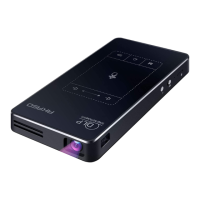

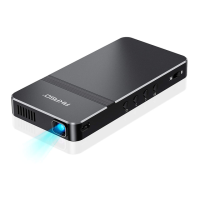
 To Next Page