- 53 -
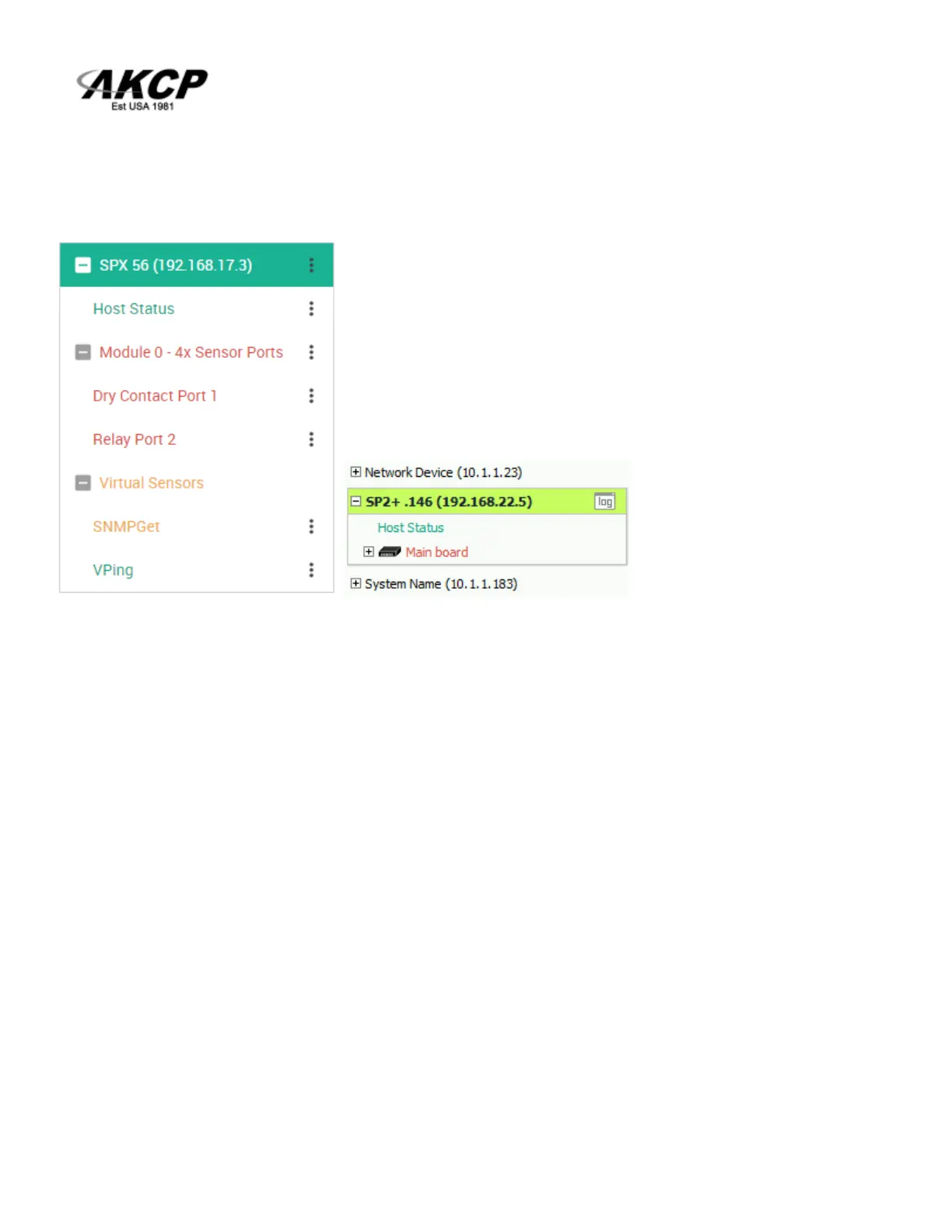
3. On your APS console, the SP+ unit will be added to the Server Explorer automatically, with an IP
address automatically assigned from the range you specified.
Important notes:
A) If the SP+ was previously added to the APS using a LAN IP, it has to be removed (delete
host). Connecting by VPN will use a different IP address for SP+ but the unit’s MAC address is
the same, and they’ll be in conflict. This is not an issue if the unit has never been added to
APS before.
B) If the SP+ unit was previously monitored by APS, you should do a “reset to factory defaults”
from the Maintenance menu to fully remove the APS integration from the unit (the existing IP
configuration can be kept).
C) The Virtual Sensor Ping cannot ping an IP address on the VPN network.



 To Next Page