SP+ Security Features Manual
- 11 -
Lockdown
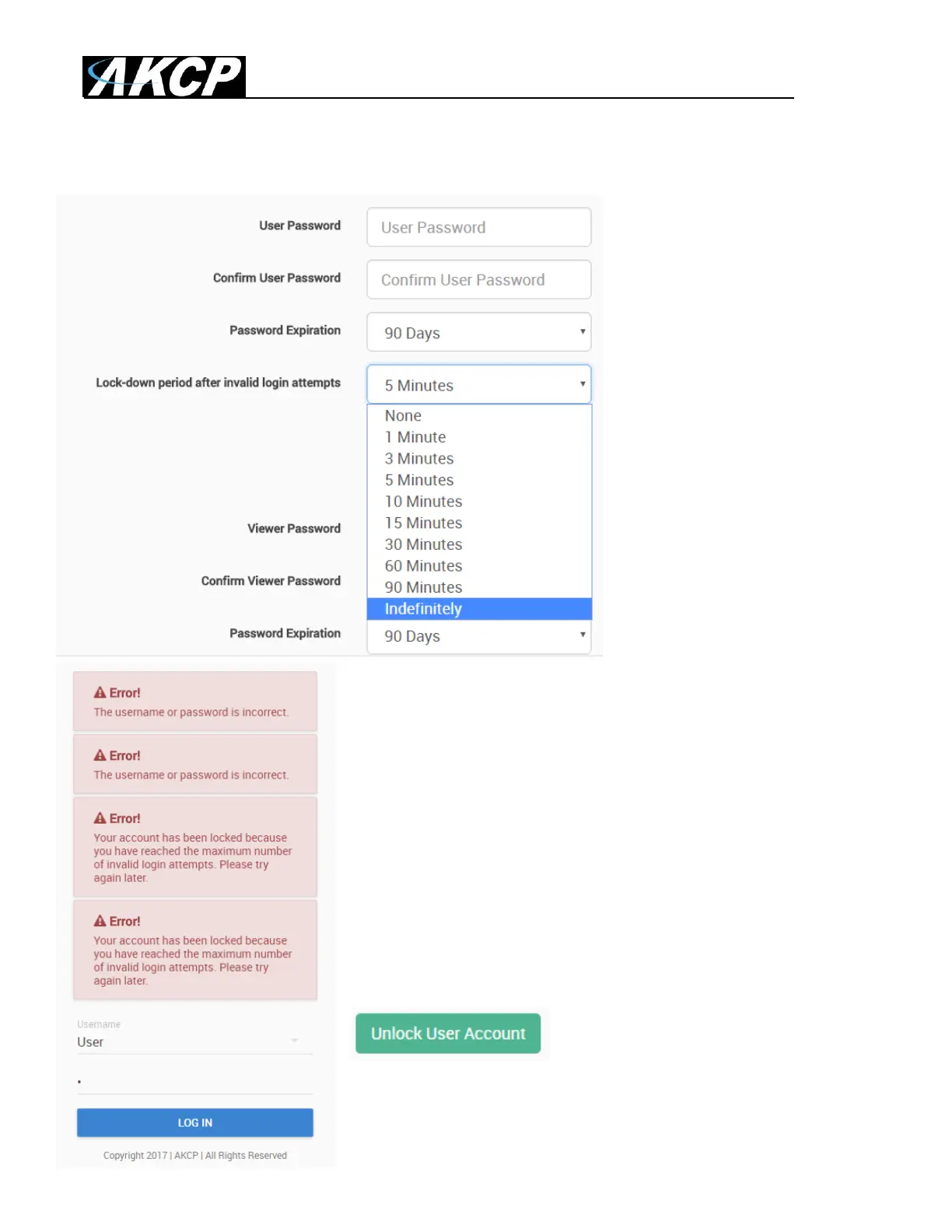
The accounts can be set to lock down the account after 3 invalid
login attempts, to prevent brute-force hacking attempts.
You can specify how long the account will automatically unlock
itself.
Note that for the Admin user, you can‟t select “indefinitely” as this
would prevent you from logging in to the Web UI if it has locked
itself.
If an account has been locked, you can unlock it immediately by
logging in with the Admin user, and by using the green unlock
button:



 To Next Page