SP+ Security Features Manual
- 16 -
Troubleshooting - How to generate a proper .PEM file from a Windows CA
First make the .PFX file export using the steps below:
(taken from https://www.sslsupportdesk.com/export-ssl-certificate-private-key-pfx-using-mmc-
windows/)
To backup, export an SSL certificate with its private key and intermediates performing the following
steps:
Step 1: Create an MMC Snap-in for Managing Certificates on the first Windows system where
the SSL certificate is installed.
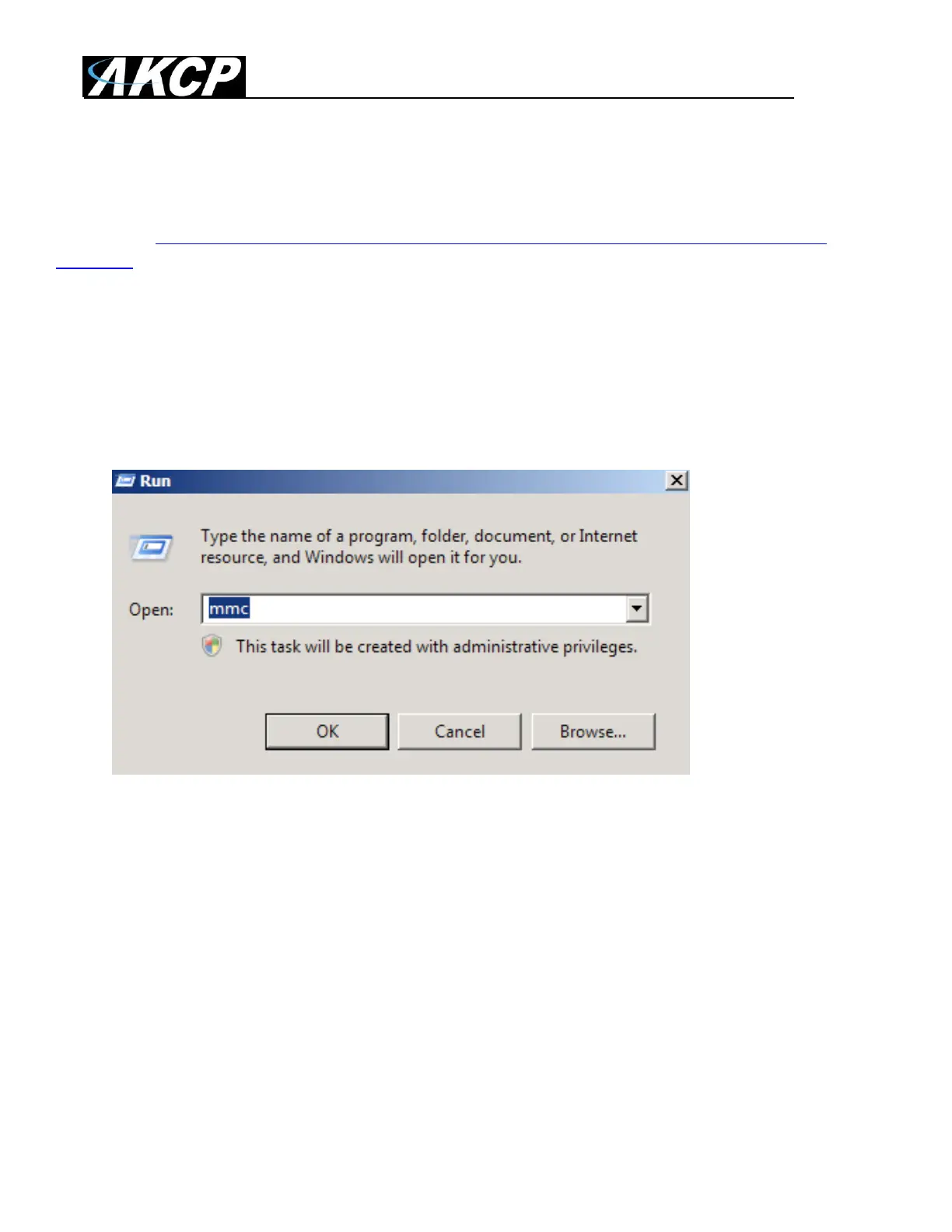
1. Start > run > MMC.



 To Next Page