SP+ Security Features Manual
- 14 -
Server Integration
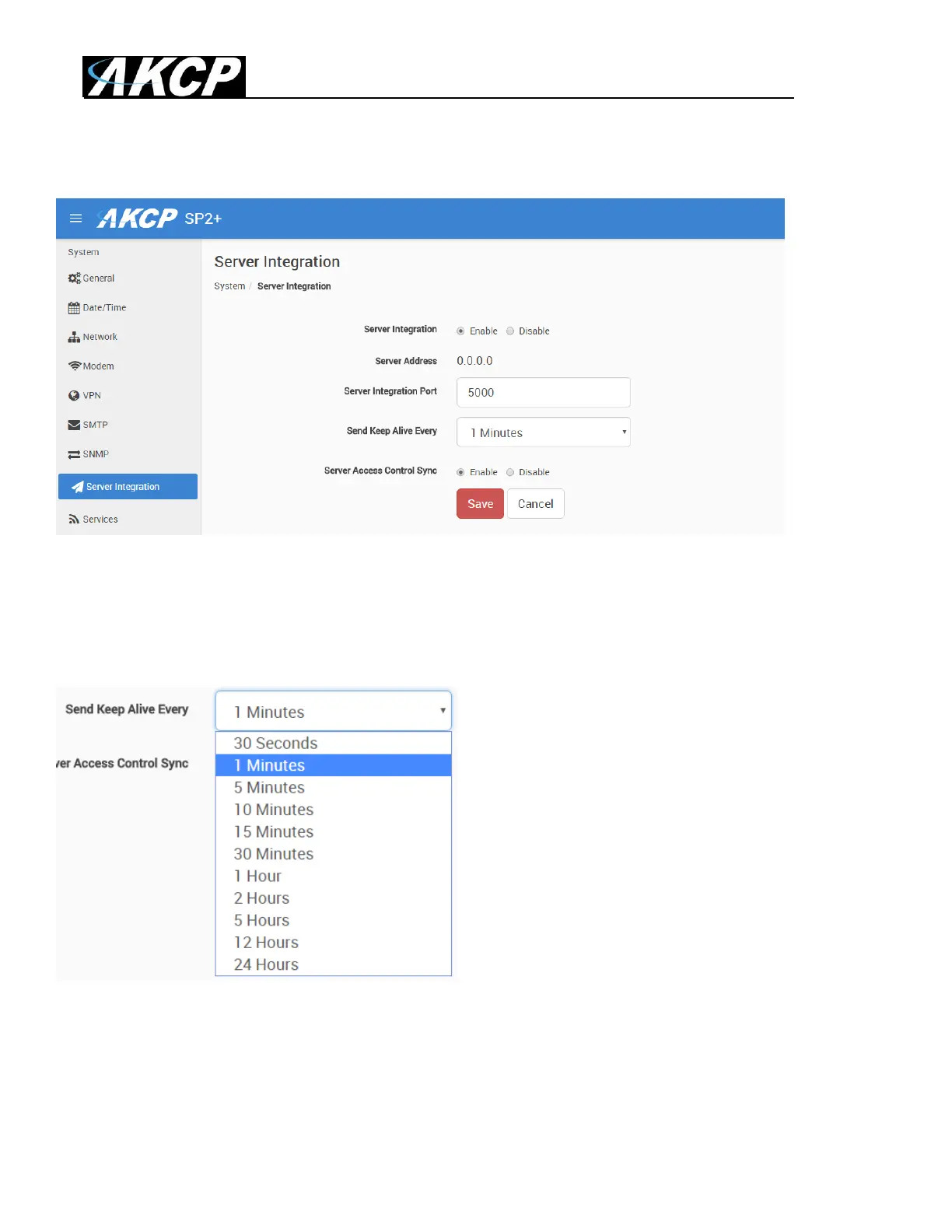
You can enable/disable controlling the unit via AKCess Pro Server.
If the unit has been added to the APS console, the server‟s IP address will be also displayed here.
You can change the APS port when the server‟s port changes, and the keep-alive period (heartbeat
sync to APS).
You may turn off the access control user sync separately, so that the user database will not be
updated together with APS.



 To Next Page