SP+ Security Features Manual
- 19 -
Step 2: Export/Backup certificate to .pfx file:
1. In MMC Double click on Certificates (Local Computer) in the center window.
2. Double click on the Personal folder, and then on Certificates.
3. Right Click on the Certificate you would like to backup and choose > ALL TASKS > Export
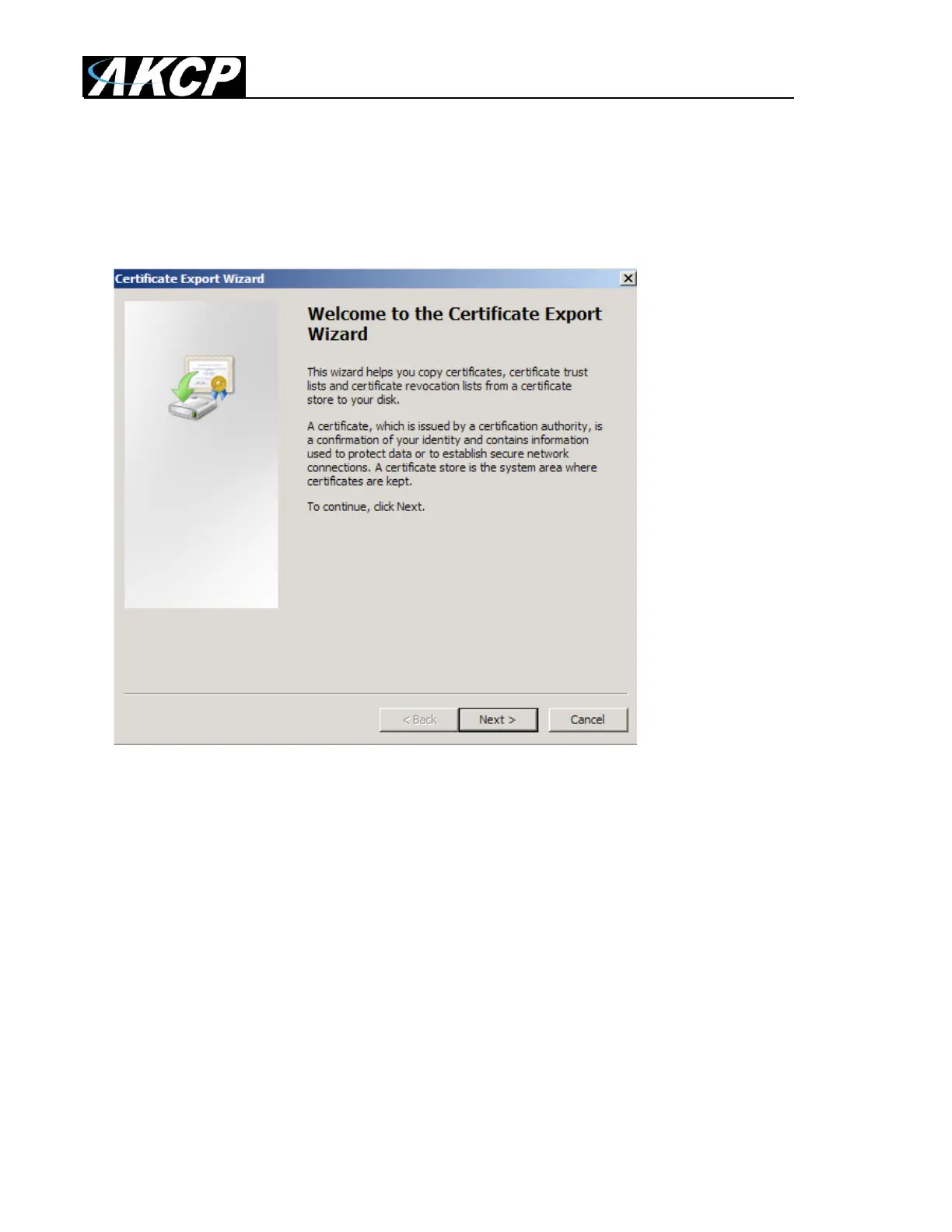
4. Follow the Certificate Export Wizard to back up your certificate to a .pfx file.



 To Next Page