EasyManua.ls Logo

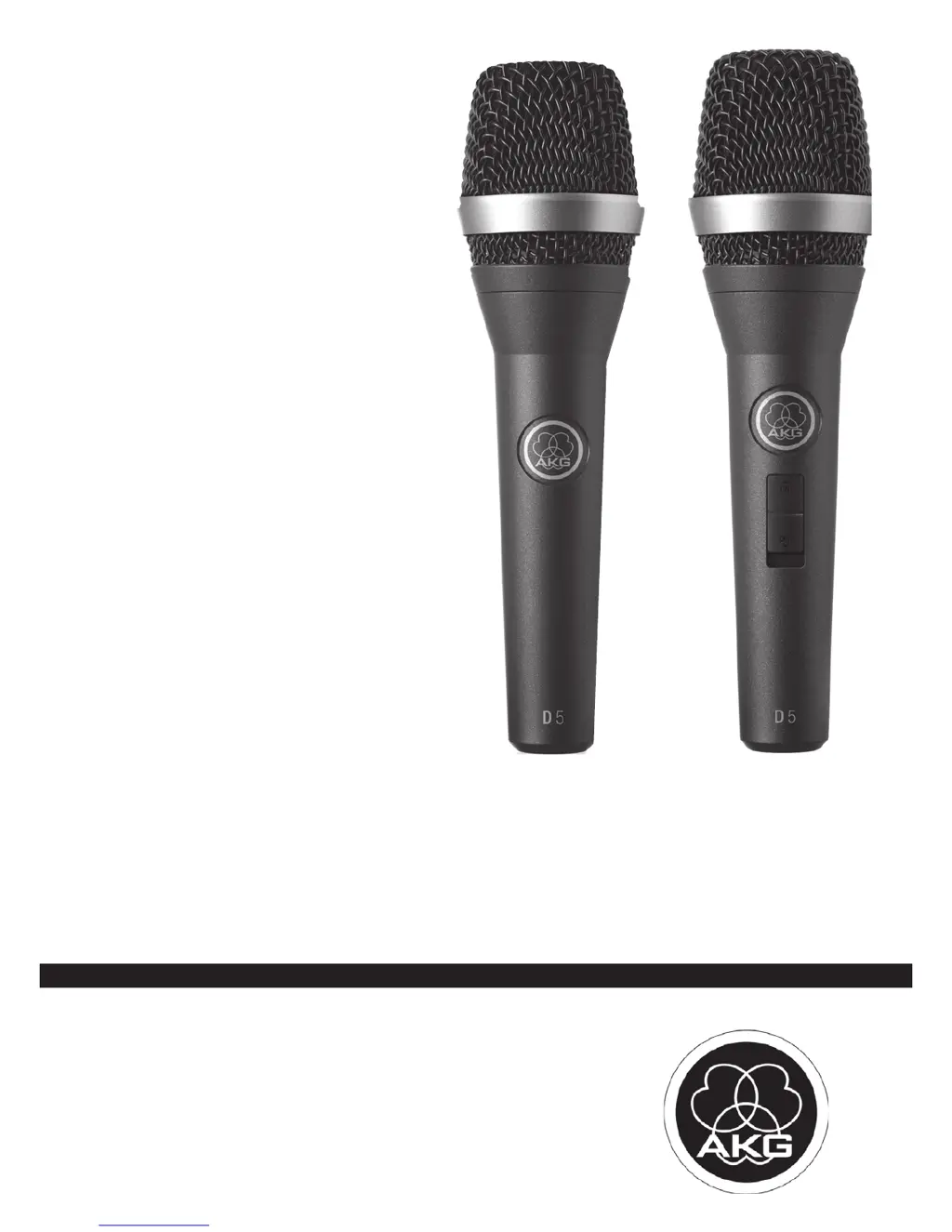
AKG D5 - User Manual

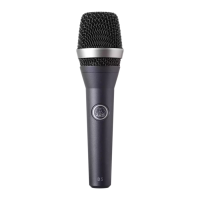
AKG D5
14 pages
Print Icon
To Next Page IconTo Next Page
Loading...
D5
D5S
VOCAL
BEDIENUNGSANLEITUNG ..........S. 2
Bitte vor Inbetriebnahme des Gerätes lesen!
USER INSTRUCTIONS ...............p. 12
Please read the manual before using the equipment!
MODE D’EMPLOI .....................p. 22
Veuillez lire cette notice avant d’utiliser le système!
ISTRUZIONI PER L’USO .............p. 32
Prima di utilizzare l’apparecchio, leggere il manuale!
MODO DE EMPLEO ...................p. 42
¡Sirvase leer el manual antes de utilizar el equipo!
INSTRUÇÕES DE USO ...............p.
Favor leia este manual antes de usar o equipamento!
52

Questions and Answers

  • L
    lindawashingtonAug 11, 2025
    What to do if my AKG D5 has no sound?
    • C
      Christina ChanAug 11, 2025
      If your AKG Microphone produces no sound, several factors could be at play. First, ensure that the power to both the mixer and/or amplifier is switched on. If they are on, check that the channel or master fader on the mixer, or the volume control on the amplifier, isn't set to zero; adjust them to the desired level. Also, verify that the microphone is correctly connected to the mixer or amplifier. Loose cable connectors can also cause this issue, so check that they are securely seated. Finally, a defective cable could be the culprit, so inspect the cable and replace it if necessary.
  • J
    Jason HenryAug 19, 2025
    Why does my AKG D5 Microphone sound distorted?
    • J
      judy32Aug 19, 2025
      If you're experiencing distortion with your AKG Microphone, it could be due to the gain control on the mixer or transmitter module not being set correctly. Adjust the gain control to eliminate the distortion. Alternatively, the mixer input sensitivity might be too high. In this case, insert a 10 dB preattenuation pad between the microphone cable and the input.
  • L
    Lindsay JonesAug 27, 2025
    How to fix AKG Microphone sound that becomes dull?
    • D
      Daniel FitzpatrickAug 27, 2025
      If the sound quality of your AKG Microphone is gradually becoming duller, it might be because the internal or external windscreen is dirty, which attenuates high frequencies. To resolve this, clean the internal or external windscreen.
  • W
    williamburkeSep 2, 2025
    How to fix AKG Microphone sound becoming dull?
    • B
      Brandon PotterSep 2, 2025
      If the sound of your AKG Microphone becomes duller over time, try cleaning the internal or external windscreen.

AKG D5 Specifications

General IconGeneral
Transducer TypeDynamic
Polar PatternSupercardioid
Sensitivity2.6 mV/Pa
Impedance600 Ohms
Connector3-pin XLR
Weight340 g
Frequency Response70 Hz - 20 kHz

Related product manuals