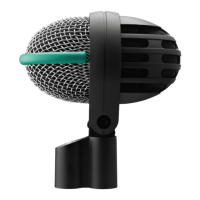
A handheld vocal microphone provides many ways of shaping
the sound of your voice as it is heard over the sound system.
The following sections contain useful hints on how to use your
microphone for best results.
Basically, your voice will sound the bigger and mellower, the
closer you hold the microphone to your lips. Moving away from
the microphone will produce a more reverberant, more distant
sound as the microphone will pick more of the room’s reverber-
ation.
You can use this effect to make your voice sound aggressive,
neutral, insinuating, etc. simply by changing your working
distance.
Proximity effect is a more or less dramatic boost of low fre-
quencies that occurs when you sing into the microphone from
less than 2 inches. It gives more "body" to your voice and an in-
timate, bass-heavy sound.
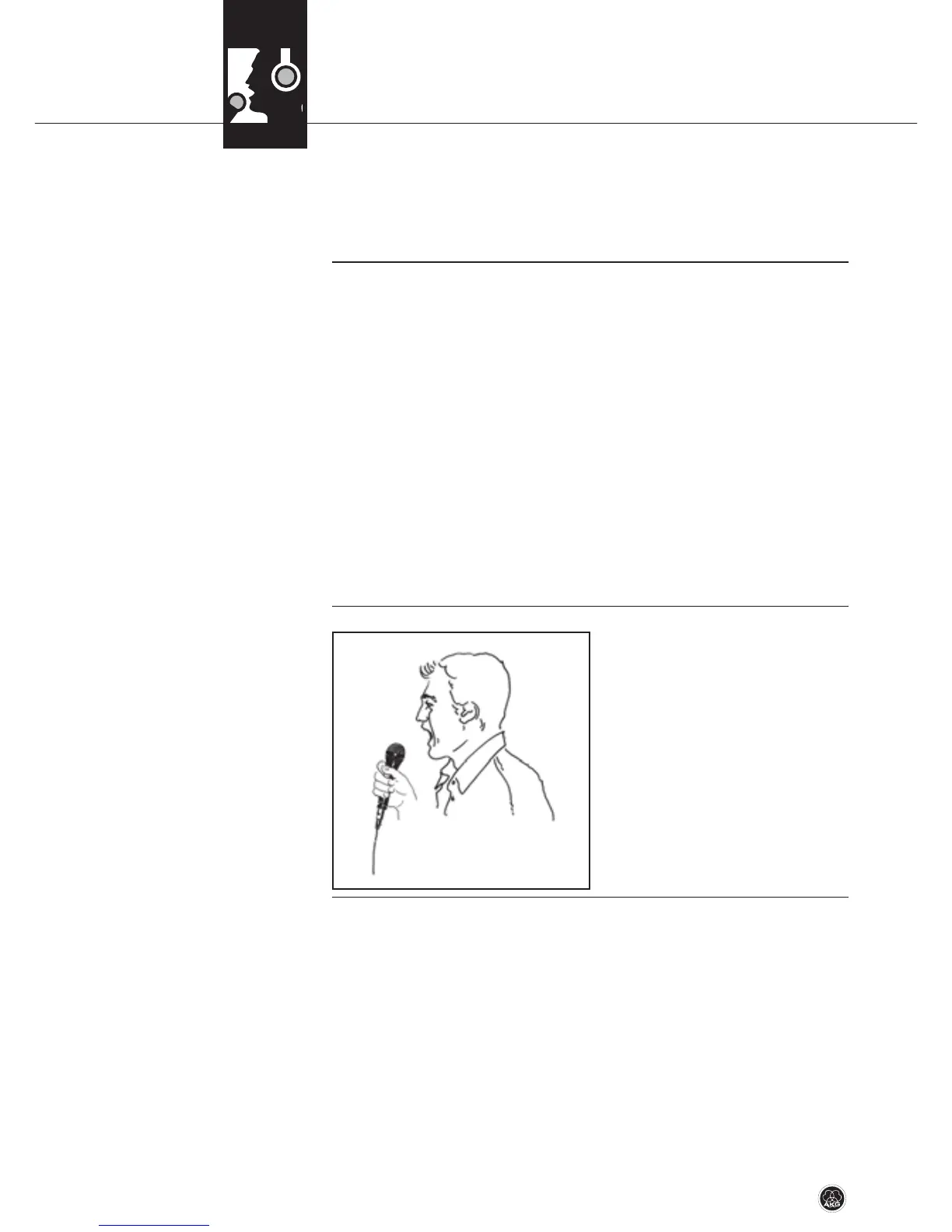
If you sing directly into the mi-
crophone, it will not only pick
up excessive breath noise but
also overemphasize "sss", "sh",
"tch", "p", and "t" sounds.
• Therefore, sing to one side of
the microphone or above and
across the microphone’s top.
This provides a well-bal-
anced, natural sound.
3 Using your microphone
3.1 Introduction
3.2 Working Distance
and Proximity Effect
3.3 Angle of Incidence
Refer to fig. 1.
Fig. 1: Typical micro-
phone position.
16 D 7/D 7 S/D 7 LTD



 To Next Page