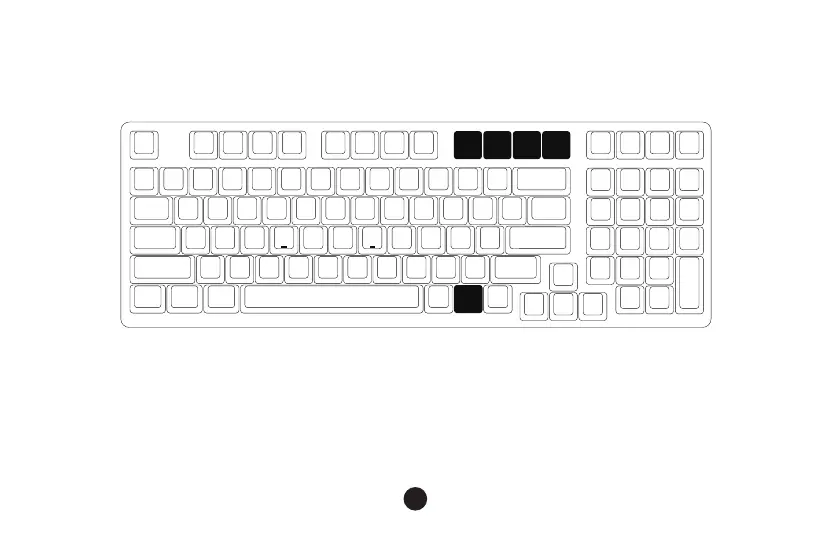
Fn+ =
3098S Custom Backlight
15
1. The keyboard provides 4 groups of Fn + (F9 ~ F12) customizable lighting effects.
The system has 4 groups of default pre-loaded lighting effects that can be triggered.
2. Press Fn + (F9 ~ F12) to trigger custom lighting effects.
3. Edit custom lighting effects:
Step 1. Press Fn + (F9 ~ F12) to enter the custom lighting mode.
Step 2. Press Fn + (F9 ~ F12) again to start editing. Press to specify the desired illuminated keys for the
specific lighting effect group.
Step 3. Continue to press Fn + (F9 ~ F12) to save the changes.
Fn
F9 F10 F11 F12


 To Next Page