it may cause transmission to stop between some words) and allows you to speak at a steady rate with no loss of
transmission.
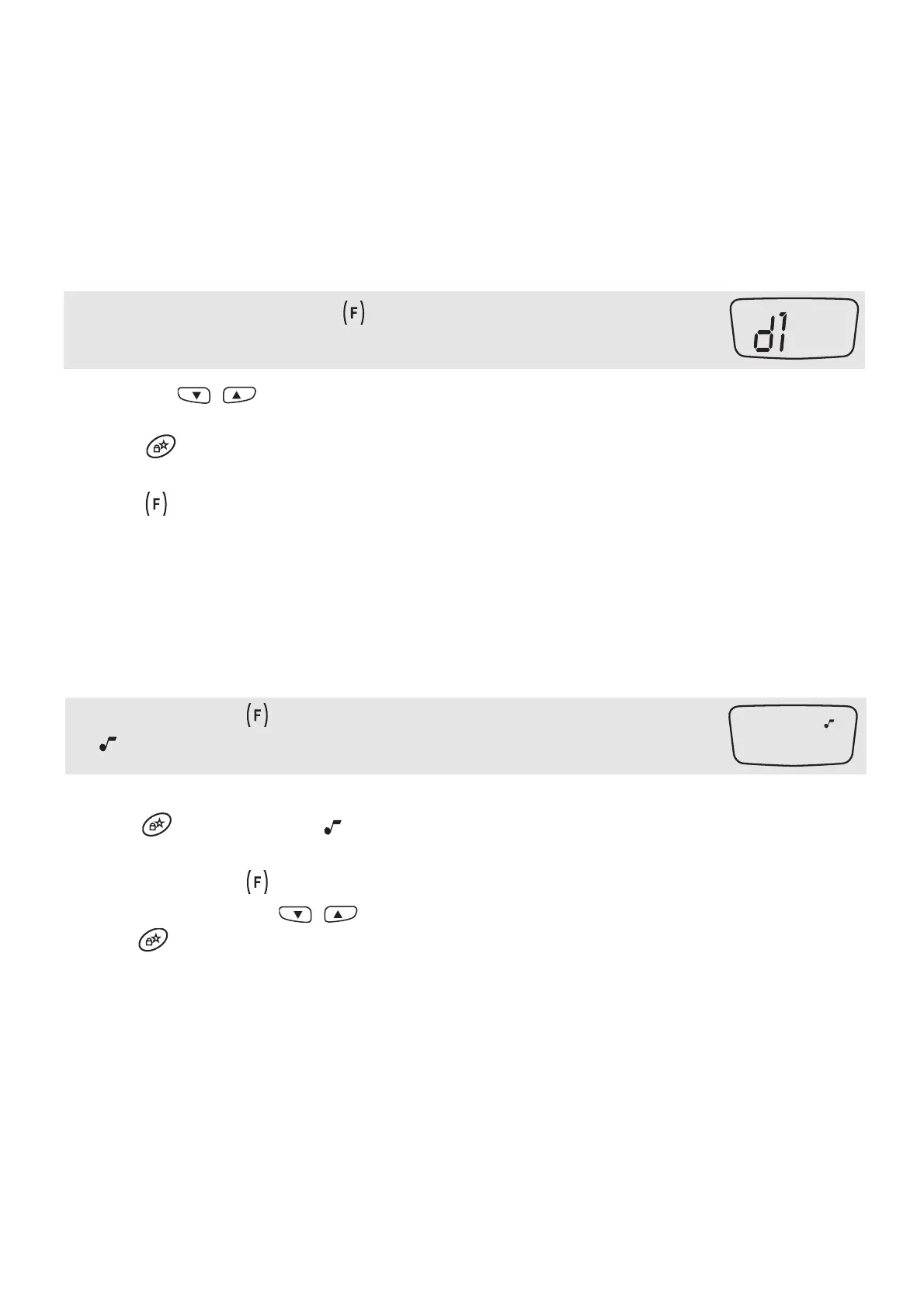
To enable this feature, press once the [8] button.
On the display:
Use again the / [6] keys to select the desired delay:
• d1: short delay • d2: medium delay • d3: long delay
Press the [7] or turn the unit off to store your setting.
14 To disable the VOX mode
press the [8] button on the front of the radio for longer than 2 secs.
Other functions
15 ROGER BEEP: end transmission tone
When PTT [11] is released the radio will beep to confirm to other users that your transmission has finished. This
feature is disabled by default.
To enable it, follow these steps:
1. Press repeatedly the [8] key until the LCD shows:
: BLINKING.
2. Select “oN” using the “UP” key [6].
3. Press [7] for confirmation. icon appears on the display [3].
16 Disabling the Keypad/switching on beeps
1. Press repeatedly the [8] key until the LCD shows “oN” and “BEEP” blinks.
2. Select “oF” by means of / [6] keys.
3. Push [7] to store the setting; “BEEP” disappears.
17 SCAN and B.SCAN
The SCAN mode monitors the busy channels. It is used to check the traffic radio on the 8 channels before trans-
mitting and allows the unit to stop on a channel that someone is talking on. When the radio stops on a busy chan-
nel, the scan will resume after about 5 seconds.
To enable SCAN:



 To Next Page