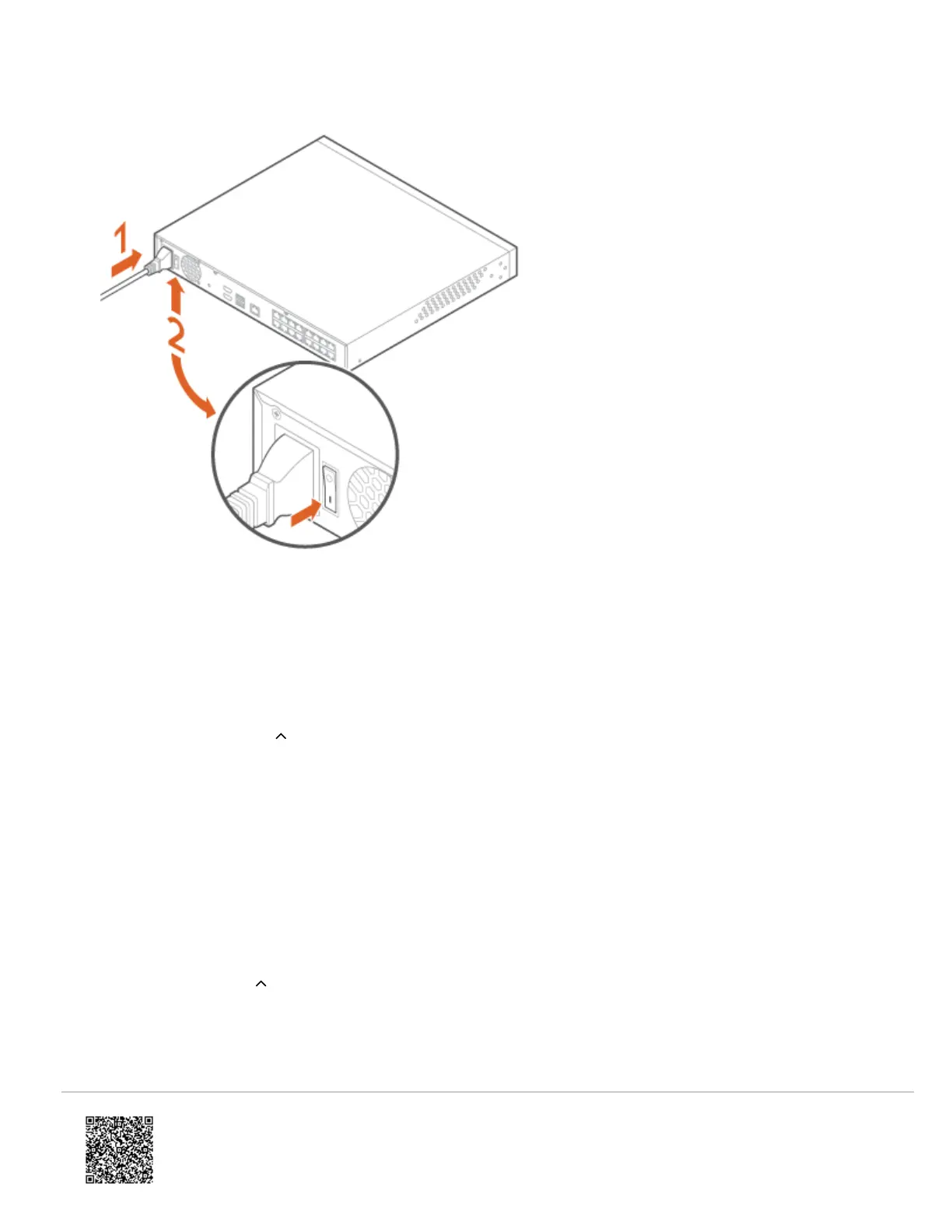
11. Plug in and power on the the CSVR.
12. Once the CSVR device is back online. The drives must be discovered using the Partner Portal or MobileTech app.
Discover drives after replacing them
Using the MobileTech app:
1. Log into the MobileTech app.
2. Find the customer account.
3. Tap Equipment.
4. Tap the name of the desired video device.
5. Tap Configure Video Device.
6. Tap Discover Drives.
Using the Partner Portal:
1. Log into the Partner Portal.
2. Find the customer account.
3. Click Equipment.
https://answers.alarm.com/Partner/Installation_and_Troubleshooting/Video_Devices/Commercial_Stream_Video_Recorder_(…
Updated: Thu, 14 Apr 2022 20:22:51 GMT
4


 To Next Page
 Loading...


