Page 4
Radio operation (cont)
NOTE: FM frequencies run at the top of the dial & MW (AM) frequencies
along the bottom.
For FM reception: you will need to extend the FM antenna fully, and in some
cases move it around until you receive the best possible signal.
For MW reception: the built-in ferrite antenna is used, meaning to receive the
best signal you may need to move the entire unit around until the best signal is
found.
Cassette operation
Cassette playback
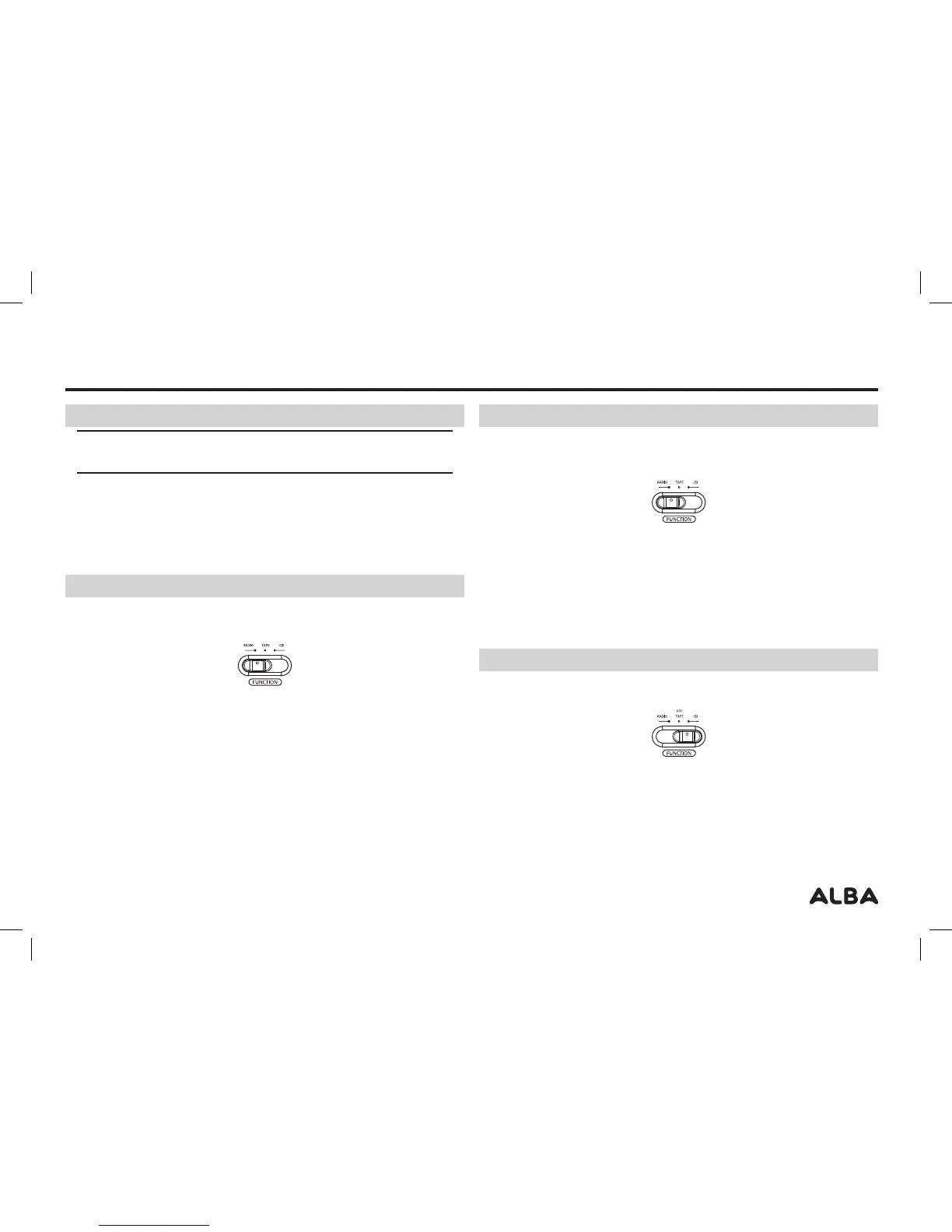
1: Set the FUNCTION SELECTOR switch to the OFF/TAPE position
2: Press the STOP/EJECT button to open the cassette door, insert a cassette into
the compartment and close the door.
3: Press the PLAY button, and adjust to the required volume level. When the tape
comes to the end it will automatically stop and the button will release.
4: During playback the cassette can be fast forwarded by pressing down the
FAST FWD button or rewound with the REWIND button. Pressing STOP/EJECT
will cancel all functions.
5: To pause playback of a cassette press the PAUSE button, to enable playback
press the PAUSE button again.
6: To eject the cassette press the STOP/EJECT button to cancel any functions,
then press again to open the cassette compartment door and remove the
cassette.
Cassette operation (cont)
Recording from the Radio / CD
1: Set the FUNCTION SELECTOR switch to the RADIO or CD position.
2: Tune in the radio station you wish to record (see Radio Operation Page 3), or
load a CD (see CD Operation Page 4) Insert a blank (recordable) cassette into
the unit.
3: Press the RECORD and PLAY button at the same time to start recording.
4: When finished press the STOP/EJECT button. or leave the recording until the
cassette reaches the end where it will stop automatically.
CD operation
General playback
1: Set the FUNCTION SELECTOR switch to the ‘CD’ position.
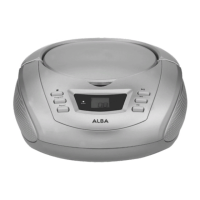
2: Open the CD lid using the OPEN/CLOSE latch. Load a compatible disc with the
label facing upwards.
3: The unit will scan the disc and then display the total number of tracks on the
LED DISPLAY.
4: Press the CD-PLAY/PAUSE button to begin playback. The current track number
will be displayed on the LED DISPLAY and a dot will appear on the display.
User instructions



 To Next Page