36 English
English
4. Main menu
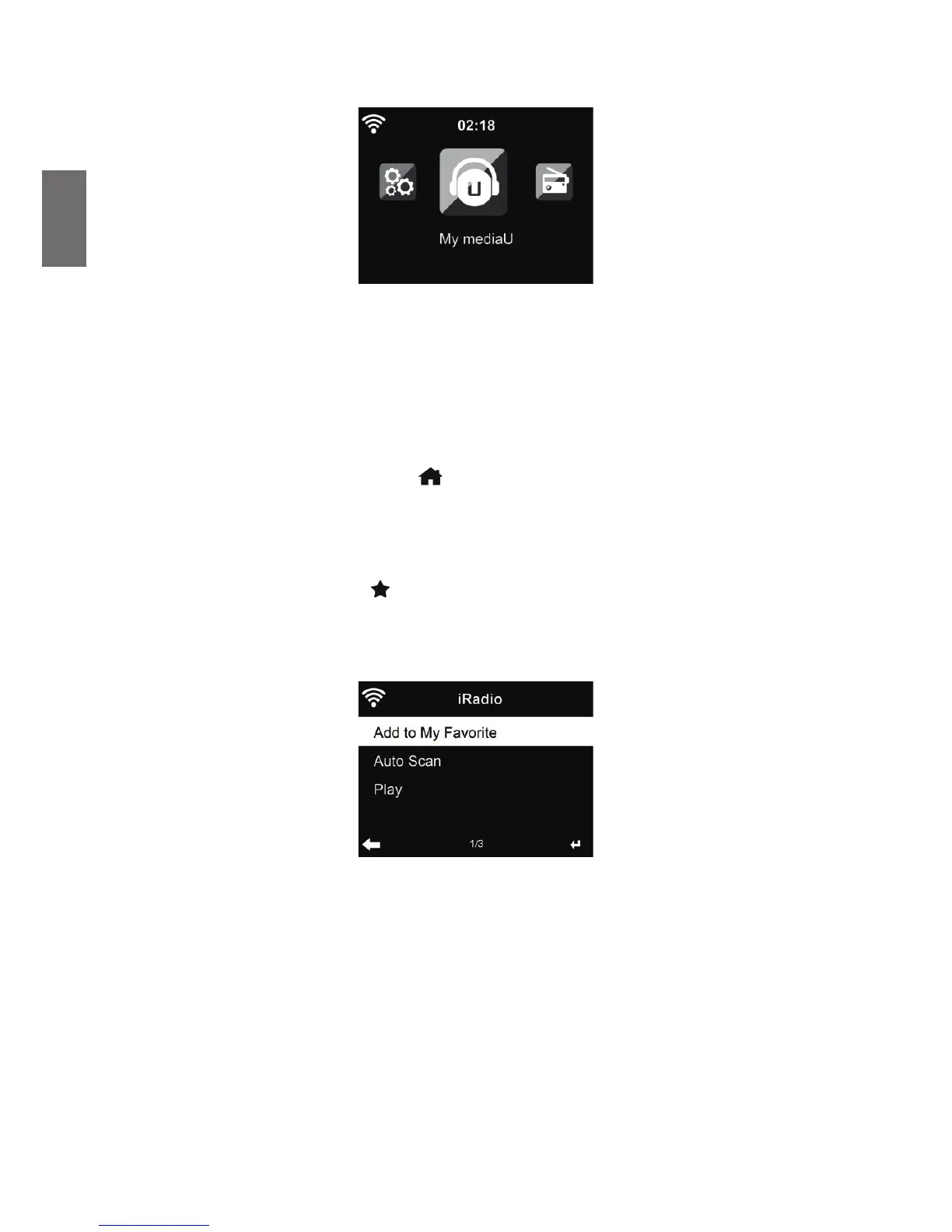
In the main menu you can select the following modes: Internet Radio, Media Center, FM, DAB+,
Information Center, Con guration and My mediaU (if activated, see chapter 6 My mediaU ).
5. Internetradio
The DAB radio mode receives DAB/DAB+ digital radio and displays information about the station.
To switch to Internetradio-mode, press
, select Internet Radio and con rm with OK. After
connecting any station, the bit rate and the format of the station are displayed on the playing screen.
5.1. My Favorite
Create a list of your favorite preset stations. It supports 250 favorite entries including stations and
folders.
To store a station, press and hold
and select the required memory with ▲/▼ and con rm with
OK. You may replace a previous saved station with a new one.
You can also save the station to your favorites while scrolling through the station list. When the
station is highlighted you can press ► to enter this menu where you can add the station to your
favorites.
If the selected station has been saved, you cannot save it again.
In the preset station list, move to your station, press OK to listen. You may also press ► to enter
its submenu to Delete, Shift Up/Down (move station to a different memory slot), Rename or Play.



 To Next Page