EasyManua.ls Logo

Albrecht DR 883 - User Manual

Albrecht DR 883
96 pages
Go to English
Print Icon
To Next Page IconTo Next Page
Loading...
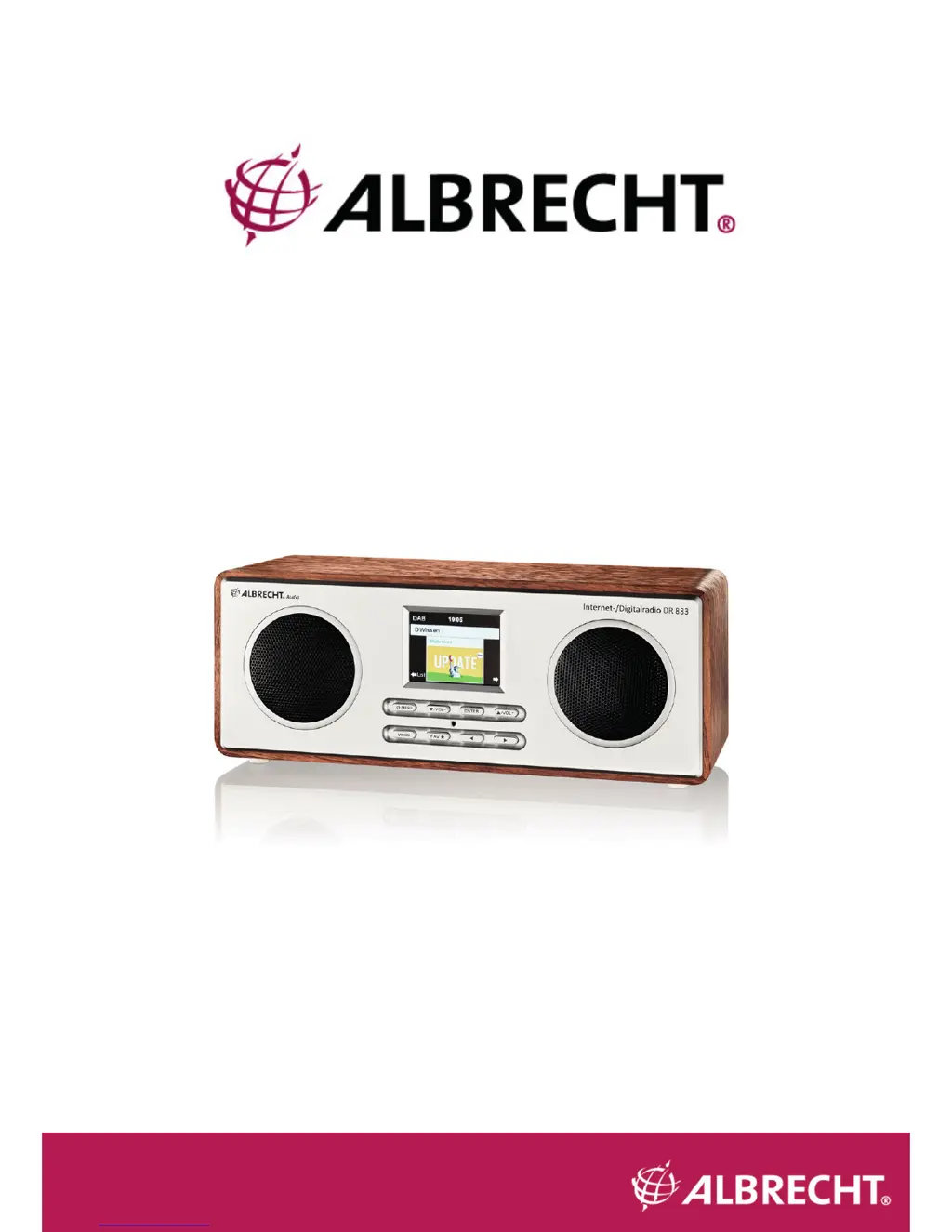
ALBRECHT DR 883
Bedienungsanleitung / Manual
Deutsch / English / Français / Italiano
Internet- und Digitalradio/UKW

Table of Contents

Questions and Answers

  • J
    James MillsAug 14, 2025
    How to fix no network connection on Albrecht DR 883 Radio?
    • A
      Aaron KelleyAug 14, 2025
      If your Albrecht Radio cannot establish a network connection, here are some things to try: * Check the WIFI function. * Try setting a static IP address on the device. * Activate the DHCP function on your router and then try connecting the device again. * If a firewall is activated on the network, configure it to allow access for the radio. * Reboot the radio.
  • D
    David SchmidtAug 18, 2025
    What to do if my Albrecht DR 883 Radio WIFI connection cannot be established?
    • J
      Jon DavisAug 18, 2025
      If your Albrecht Radio is unable to establish a WIFI connection, consider the following: * Verify that the WIFI network is available on your access point. * Move the radio closer to the router to improve signal strength. * Ensure that you are using the correct WEP/WPA password for the network.
  • K
    Krista BaileyAug 21, 2025
    Why my Albrecht DR 883 does not switch on?
    • B
      Benjamin SmithAug 21, 2025
      If your Albrecht Radio does not switch on, try these solutions: * Ensure the power adapter is properly connected. * If the device is in an area with strong radio interference, this may cause a malfunction. Once the interference is gone, the device should work properly again.
  • I
    Ian RobertsAug 25, 2025
    How to fix no sound on my Albrecht Radio?
    • M
      Mark HarrisAug 25, 2025
      If there is no sound coming from your Albrecht Radio, try the following: * Make sure the sound is not muted by checking the mute settings. * Increase the volume to a suitable level.
  • J
    Jessica BakerAug 28, 2025
    What to do if my Albrecht DR 883 Radio is not finding any stations?
    • T
      Travis WrightAug 28, 2025
      If your Albrecht Radio is not finding any stations, consider the following: * Check the network, access point, and firewall settings to ensure they are configured correctly. * The station might be temporarily unavailable; try again later or select a different station. * The station's link may have changed, or the station may no longer be transmitting. Contact the provider for more information. * If you manually added the station, ensure the link is correct and re-enter it.
  • M
    Megan DavisAug 31, 2025
    Why doesn't the alarm work on my Albrecht DR 883 Radio?
    • L
      lauren76Aug 31, 2025
      If the alarm on your Albrecht Radio is not working, try these steps: * Ensure that the alarm is switched on. * Check the volume settings, referring to the solutions for 'No sound'. * If the alarm source is set to a station but there is no network connection, change the alarm source or reconfigure the network connection.
  • E
    Elizabeth JacksonSep 3, 2025
    What causes my Albrecht DR 883 Radio system to freeze suddenly?
    • M
      melanierogersSep 3, 2025
      If your Albrecht Radio's system freezes suddenly, here are a few things to try: * The radio might be overloaded. Reboot the unit. * Strong electromagnetic interference might be disturbing the normal function of the product. Reset the product to resume normal operation. * If the function still doesn't resume, try using the product in a different location.
  • M
    Maria EllisSep 6, 2025
    How to eliminate hiss in FM mode on my Albrecht Radio?
    • A
      Ashley SmithSep 7, 2025
      If you are experiencing a hiss in FM mode on your Albrecht Radio: * Check or move the FM antenna to improve the signal. * Try moving the radio to a different location to see if the hiss diminishes.
  • E
    eileen15Sep 10, 2025
    Why am I unable to do DLNA streaming on my Albrecht Radio?
    • J
      James EdwardsSep 10, 2025
      If you are unable to perform DLNA streaming on your Albrecht Radio, please check the following: * Ensure that the DR 883 and your device are on the same network and that the network connection is stable. * Verify that the settings on your streaming device are configured correctly.

Albrecht DR 883 Specifications

General IconGeneral
DAB+Yes
FMYes
CD PlayerNo
USB PortYes
Headphone JackYes
Alarm ClockYes
Frequency RangeFM: 87.5 - 108 MHz
ModulationDigital (DAB+), Analog (FM)

Related product manuals