43English
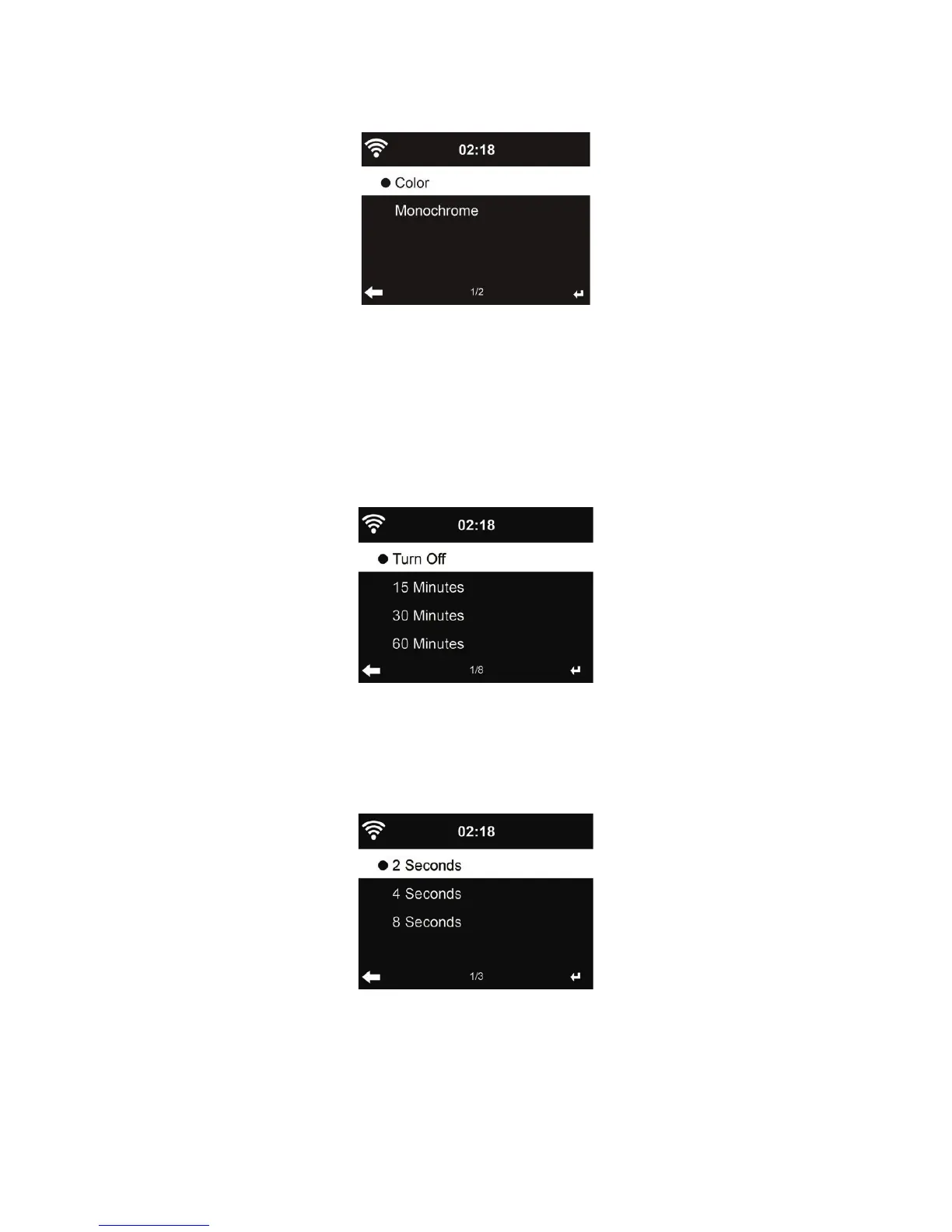
18.9. Display
Choose the style of display: Color or Monochrome
18.10. Power Management
Choose the power management timer (5/15/30mins) to set the duration of the radio to switch to the
standby mode automatically when no network connection is available.
Choose “Turn off” to ignore the power management function.
.
18.11. Sleeptimer
Turn off or set the sleep time to 15/30/60/90/120/150/180 minutes. Once the time is set, there will be
a bed icon with remaining minutes at the top right corner. The DR 883 will shut down once the time
runs out. Press Sleep on the remote control for the shortcut of this function.
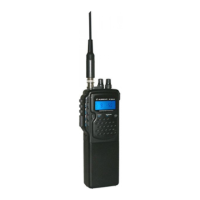
18.12. Buffer
Con gure the buffer time of the music playback, 2/4/8 seconds.



 To Next Page