40 English
18.3.3. Manual Confi guration
You can choose DHPC (which IP assigned automatically) or manually input IP address for wireless
network connection.
When you select manual setting for wired connection, the followings have to be entered:
1. SSID (the name of Access Point);
2. IP Address;
3. Subnet Mask;
4. Default Gateway;
5. Preferred DNS Server;
6. Alternate DNS Server.
You may choose (Manage) speci c network if you have setup more than one network connection
within an area.
18.3.4. Check Network when Power On
“Enable / disable WiFi network”:
When you enable the WiFi network, the system will automatically search the available AP. Select
your required AP.
Enter WEP or WPA code to connect the WiFi.
If the wireless network connection is not existed or failed, the icon at the top left corner will have a
cross on it.
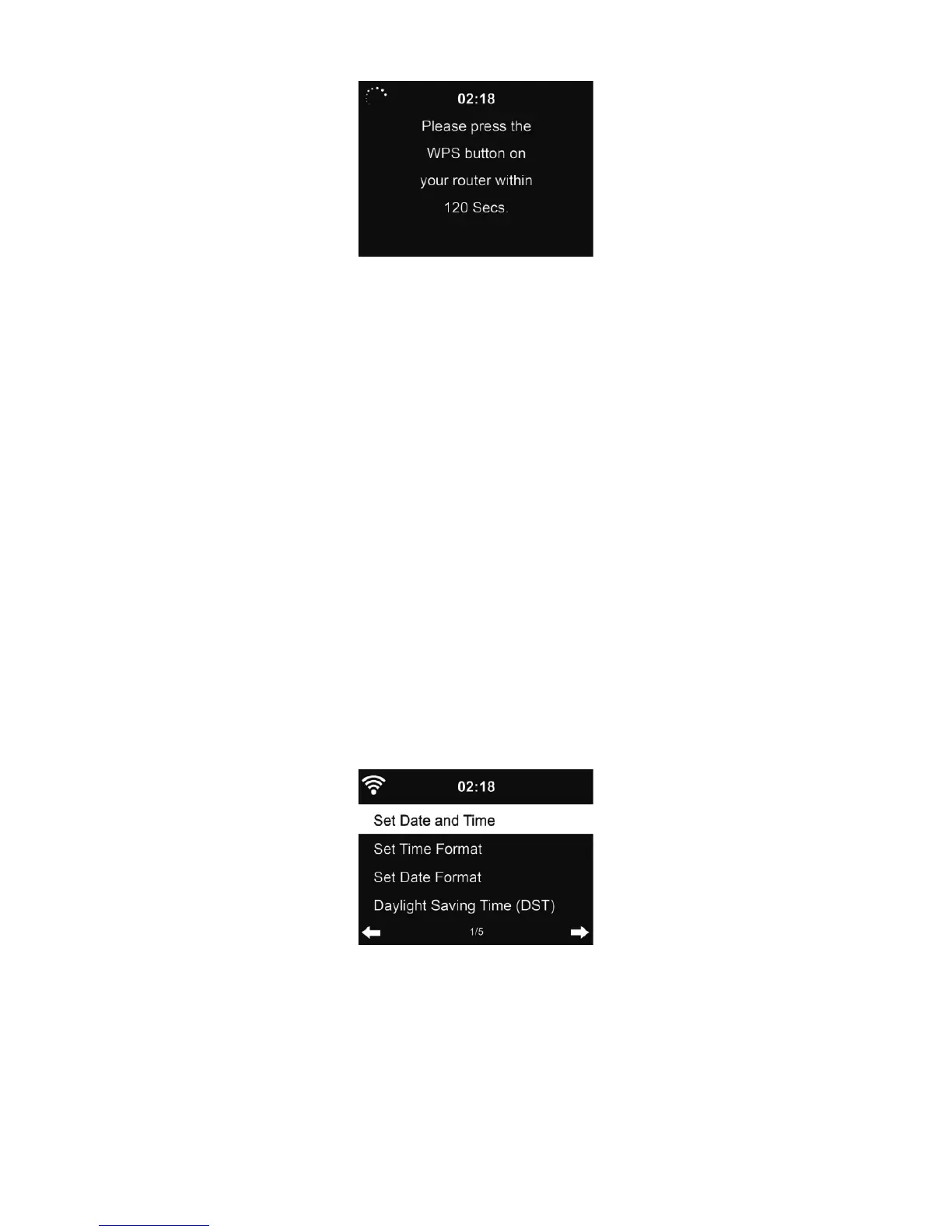
18.4. Date & Time
• Press Set Date and Time between Manual Setup and Auto Detect. When Auto Detect is
chosen, the time is determined automatically, therefore deleted pont 4 (DST)
• Setup the date and time
• Set time format display as 12 Hour or 24 Hour (default). Only for manual setup required.
• Set date format in the positions of YY (year), MM (month) and DD (day) – YY/MM/DD, (default)
or MM/DD/YY.
• Turn on/off (default) the Daylight Saving Time (DST).Available only on manual setup



 To Next Page