To Next Page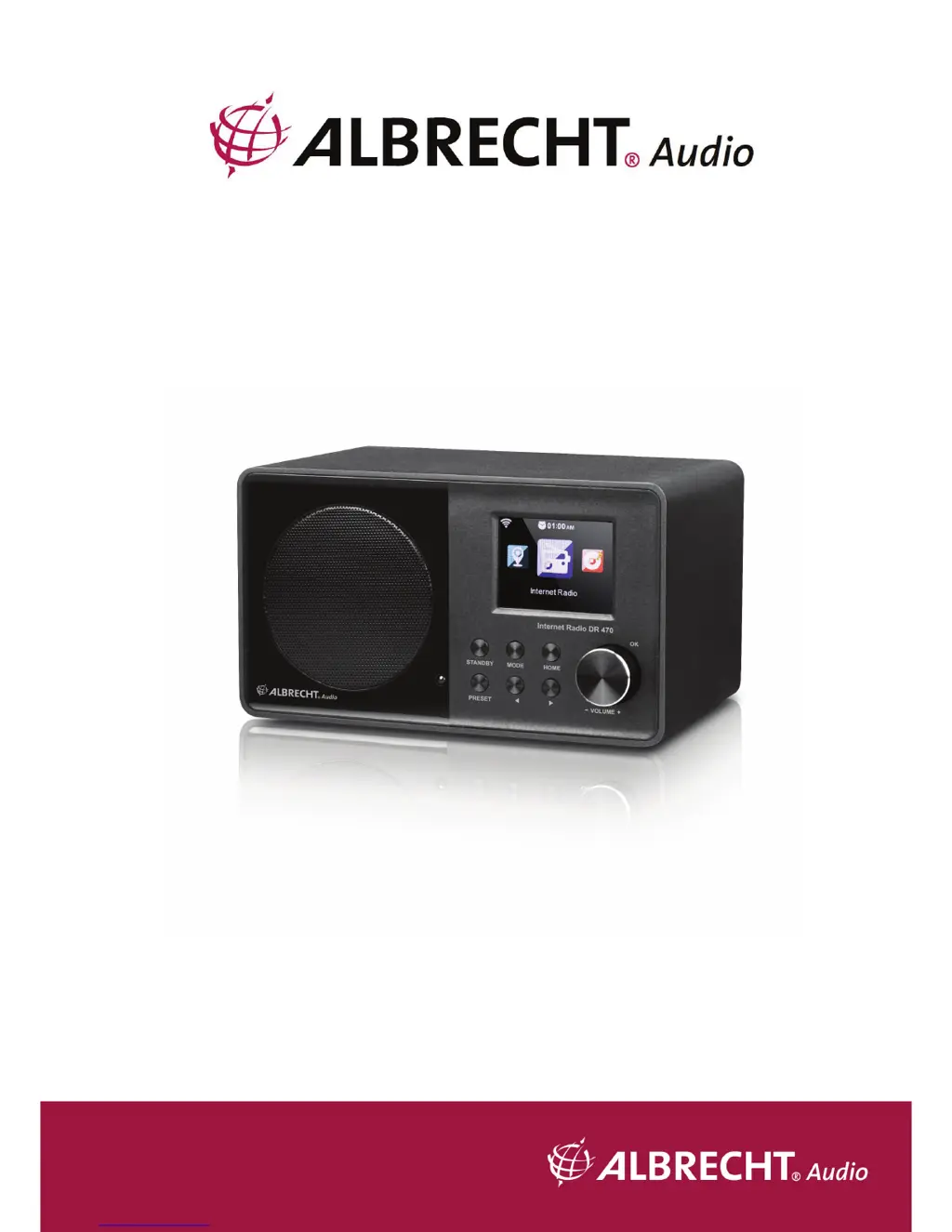
J
Jeremy JonesSep 4, 2025
Why is the alarm not working on my Albrecht DR 470 Radio?
- LLindsay BishopSep 4, 2025
If the alarm is not working on your Albrecht Radio, make sure that you switch on the alarm.

Why is the alarm not working on my Albrecht DR 470 Radio?
If the alarm is not working on your Albrecht Radio, make sure that you switch on the alarm.
How to fix DLNA streaming issues on my Albrecht DR 470?
To resolve DLNA streaming issues on your Albrecht Radio, verify the network connection. Ensure that the radio and your device are on the same network and that the network is in good condition. Also, double-check that the settings on your device are correct.
Why can't my Albrecht DR 470 find any stations?
If your Albrecht Radio isn't finding any stations, check the network, access point, and firewall. The station might be temporarily unavailable, so try again later or select another station. It's also possible the station's link has changed, or the station no longer transmits, so contact the provider for information. If you manually added the station, ensure the link is correct and re-enter it.
What to do if my Albrecht Radio doesn't switch on?
If your Albrecht Radio doesn't switch on, first check if the power adapter is properly connected. Additionally, the device may malfunction in areas with strong radio interference; it should work properly again once the interference is gone.
How to fix hissing in FM mode on my Albrecht DR 470?
To reduce hissing in FM mode on your Albrecht Radio, try adjusting or moving the FM antenna. Alternatively, move the radio to a different location to see if the hissing diminishes.
What to do if the alarm doesn't work on my Albrecht DR 470 Radio?
If the alarm on your Albrecht Radio isn't working, first, make sure the alarm is switched on. Also, check the volume settings, referring to the solutions for 'No sound'. If the alarm source is set to a station but there's no network connection, either change the alarm source or reconfigure the network connection.
Why won't my Albrecht DR 470 Radio connect to WLAN?
If your Albrecht Radio won't connect to WLAN, check the availability of the WLAN network on the access point. Try placing the device closer to the router. Also, ensure that the WEP/WPA password you entered is correct.
How to fix an Albrecht DR 470 Radio that freezes suddenly?
If your Albrecht Radio freezes suddenly, it might be overloaded. Try rebooting the unit. Strong electromagnetic interference can also disturb the normal function, in that case, reset the product. If the function still doesn't resume, try using the product in another location.
Why won't my Albrecht DR 470 Radio connect to the network?
There could be several reasons why your Albrecht Radio isn't connecting to the network. First, check the WLAN function. If that doesn't work, try setting a static IP address on the device. You can also activate the DHCP function on your router and try connecting again. Ensure that a firewall isn't blocking the connection and, as a last resort, reboot the unit.
Why is my Albrecht Radio not connecting to the network?
If your Albrecht Radio isn't connecting to the network, verify the WLAN function and try setting a static IP address on the device. Also, activate the DHCP function on your router and try connecting again. If a firewall is enabled, configure it to allow access for the radio. As a last resort, try rebooting the unit.
Requirements for network connection: broadband, WiFi support, and PC/smartphone.
Important safety instructions for handling, environment, power, and cleaning the device.
Steps to prepare for a wireless LAN (WLAN) network connection.
Information on connecting to and playing internet radio stations.
Creating and managing a list of favorite preset internet radio stations.
Accessing and playing media from shared network sources.
Steps to set up music streaming from a PC using UPnP and Windows Media Player.
Using DLNA for music streaming and control from PC or mobile devices.
Settings for device configuration, including network, date, time, and alarms.
Settings for wireless and wired network configurations.
Enabling/disabling WiFi and automatic network connection.
Setting up network connection easily using WPS/QSS button on router.
Configuring independent alarms, including time, sound, and snooze function.
Restoring the device to its original default settings.
 General
| Radio type | Internet |
|---|---|
| Tuner type | Digital |
| PLL synthesizer | - |
| Supported radio bands | FM |
| Preset stations quantity | 250 |
| Equalizer | Yes |
| RMS rated power | - W |
| Wi-Fi standards | 802.11b, 802.11g, Wi-Fi 4 (802.11n) |
| Product color | Black |
| Input voltage | 230 V |
| Apple docking compatibility | Not supported |
| Cables included | Audio (3.5mm) |
 Weight and Dimensions
| Depth | 110 mm |
|---|---|
| Width | 195 mm |
| Height | 118 mm |
| Weight | 800 g |